Quality handyman service Joomla Template



Edit Template Offline
2. Create new page and search for id 4717263
Edit Template Online
Create Awesome Websites


Free Nicepage Builder
Keywords
Service Regions and Contact Content Suit Structured Joomla Organization
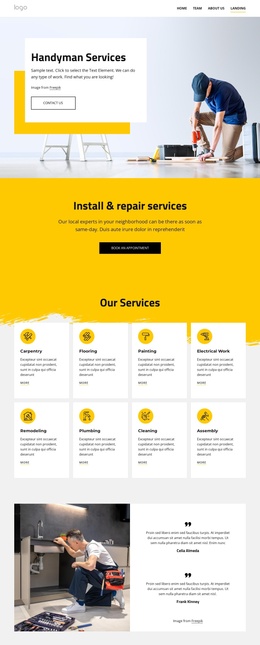
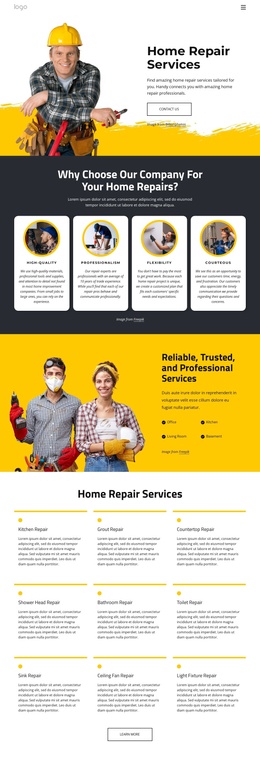
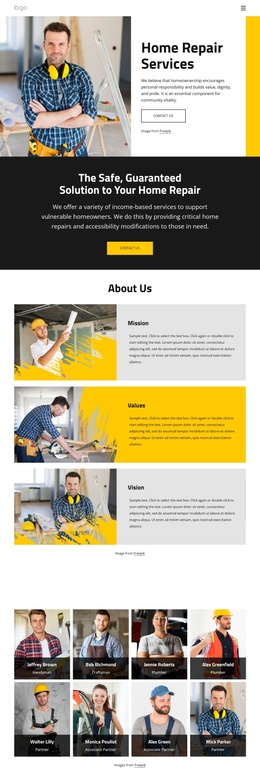
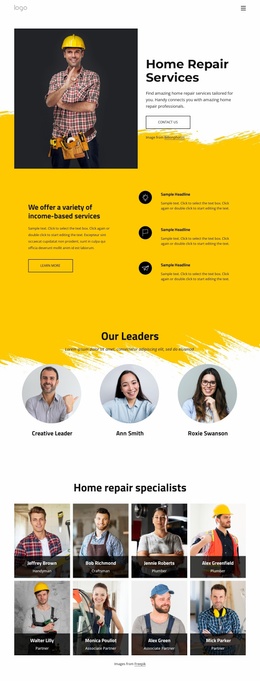
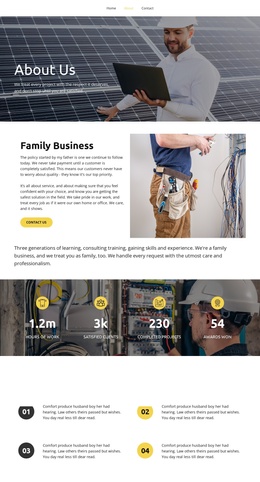
The page divides its subject into clearly recognizable information regions. The hero introduces the repair service, while the Mission, Values, and Vision cards provide a compact set of organizational principles. The specialist directory adds a repeated people-oriented area, and the History section separates background information from the reasons-to-choose-us checklist. These divisions give a Joomla-managed project practical content groupings without requiring the design to be rebuilt as unrelated fragments.
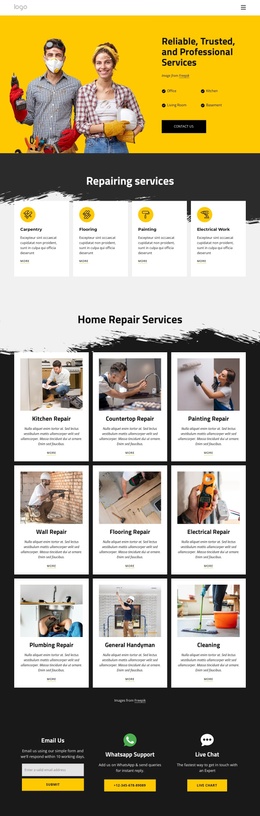
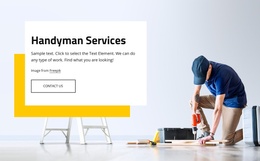
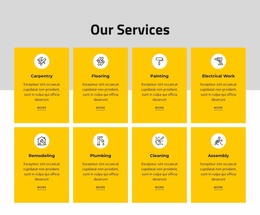
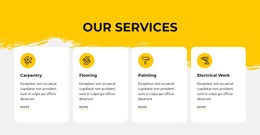
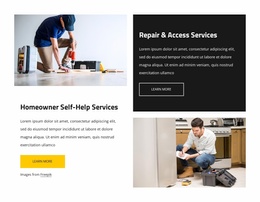
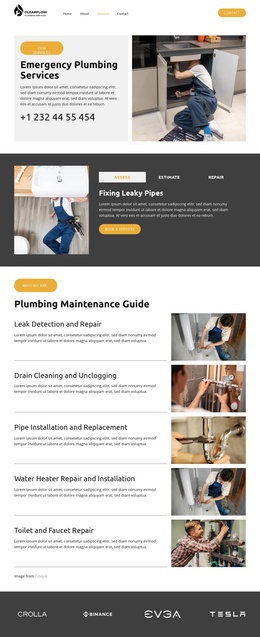
The service content is especially suitable for structured organization. Homeowner Self-Help Services and Repair & Access Services appear as two featured offerings, while the nine-card list distinguishes kitchen, countertop, painting, wall, flooring, electrical, plumbing, handyman, and cleaning work. The four broader labels—Home Repairs, Home Accessibility, Remodeling Together, and Housing Counseling—provide another level for presenting the scope of support. Navigation, shared page identity, gallery content, testimonials, and the final contact region can remain visually coordinated around those subject areas.
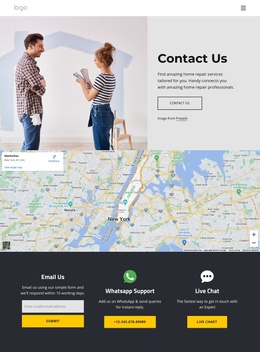
The Email Us section is important because it connects structured information with visitor response. Its form, WhatsApp support, and live chat options create a defined contact region after the service explanation. In a Joomla project, this organization can support CMS-managed content while preserving the relationships already visible in the design, rather than reducing the template to a generic CMS wrapper.
Customize with Nicepage
Open this ready-made template in the Joomla Page Builder and customize it visually in the Nicepage editor. Replace demo content, edit page sections, and adapt the design to your project without rebuilding the template from scratch.
Work With This Template in Joomla
Customize and Install the Joomla Template
Start with this ready-made template instead of building the Joomla design from scratch. Customize its layout, content, typography, images, sections, and other design elements visually in the Nicepage application, then export and install the Joomla Template, Nicepage Extension, and supported content on your Joomla website.
Edit the Template Directly in Joomla
After installation, you can edit the Joomla Template directly in Joomla with the Nicepage Joomla Extension. Customize the Header, Footer, Colors, Fonts, typography, and Page Templates from the Joomla workflow while keeping the site design connected with your CMS content.
Edit Joomla Articles Visually
Use the Nicepage Joomla Extension to open and edit Joomla Articles visually from the Joomla Administrator. Change text, images, sections, layouts, and other page content in the Nicepage editor while continuing to manage the Articles through Joomla.
Joomla Content and Template Integration
Use the customized template together with Joomla Articles, module Positions, menus, forms, Blog Pages, and other supported CMS elements. With the Nicepage Extension used as the Site Style Source, shared design settings can be applied across Joomla Articles while Joomla continues to provide the CMS environment for managing site content.
This workflow combines a ready-made Joomla Template with visual customization, direct template editing in Joomla, and continued content management through the Nicepage Joomla Extension.