We help businesses increase efficiency Joomla Template


Edit Template Offline
2. Create new page and search for id 55597
Edit Template Online
Create Awesome Websites


Free Nicepage Builder
Keywords
Numbered Capabilities and Contact Content Create Clear Joomla Regions
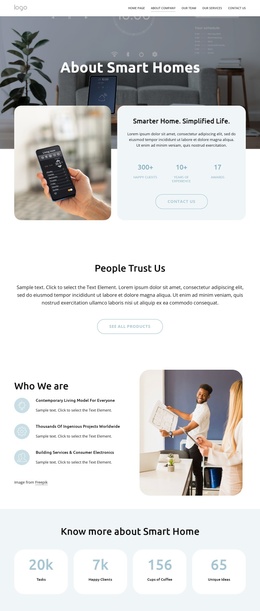
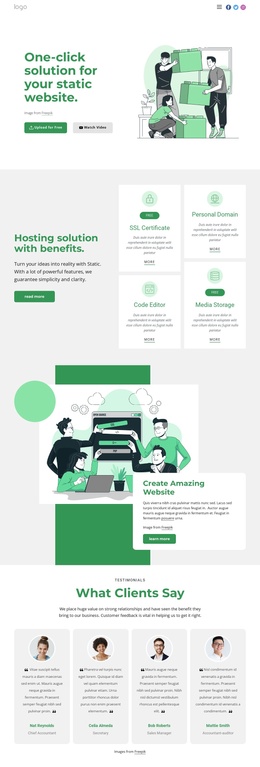
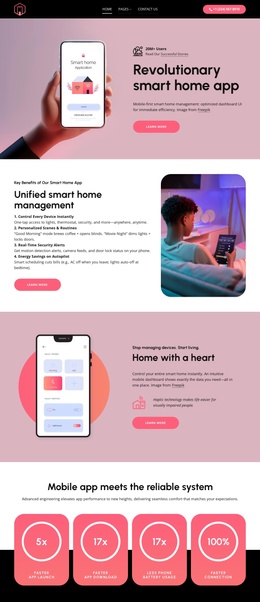
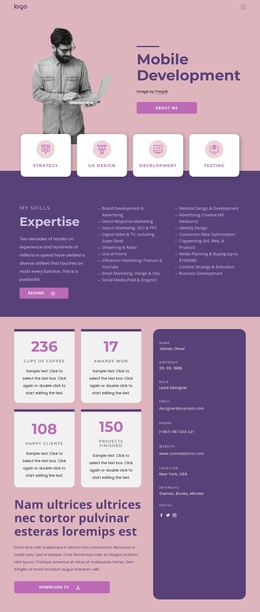
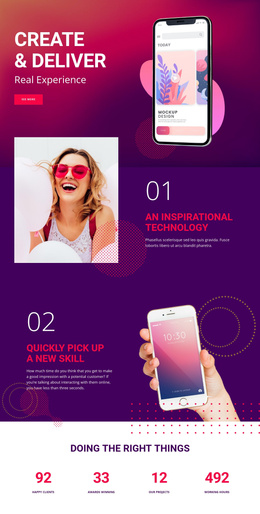
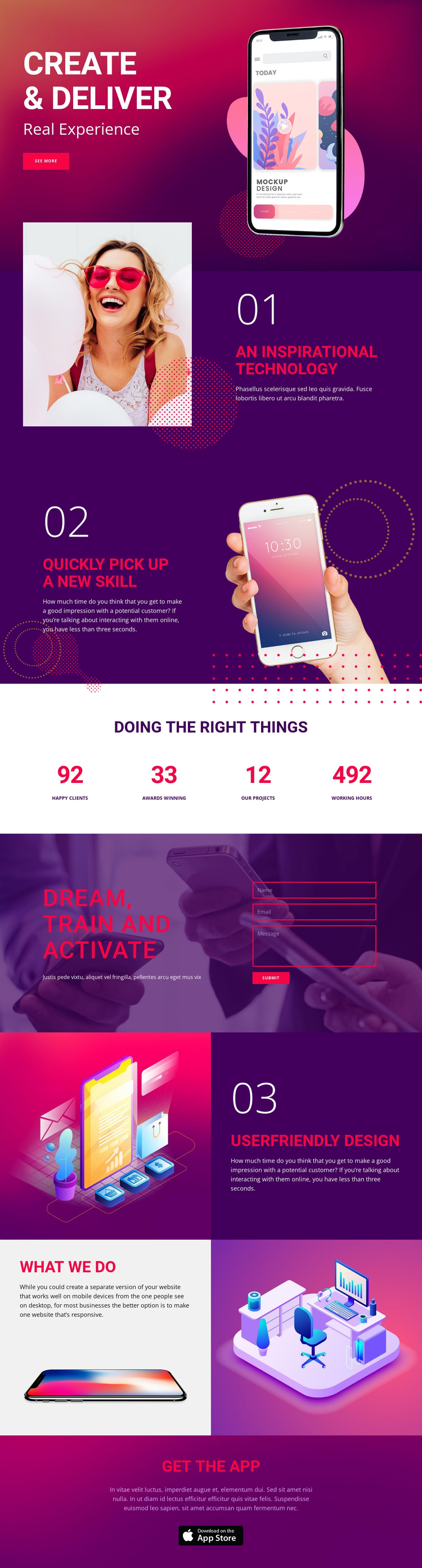
The numbered feature sequence gives the page several distinct informational areas that can be understood independently within a CMS-managed design. “An Inspirational Technology,” “Quickly pick up a new skill,” and “Userfriendly Design” each combine a heading, supporting copy, and a separate visual treatment. The alternating split layouts help distinguish these regions while keeping them connected through the recurring numbering and bold magenta-violet visual language.
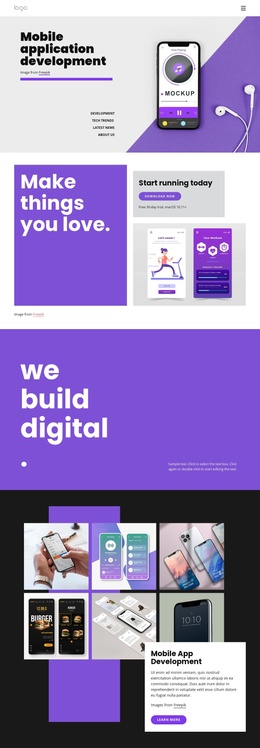
The four-item counter band provides another structured content area, with labeled metrics arranged across a white horizontal section. It can sit between the feature information and the “Dream, train and activate” contact region, where the name, email, and message inputs define a practical inquiry destination. The “what we do” gallery then groups responsive-website copy with device and workspace imagery, while the “Get the App” section gives the page a final promotional region and app badge. This combination suits a Joomla project that needs clearly divided service or capability content, navigation between major regions, and a reusable contact area without changing the underlying visual sequence. The design supports organized editorial adaptation while preserving the relationship between explanatory sections, evidence, inquiry, and app promotion.
Customize with Nicepage
Open this ready-made template in the Joomla Page Builder and customize it visually in the Nicepage editor. Replace demo content, edit page sections, and adapt the design to your project without rebuilding the template from scratch.
Work With This Template in Joomla
Customize and Install the Joomla Template
Start with this ready-made template instead of building the Joomla design from scratch. Customize its layout, content, typography, images, sections, and other design elements visually in the Nicepage application, then export and install the Joomla Template, Nicepage Extension, and supported content on your Joomla website.
Edit the Template Directly in Joomla
After installation, you can edit the Joomla Template directly in Joomla with the Nicepage Joomla Extension. Customize the Header, Footer, Colors, Fonts, typography, and Page Templates from the Joomla workflow while keeping the site design connected with your CMS content.
Edit Joomla Articles Visually
Use the Nicepage Joomla Extension to open and edit Joomla Articles visually from the Joomla Administrator. Change text, images, sections, layouts, and other page content in the Nicepage editor while continuing to manage the Articles through Joomla.
Joomla Content and Template Integration
Use the customized template together with Joomla Articles, module Positions, menus, forms, Blog Pages, and other supported CMS elements. With the Nicepage Extension used as the Site Style Source, shared design settings can be applied across Joomla Articles while Joomla continues to provide the CMS environment for managing site content.
This workflow combines a ready-made Joomla Template with visual customization, direct template editing in Joomla, and continued content management through the Nicepage Joomla Extension.