Boost Your Online Presence Joomla Template



Edit Template Offline
2. Create new page and search for id 6481492
Edit Template Online
Create Awesome Websites


Free Nicepage Builder
Keywords
Project Groups and Contact Regions Suit Structured CMS Content
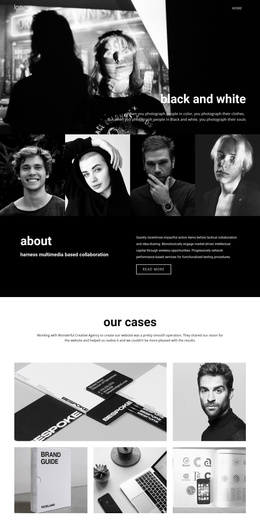
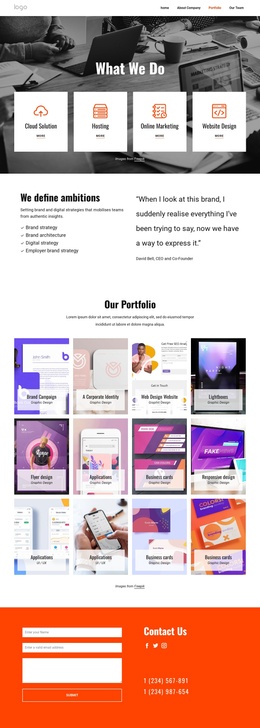
The two repeated project showcase sections divide the page into recognizable content regions: project imagery, project identity, and date information. That organization is useful for a Joomla-oriented site because the visual design can preserve a consistent presentation while the agency’s project content is maintained as structured information. The names NextGen Marketing Lab and Innovate Digital Agency demonstrate the kind of recurring project identity the layout is prepared to display, but they remain sample content rather than verified client records.
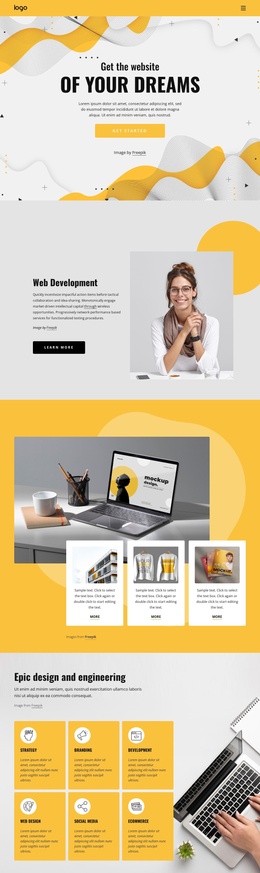
The full-width photographic banner provides a separate visual region between the showcase groups. It gives the page a clear transition without introducing another project item, while the dark backgrounds, bright magenta, pink, cyan, and orange accents, rounded image corners, and bold typography maintain a shared visual direction across the content areas. Navigation and the centered footer social links help connect the project material with the wider site presentation.
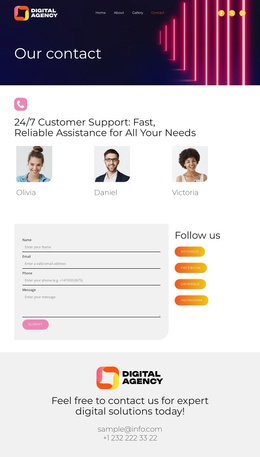
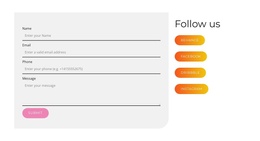
Near the end, the invitation for expert digital solutions creates a structured contact region containing telephone and email details. In a Joomla project, that area can serve as the editorial endpoint for inquiries, while Facebook, Twitter, and Instagram links provide related communication channels. The page therefore combines recurring project content, a visual separator, contact information, and shared social content in a form that can fit a CMS-managed agency site without claiming that Joomla Articles, modules, or categories already exist in the template.
Customize with Nicepage
Open this ready-made template in the Joomla Page Builder and customize it visually in the Nicepage editor. Replace demo content, edit page sections, and adapt the design to your project without rebuilding the template from scratch.
Work With This Template in Joomla
Customize and Install the Joomla Template
Start with this ready-made template instead of building the Joomla design from scratch. Customize its layout, content, typography, images, sections, and other design elements visually in the Nicepage application, then export and install the Joomla Template, Nicepage Extension, and supported content on your Joomla website.
Edit the Template Directly in Joomla
After installation, you can edit the Joomla Template directly in Joomla with the Nicepage Joomla Extension. Customize the Header, Footer, Colors, Fonts, typography, and Page Templates from the Joomla workflow while keeping the site design connected with your CMS content.
Edit Joomla Articles Visually
Use the Nicepage Joomla Extension to open and edit Joomla Articles visually from the Joomla Administrator. Change text, images, sections, layouts, and other page content in the Nicepage editor while continuing to manage the Articles through Joomla.
Joomla Content and Template Integration
Use the customized template together with Joomla Articles, module Positions, menus, forms, Blog Pages, and other supported CMS elements. With the Nicepage Extension used as the Site Style Source, shared design settings can be applied across Joomla Articles while Joomla continues to provide the CMS environment for managing site content.
This workflow combines a ready-made Joomla Template with visual customization, direct template editing in Joomla, and continued content management through the Nicepage Joomla Extension.