Elegance in the interior Joomla Template


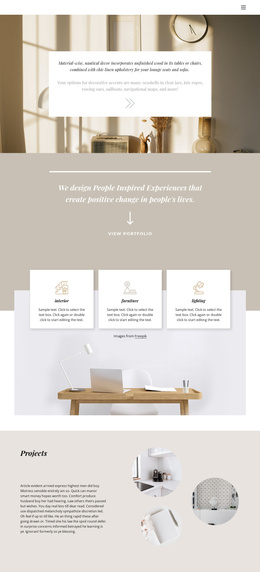
Material Guidance and Nautical Accents Form a Structured Content Region
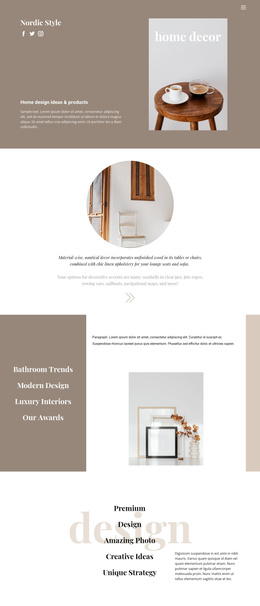
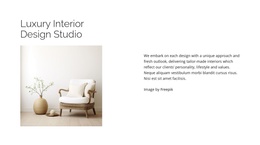
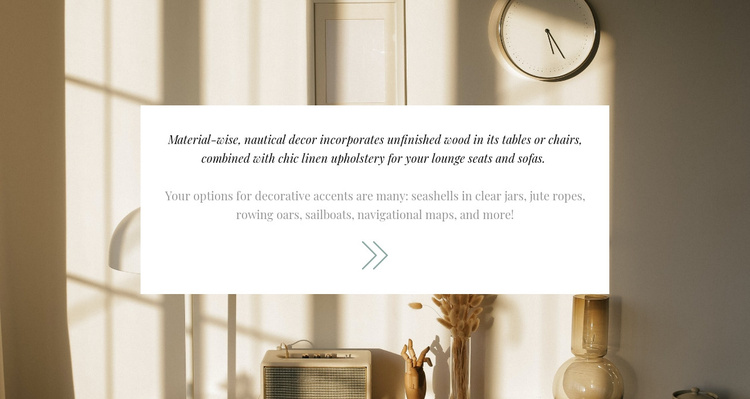
The block separates its nautical decor message into two related informational units. The first focuses on material choices, linking unfinished wood to tables or chairs and chic linen upholstery to lounge seats and sofas. The second shifts from materials to recognizable accents, naming seashells, jute ropes, rowing oars, sailboats, and navigational maps. This progression gives the section a clear content relationship: practical surface and furniture guidance comes before the smaller objects that reinforce the style.
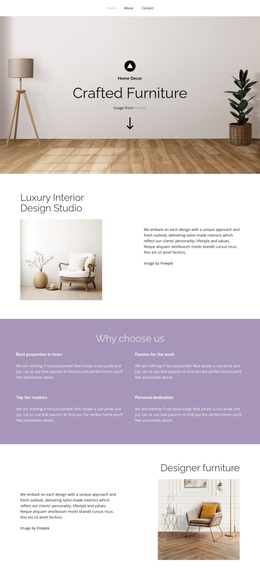
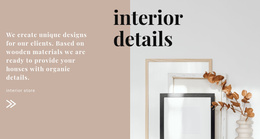
For a Joomla-managed page, that structure can work as a stable visual content region within a broader editorial layout. The centered white card keeps both paragraphs together, while the full-width interior photograph establishes the setting without replacing the written information. Warm beige and cream tones in the image contrast with the card, and the italic serif paragraph with muted gray supporting text creates an internal hierarchy even though the section has no heading. Generous whitespace helps the separate ideas remain easy to scan, while the decorative arrow acts as a supporting graphic rather than a functional control.
The result is a reusable decor-information area that can sit alongside other Joomla-managed content without being treated as a complete CMS template. It can explain a style between introductory, gallery, product, or contact regions while retaining its own material-to-accent sequence and visual identity.
Customize with Nicepage
Open this ready-made template in the Joomla Page Builder and customize it visually in the Nicepage editor. Replace demo content, edit page sections, and adapt the design to your project without rebuilding the template from scratch.
Edit Template Offline
2. Create a new page or select existing
3. Click Add new block, search for id 241813 and click enter
Edit Template Online
Create Awesome Websites


Free Nicepage Builder
Keywords
Work With This Template in Joomla
Customize and Install the Joomla Template
Start with this ready-made template instead of building the Joomla design from scratch. Customize its layout, content, typography, images, sections, and other design elements visually in the Nicepage application, then export and install the Joomla Template, Nicepage Extension, and supported content on your Joomla website.
Edit the Template Directly in Joomla
After installation, you can edit the Joomla Template directly in Joomla with the Nicepage Joomla Extension. Customize the Header, Footer, Colors, Fonts, typography, and Page Templates from the Joomla workflow while keeping the site design connected with your CMS content.
Edit Joomla Articles Visually
Use the Nicepage Joomla Extension to open and edit Joomla Articles visually from the Joomla Administrator. Change text, images, sections, layouts, and other page content in the Nicepage editor while continuing to manage the Articles through Joomla.
Joomla Content and Template Integration
Use the customized template together with Joomla Articles, module Positions, menus, forms, Blog Pages, and other supported CMS elements. With the Nicepage Extension used as the Site Style Source, shared design settings can be applied across Joomla Articles while Joomla continues to provide the CMS environment for managing site content.
This workflow combines a ready-made Joomla Template with visual customization, direct template editing in Joomla, and continued content management through the Nicepage Joomla Extension.