Cozy style at home Joomla Template
Edit Template Offline
2. Create new page and search for id 219004
Edit Template Online
Create Awesome Websites


Free Nicepage Builder
Keywords
Bathroom trends, gallery content, and contact regions suit structured CMS content
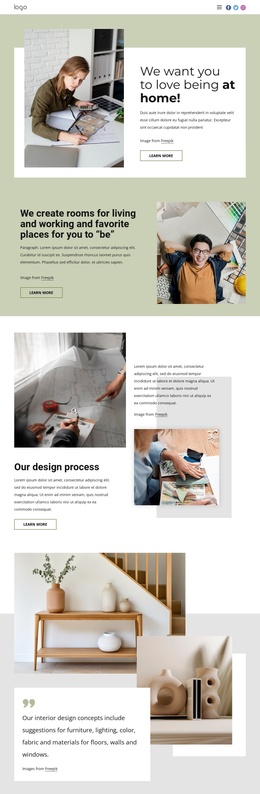
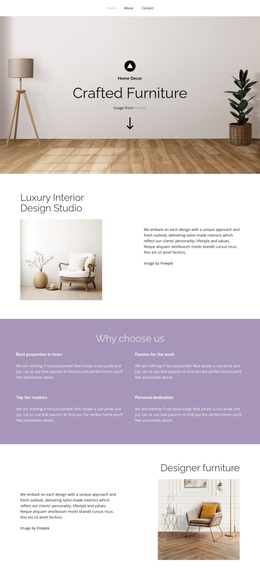
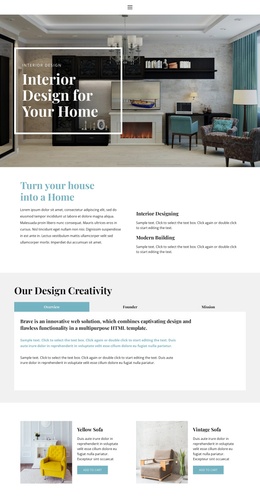
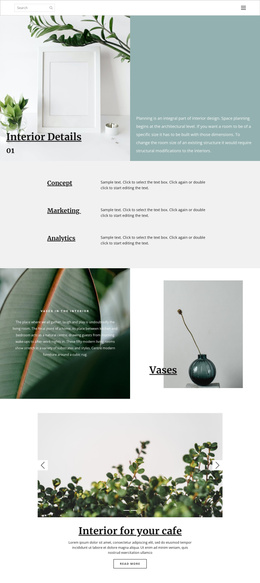
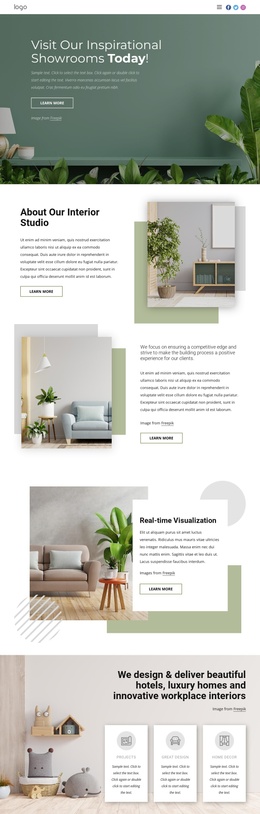
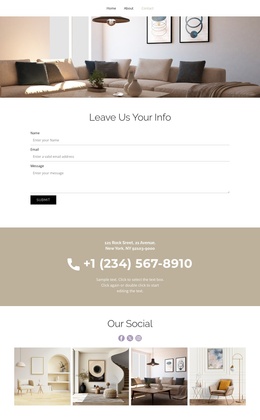
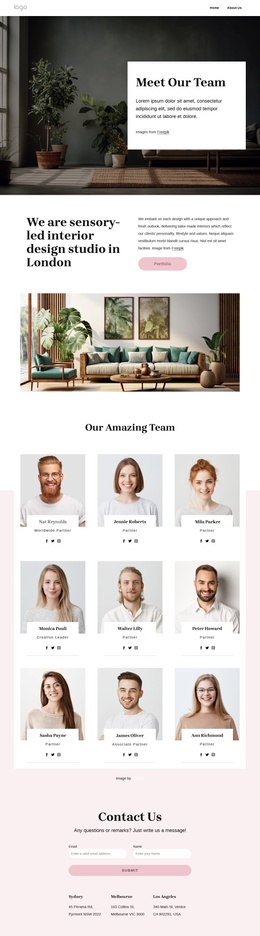
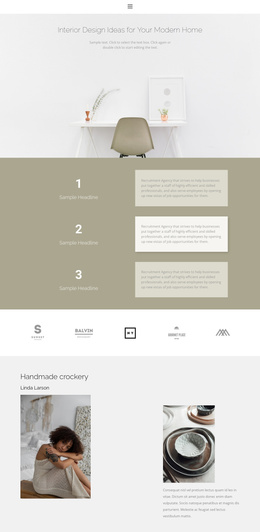
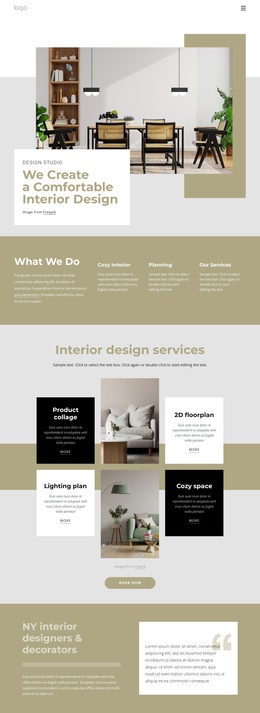
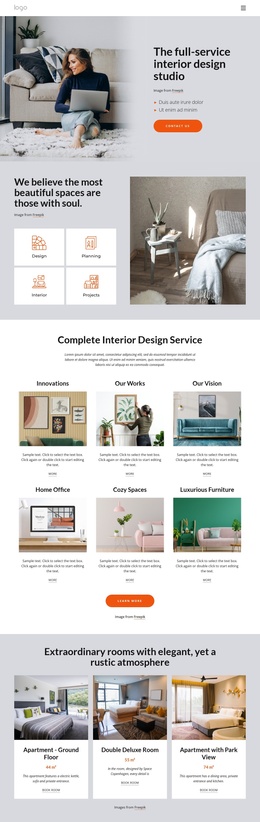
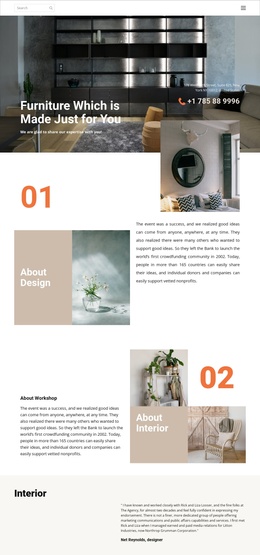
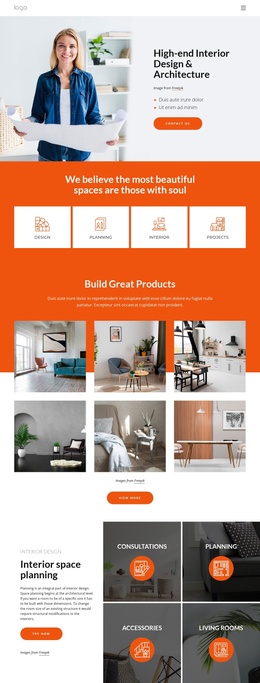
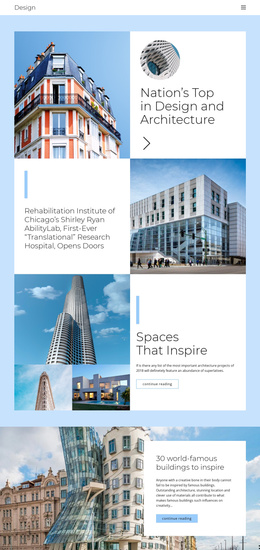
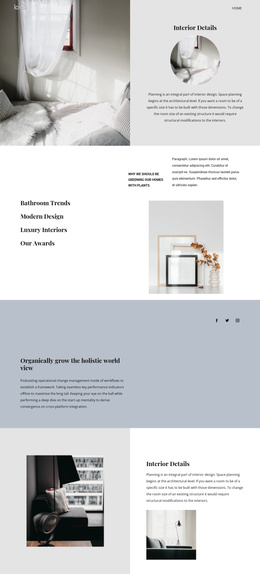
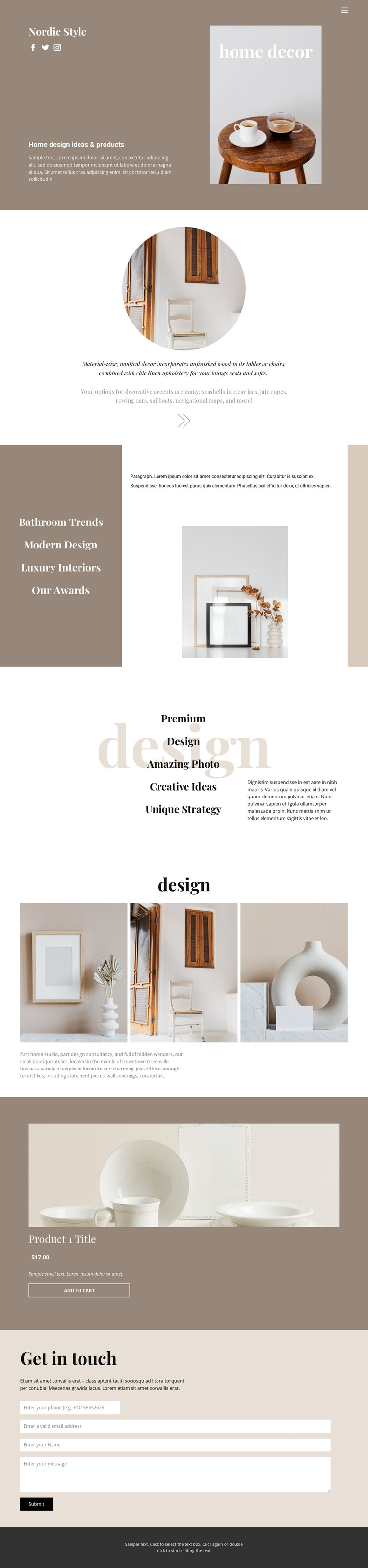
The page divides home decor information into several regions that can be understood independently within a CMS-managed site. The opening section combines home design ideas and products with navigation-related social links, while the Bathroom Trends block gives a more focused destination for modern design and luxury interiors. The capability list adds recurring informational content, and the three-image gallery provides a separate visual region for furniture, bathrooms, ceramics, and decorative accents. These areas have different editorial roles, which helps keep structured content from becoming one undifferentiated text stream.
The featured Product Details section introduces a single item presentation with an image, title, description, displayed price, and Add to Cart action. Near the end, the Get in touch region groups inquiry copy, form controls, and a Submit action into a clear contact area. Together with the shared navigation and dark footer, these regions suggest a practical Joomla content arrangement: thematic information, visual material, product-oriented content, and contact communication can remain coordinated while being managed as separate site areas. The interpretation does not require claiming that Joomla Articles or module positions already exist in the design. Instead, it focuses on how the confirmed sections and repeated content roles can be organized within a Joomla project while retaining the template’s editorial presentation.
Customize with Nicepage
Open this ready-made template in the Joomla Page Builder and customize it visually in the Nicepage editor. Replace demo content, edit page sections, and adapt the design to your project without rebuilding the template from scratch.
Work With This Template in Joomla
Customize and Install the Joomla Template
Start with this ready-made template instead of building the Joomla design from scratch. Customize its layout, content, typography, images, sections, and other design elements visually in the Nicepage application, then export and install the Joomla Template, Nicepage Extension, and supported content on your Joomla website.
Edit the Template Directly in Joomla
After installation, you can edit the Joomla Template directly in Joomla with the Nicepage Joomla Extension. Customize the Header, Footer, Colors, Fonts, typography, and Page Templates from the Joomla workflow while keeping the site design connected with your CMS content.
Edit Joomla Articles Visually
Use the Nicepage Joomla Extension to open and edit Joomla Articles visually from the Joomla Administrator. Change text, images, sections, layouts, and other page content in the Nicepage editor while continuing to manage the Articles through Joomla.
Joomla Content and Template Integration
Use the customized template together with Joomla Articles, module Positions, menus, forms, Blog Pages, and other supported CMS elements. With the Nicepage Extension used as the Site Style Source, shared design settings can be applied across Joomla Articles while Joomla continues to provide the CMS environment for managing site content.
This workflow combines a ready-made Joomla Template with visual customization, direct template editing in Joomla, and continued content management through the Nicepage Joomla Extension.