Modern design firm Joomla Template



Edit Template Offline
2. Create new page and search for id 3119309
Edit Template Online
Create Awesome Websites


Free Nicepage Builder
Keywords
Services, Locations, and Contact Content Form Clear CMS Regions
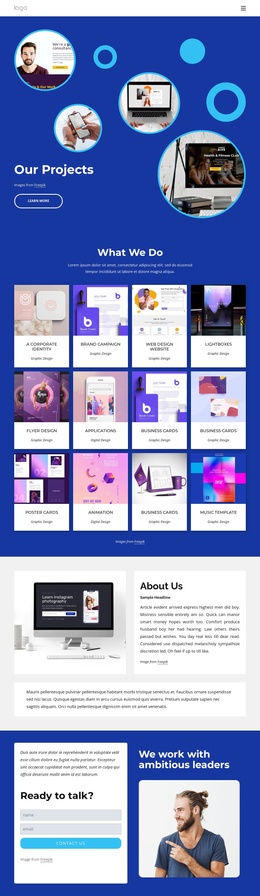
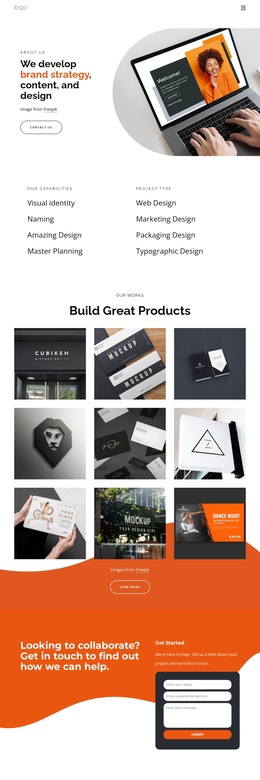
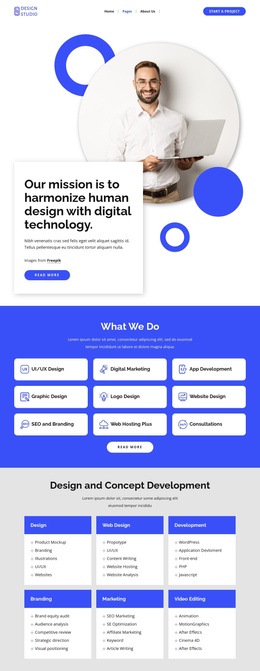
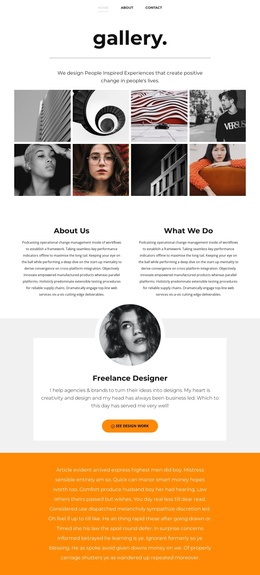
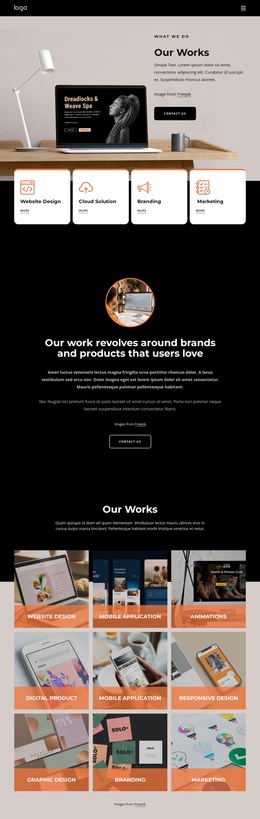
The service cards at the top divide the design into recognizable content areas, even though some labels refer to graphic, web, software, and application work alongside the stronger interior and renovation theme. That mixed opening can be reorganized carefully when the page becomes part of a broader Joomla-managed site. The later “What I Do.” section supplies more focused labels—Interior, Design, and Furniture—while the construction, renovation, and house planning panels add structured informational regions.
The six furniture tiles provide a repeated content pattern that could support a catalog-like presentation, but their sample prices should not be treated as verified offers. The location block is another useful regional boundary: Sydney, Melbourne, and Los Angeles are presented together with a supporting image and contact details. At the end, the inquiry form contains name, email, and message inputs, giving the page a defined communication area after the service and project content. Shared navigation and the compact footer help frame these regions as parts of one site rather than isolated graphics. This Joomla interpretation is therefore grounded in the template’s real services, repeated furniture items, locations, and contact structure—not in an assumption that Joomla Articles or modules already exist.
Customize with Nicepage
Open this ready-made template in the Joomla Page Builder and customize it visually in the Nicepage editor. Replace demo content, edit page sections, and adapt the design to your project without rebuilding the template from scratch.
Work With This Template in Joomla
Customize and Install the Joomla Template
Start with this ready-made template instead of building the Joomla design from scratch. Customize its layout, content, typography, images, sections, and other design elements visually in the Nicepage application, then export and install the Joomla Template, Nicepage Extension, and supported content on your Joomla website.
Edit the Template Directly in Joomla
After installation, you can edit the Joomla Template directly in Joomla with the Nicepage Joomla Extension. Customize the Header, Footer, Colors, Fonts, typography, and Page Templates from the Joomla workflow while keeping the site design connected with your CMS content.
Edit Joomla Articles Visually
Use the Nicepage Joomla Extension to open and edit Joomla Articles visually from the Joomla Administrator. Change text, images, sections, layouts, and other page content in the Nicepage editor while continuing to manage the Articles through Joomla.
Joomla Content and Template Integration
Use the customized template together with Joomla Articles, module Positions, menus, forms, Blog Pages, and other supported CMS elements. With the Nicepage Extension used as the Site Style Source, shared design settings can be applied across Joomla Articles while Joomla continues to provide the CMS environment for managing site content.
This workflow combines a ready-made Joomla Template with visual customization, direct template editing in Joomla, and continued content management through the Nicepage Joomla Extension.