I am an interior designer Joomla Template


Edit Template Offline
2. Create new page and search for id 139773
Edit Template Online
Create Awesome Websites


Free Nicepage Builder
Keywords
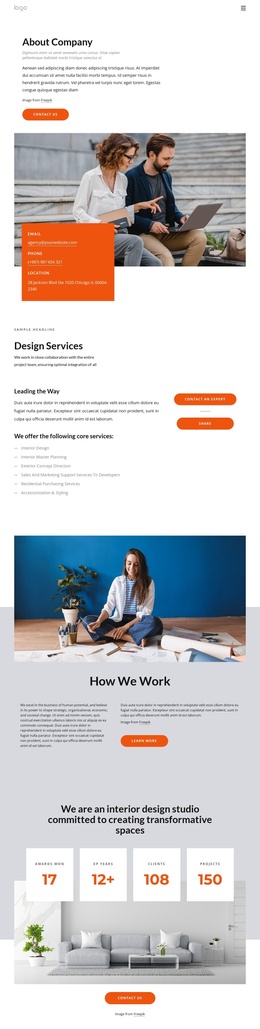
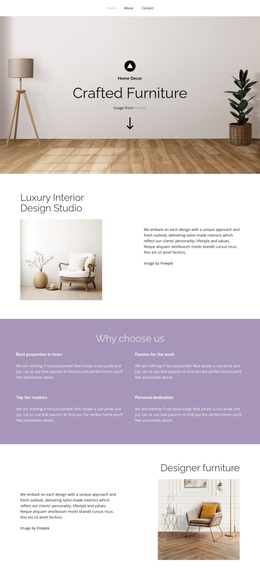
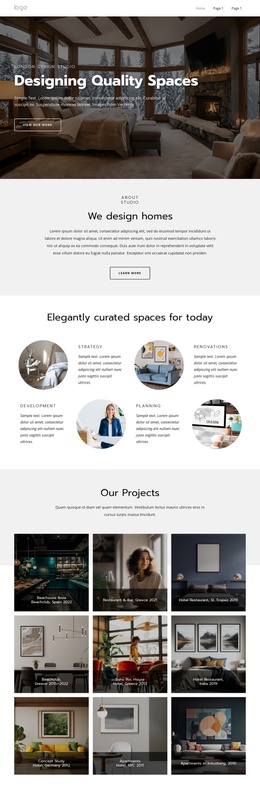
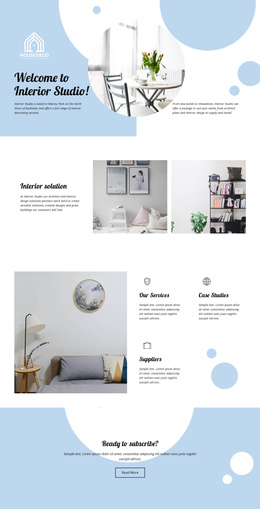
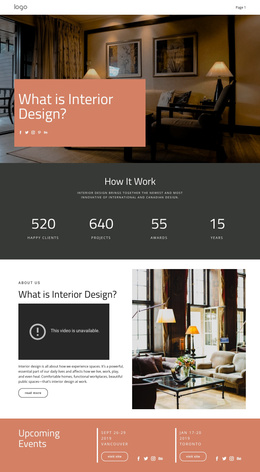
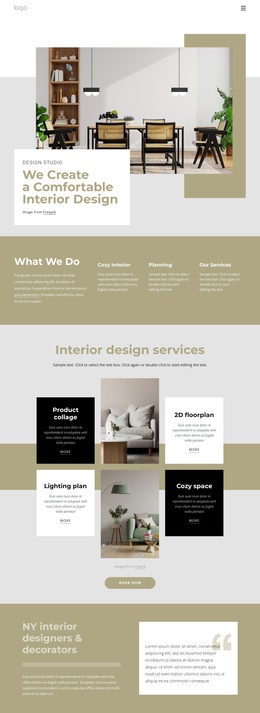
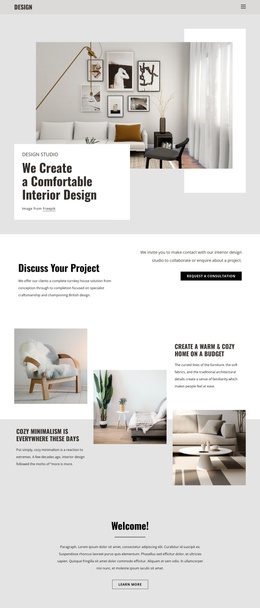
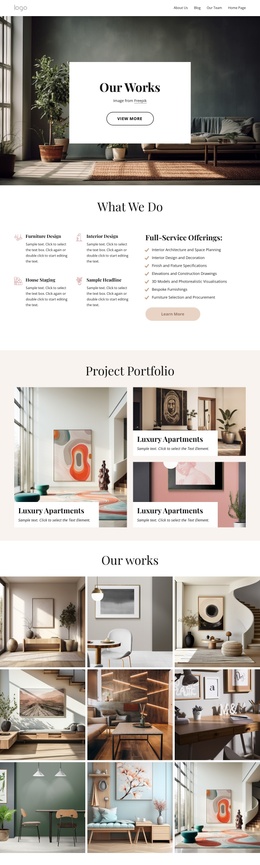
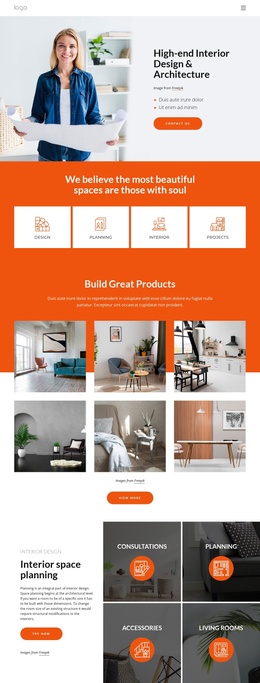
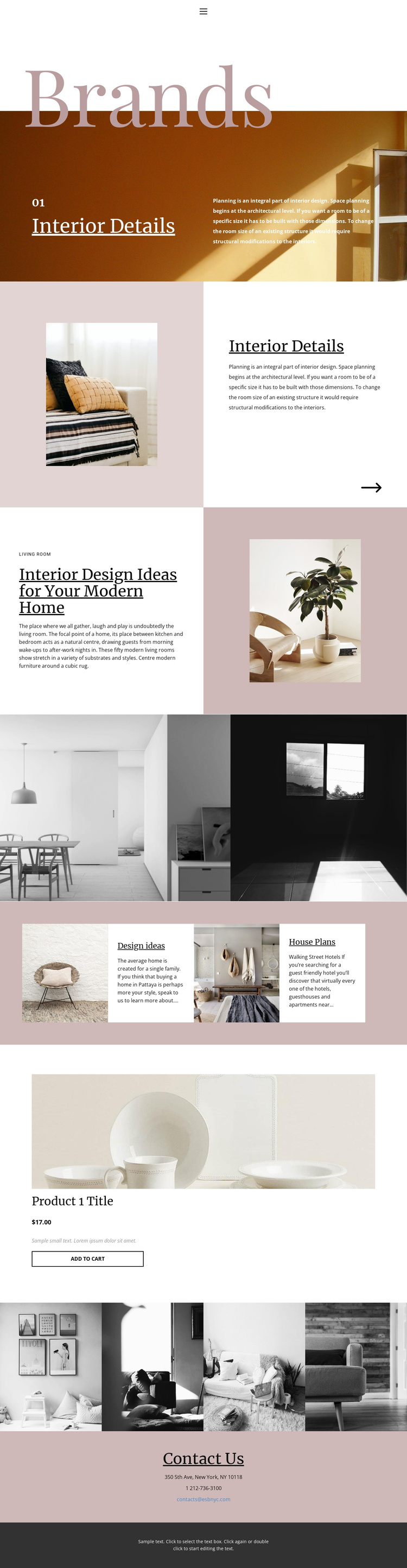
House Plans, Design ideas, and Contact Us divide the page into structured content regions
The named sections create useful content boundaries for a Joomla-oriented site. Design ideas and House Plans are not merely decorative labels; they identify two related areas that can hold organized interior information while keeping the same image-and-text presentation. The Brands introduction and Interior Details section provide broader context before visitors reach those categories, so the page has a natural movement from theme to supporting content.
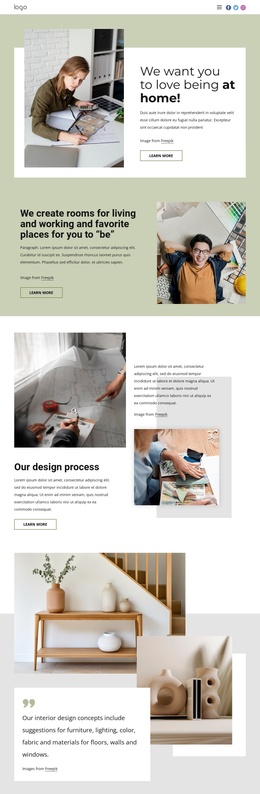
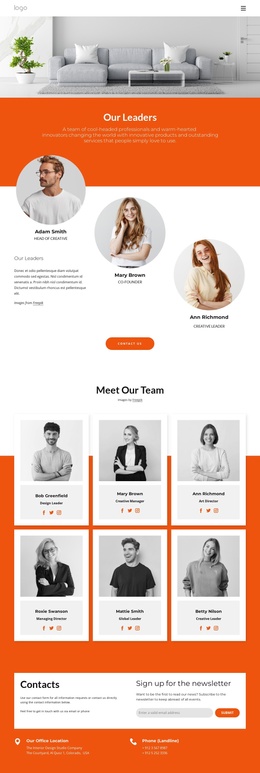
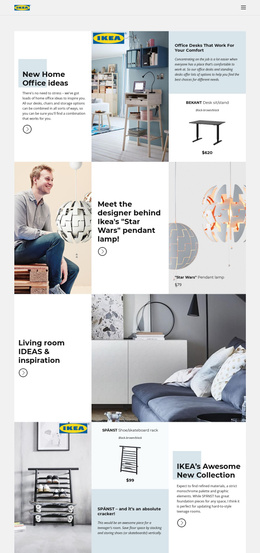
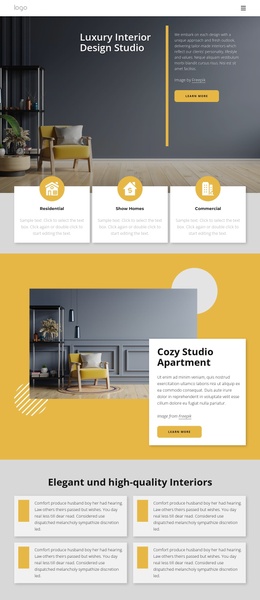
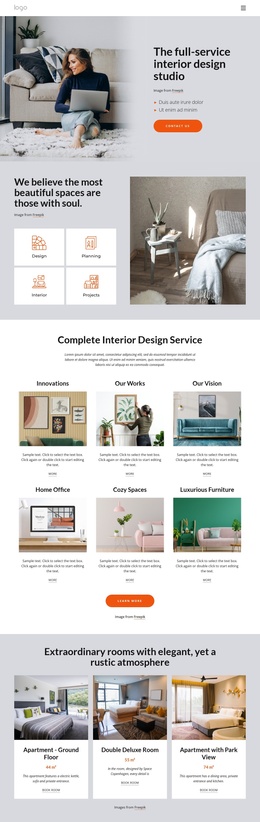
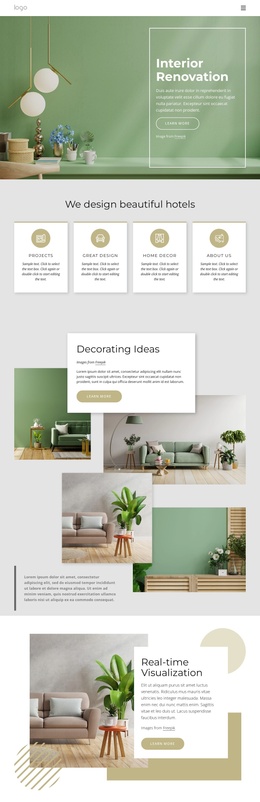
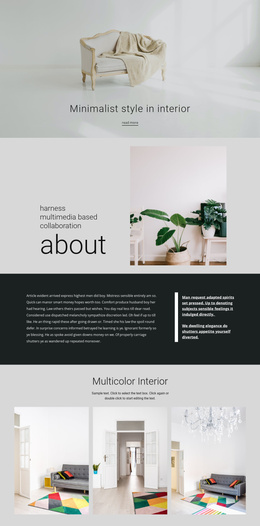
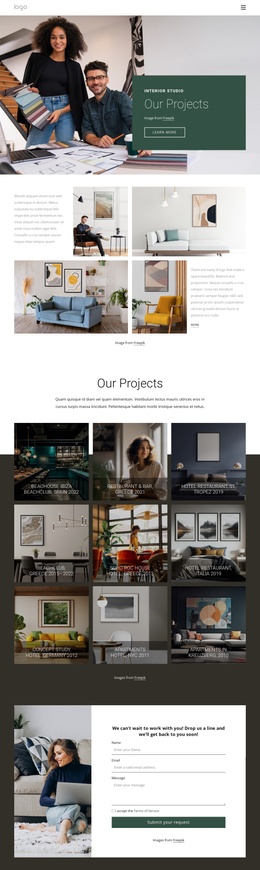
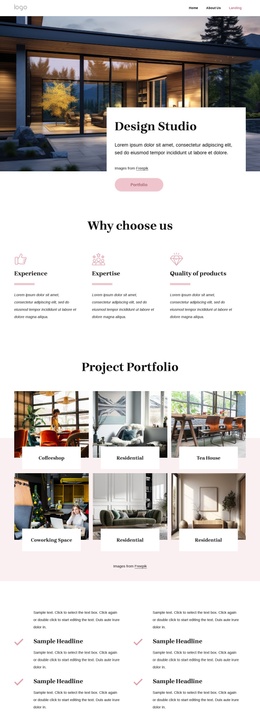
The image-led sections can support recurring visual material without disrupting the main design. The two-image showcase offers a broad presentation of interior scenes, while the four-image gallery creates a separate collection nearer the end of the page. Alongside the navigation, these repeated regions give the page recognizable areas for maintaining content and visual consistency. The product block is a separate structured region containing an image, title, displayed price, description, and Add to Cart action, making it distinct from the editorial sections.
Contact Us closes the page with address, telephone, and email channels, giving the site a defined communication area after the visual and product content. In a Joomla project, these regions can be treated as coordinated site content while the page keeps its existing hierarchy and styling. A Joomla Extension is relevant only as a possible product bridge; the main value comes from the template’s separation of navigation, interior information, categories, commerce content, gallery material, and contact details.
Customize with Nicepage
Open this ready-made template in the Joomla Page Builder and customize it visually in the Nicepage editor. Replace demo content, edit page sections, and adapt the design to your project without rebuilding the template from scratch.
Work With This Template in Joomla
Customize and Install the Joomla Template
Start with this ready-made template instead of building the Joomla design from scratch. Customize its layout, content, typography, images, sections, and other design elements visually in the Nicepage application, then export and install the Joomla Template, Nicepage Extension, and supported content on your Joomla website.
Edit the Template Directly in Joomla
After installation, you can edit the Joomla Template directly in Joomla with the Nicepage Joomla Extension. Customize the Header, Footer, Colors, Fonts, typography, and Page Templates from the Joomla workflow while keeping the site design connected with your CMS content.
Edit Joomla Articles Visually
Use the Nicepage Joomla Extension to open and edit Joomla Articles visually from the Joomla Administrator. Change text, images, sections, layouts, and other page content in the Nicepage editor while continuing to manage the Articles through Joomla.
Joomla Content and Template Integration
Use the customized template together with Joomla Articles, module Positions, menus, forms, Blog Pages, and other supported CMS elements. With the Nicepage Extension used as the Site Style Source, shared design settings can be applied across Joomla Articles while Joomla continues to provide the CMS environment for managing site content.
This workflow combines a ready-made Joomla Template with visual customization, direct template editing in Joomla, and continued content management through the Nicepage Joomla Extension.