Applied innovative solutions WordPress Theme


Architecture Topics Organized as Publishable Page Content
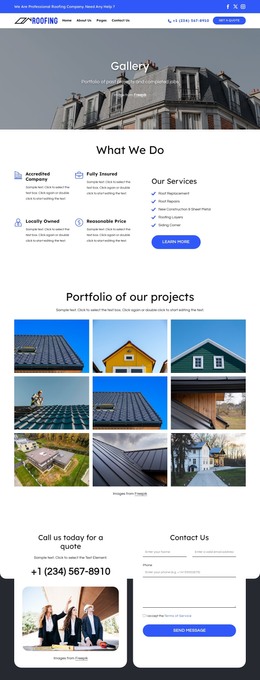
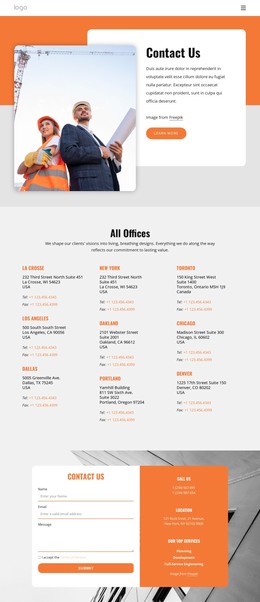
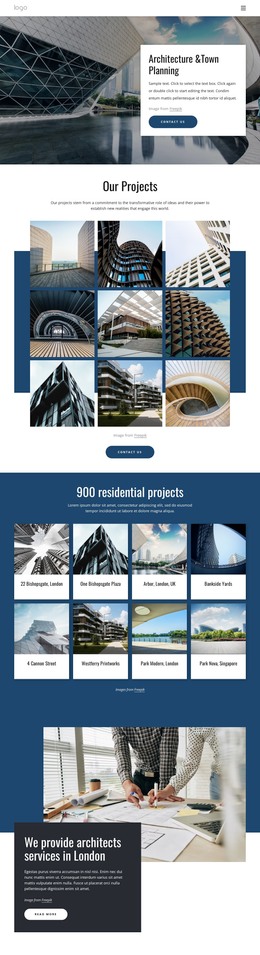
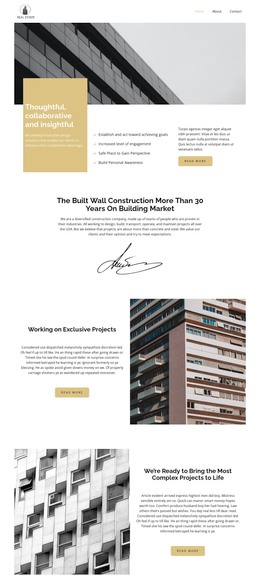
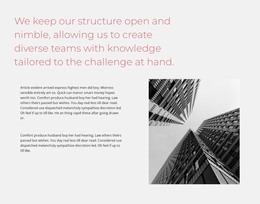
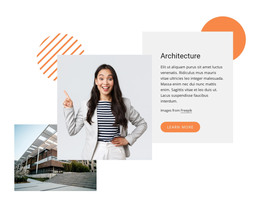
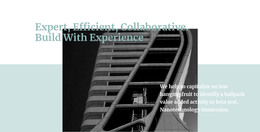
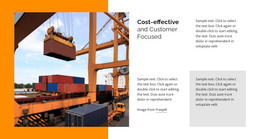
The two named headings give the section a durable page-content role rather than a time-sensitive update. “Ecological Architecture” introduces one subject through a text-and-image pairing, while “Interior Architectural Designs” closes the mosaic with a second descriptive area beside a construction photograph. Four images provide visual context throughout, and the middle quotation panel interrupts the sequence with a focused graphic accent. Together, these relationships create a compact portfolio or project-showcase area that can sit within a WordPress-managed page.
The two Read More actions can remain as links to deeper project, service, or portfolio information in the surrounding site, without making this section responsible for the entire visitor journey. The three-row structure also gives editors a stable pattern for replacing the placeholder-style paragraphs while preserving the image-and-text rhythm. If the Freepik image remains in use, its credit should stay attached to the final panel. In a WordPress-oriented project, the section can serve as permanent visual page content while other CMS-managed areas handle the wider site. Nicepage’s WordPress Plugin provides relevant WordPress editing context, but the block itself remains one reusable content section rather than a complete WordPress Theme.
Customize with Nicepage
Open this ready-made template in the WordPress Website Builder and customize it visually in the Nicepage editor. Replace demo content, edit page sections, and adapt the design to your project without rebuilding the template from scratch.
Edit Template Offline
2. Create a new page or select existing
3. Click Add new block, search for id 94745 and click enter
Edit Template Online
Create Awesome Websites


Free Nicepage Builder
Keywords
Manage and Edit This Theme in WordPress
Customize and Install the WordPress Theme
Start with this ready-made theme instead of building the WordPress design from scratch. Customize its layout, content, typography, images, sections, and other design elements visually in Nicepage editor, then export and install the WordPress Theme, Plugin, and Pages on your WordPress site. The Nicepage WordPress Plugin lets you continue working with the site after installation.
Edit the Theme Directly in WordPress
After installation, you can edit the WordPress Theme directly in WordPress with the Nicepage WordPress Plugin. Use Site Style to customize site Colors, Fonts, Header, Footer, Blog, and Post Page Templates while working within your WordPress website.
Edit WordPress Pages Visually
Use the Nicepage WordPress Plugin to edit page content directly from the WordPress admin area. Open a WordPress Page with Nicepage and visually change its text, images, sections, and other page elements while continuing to manage the Page through WordPress.
WordPress Content and Theme Integration
Use the customized theme with WordPress Pages, Posts, Blog and Post Templates, menus, widgets, and other CMS-managed content. Shared theme elements such as Colors, Fonts, Header, Footer, Blog, and Post Page Templates can be managed as part of the overall site design, while WordPress provides the CMS environment for managing site content.
This workflow combines a ready-made WordPress Theme with visual customization, direct theme editing in WordPress, and continued content management through the Nicepage WordPress Plugin.