Yoga education center WordPress Theme


A Personal Yoga Profile for Stable WordPress Page Content
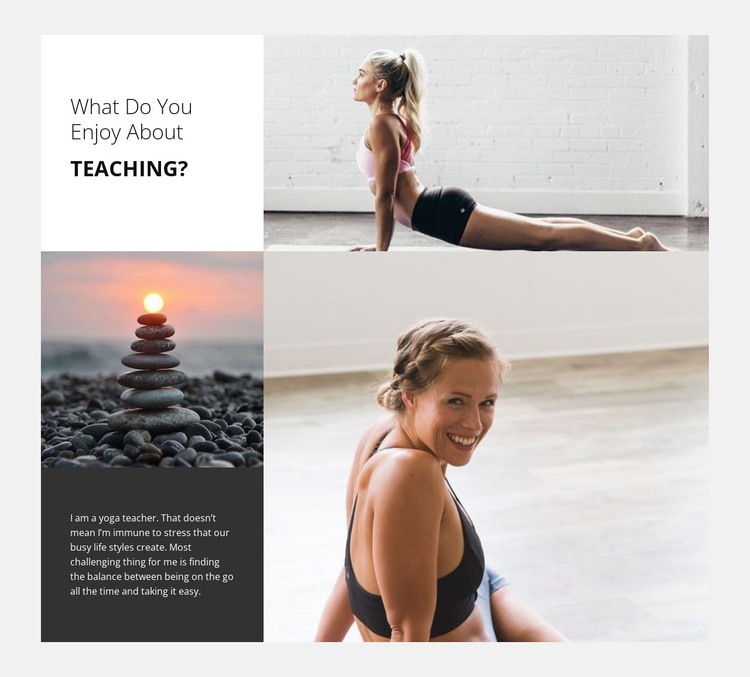
The section reads as durable profile content because its paragraph explains a teaching perspective rather than announcing a temporary update. The copy connects yoga instruction with stress and the balance between being active and taking time to rest. Paired with the heading “What do you enjoy about Teaching?”, it gives a WordPress-managed page a clear human voice for an about or instructor-introduction area.
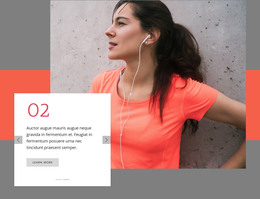
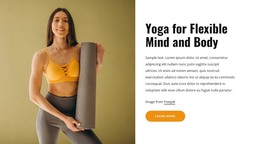
The visual structure reinforces that page-content role. Three wellness photographs are distributed through an asymmetric four-panel collage: a wide image occupies the upper-right, a smaller photograph appears on the lower-left, and a large portrait anchors the lower-right. The white heading panel and dark text panel separate the introduction from the reflective copy, while generous whitespace prevents the image-heavy arrangement from overwhelming the readable content.
Within a broader WordPress site, this section could remain a stable part of a yoga or wellness page while other content areas handle programs, class information, bookings, or contact details. The block itself stays focused on the instructor and teaching outlook. Its combination of personal writing, portrait emphasis, and wellness imagery makes it suitable for publishable page content that can sit alongside other CMS-managed sections without being mistaken for an entire theme.
Customize with Nicepage
Open this ready-made template in the WordPress Website Builder and customize it visually in the Nicepage editor. Replace demo content, edit page sections, and adapt the design to your project without rebuilding the template from scratch.
Edit Template Offline
2. Create a new page or select existing
3. Click Add new block, search for id 44410 and click enter
Edit Template Online
Create Awesome Websites


Free Nicepage Builder
Keywords
Manage and Edit This Theme in WordPress
Customize and Install the WordPress Theme
Start with this ready-made theme instead of building the WordPress design from scratch. Customize its layout, content, typography, images, sections, and other design elements visually in Nicepage editor, then export and install the WordPress Theme, Plugin, and Pages on your WordPress site. The Nicepage WordPress Plugin lets you continue working with the site after installation.
Edit the Theme Directly in WordPress
After installation, you can edit the WordPress Theme directly in WordPress with the Nicepage WordPress Plugin. Use Site Style to customize site Colors, Fonts, Header, Footer, Blog, and Post Page Templates while working within your WordPress website.
Edit WordPress Pages Visually
Use the Nicepage WordPress Plugin to edit page content directly from the WordPress admin area. Open a WordPress Page with Nicepage and visually change its text, images, sections, and other page elements while continuing to manage the Page through WordPress.
WordPress Content and Theme Integration
Use the customized theme with WordPress Pages, Posts, Blog and Post Templates, menus, widgets, and other CMS-managed content. Shared theme elements such as Colors, Fonts, Header, Footer, Blog, and Post Page Templates can be managed as part of the overall site design, while WordPress provides the CMS environment for managing site content.
This workflow combines a ready-made WordPress Theme with visual customization, direct theme editing in WordPress, and continued content management through the Nicepage WordPress Plugin.