Comfortable design for you WordPress Theme


Stable Gallery Content From a Featured Image to Four Interior Examples
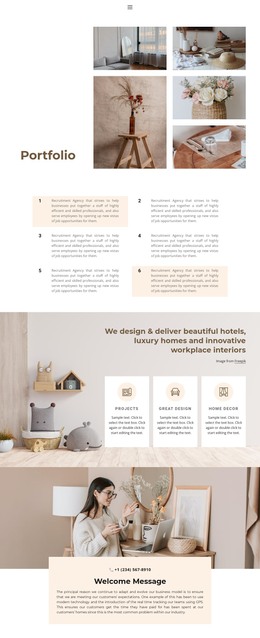
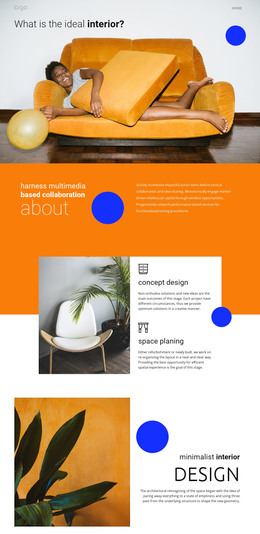
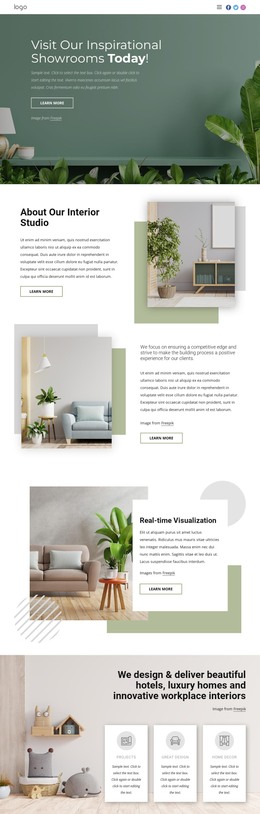
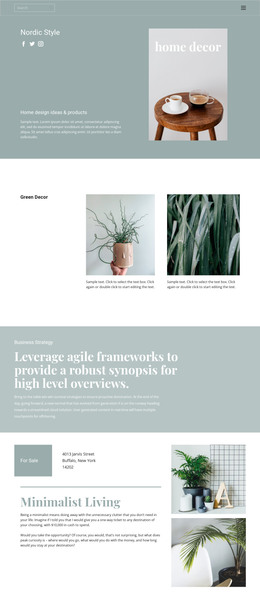
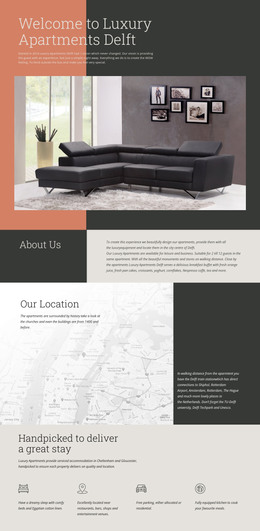
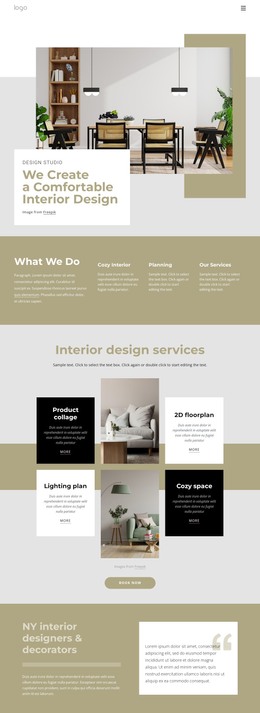
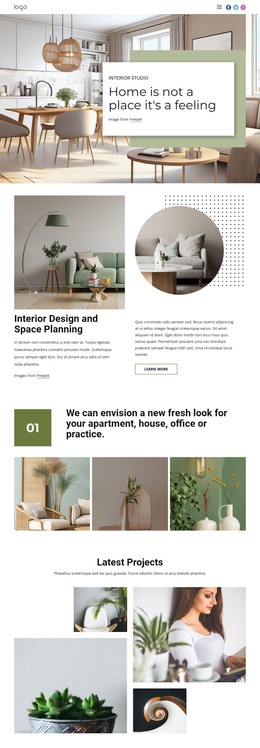
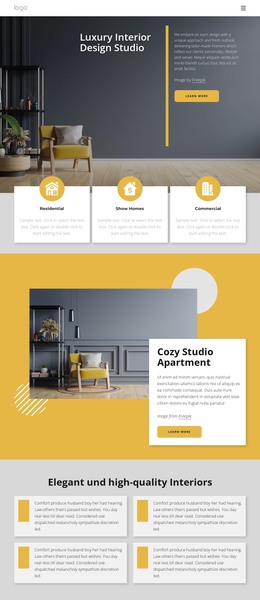
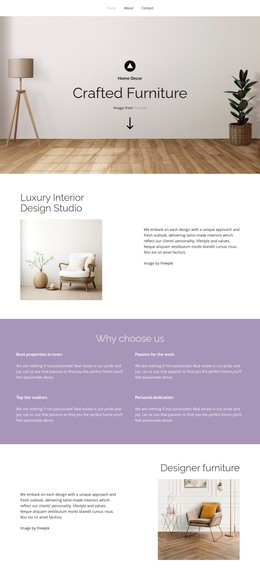
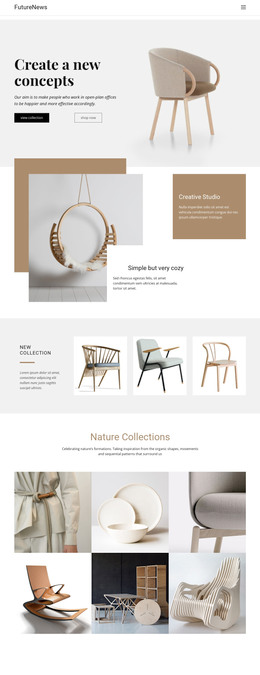
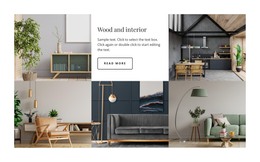
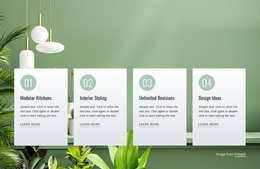
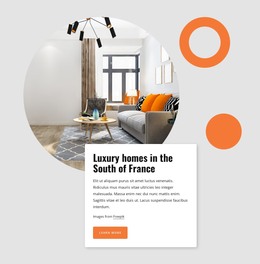
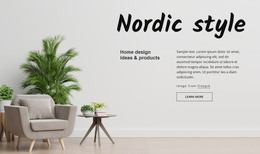
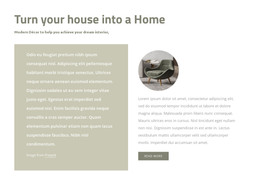
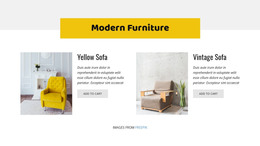
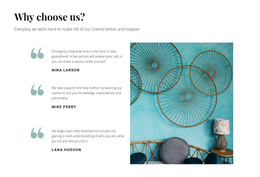
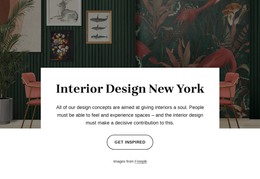
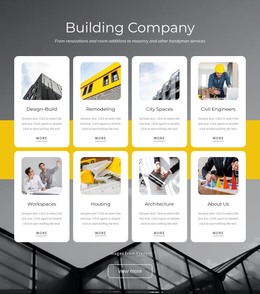
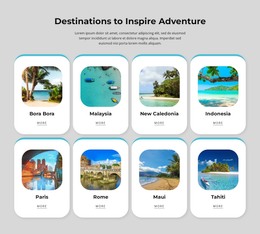
The featured planning image gives the section a clear visual starting point, while the four repeated white cards turn the gallery into a set of distinct page-content units. Each card pairs an interior or home-related image with descriptive text and a more link, allowing a WordPress-managed page to present several project examples within one consistent visual pattern. The cards are positioned beneath and partly over the featured image, so the block has a defined order: visual introduction first, repeated examples second, and attribution last.
For a WordPress-oriented project, this structure can suit stable portfolio or gallery content placed within a broader page. The content relationship is more important than any individual sample wording: the repeated card format can be adapted while retaining its image, description, and destination-link roles. The block remains a section of page content rather than a complete WordPress Theme, leaving the wider site to provide other pages and shared areas.
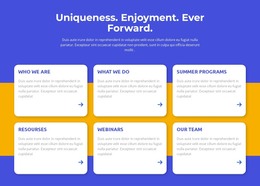
The pale blue field, coral organic backdrop, rounded white cards, centered alignment, and gold link accents give the section a recognizable visual pattern that can sit alongside related content. A WordPress editor or content workflow can surround this section with additional material, but preserving the visible Freepik credit below the cards keeps the source attribution connected to the image-based gallery.
Customize with Nicepage
Open this ready-made template in the WordPress Website Builder and customize it visually in the Nicepage editor. Replace demo content, edit page sections, and adapt the design to your project without rebuilding the template from scratch.
Edit Template Offline
2. Create a new page or select existing
3. Click Add new block, search for id 870992 and click enter
Edit Template Online
Create Awesome Websites


Free Nicepage Builder
Keywords
Manage and Edit This Theme in WordPress
Customize and Install the WordPress Theme
Start with this ready-made theme instead of building the WordPress design from scratch. Customize its layout, content, typography, images, sections, and other design elements visually in Nicepage editor, then export and install the WordPress Theme, Plugin, and Pages on your WordPress site. The Nicepage WordPress Plugin lets you continue working with the site after installation.
Edit the Theme Directly in WordPress
After installation, you can edit the WordPress Theme directly in WordPress with the Nicepage WordPress Plugin. Use Site Style to customize site Colors, Fonts, Header, Footer, Blog, and Post Page Templates while working within your WordPress website.
Edit WordPress Pages Visually
Use the Nicepage WordPress Plugin to edit page content directly from the WordPress admin area. Open a WordPress Page with Nicepage and visually change its text, images, sections, and other page elements while continuing to manage the Page through WordPress.
WordPress Content and Theme Integration
Use the customized theme with WordPress Pages, Posts, Blog and Post Templates, menus, widgets, and other CMS-managed content. Shared theme elements such as Colors, Fonts, Header, Footer, Blog, and Post Page Templates can be managed as part of the overall site design, while WordPress provides the CMS environment for managing site content.
This workflow combines a ready-made WordPress Theme with visual customization, direct theme editing in WordPress, and continued content management through the Nicepage WordPress Plugin.