Gallery with a model in glasses WordPress Theme


Portrait Images Provide Stable Gallery Content for a WordPress Page
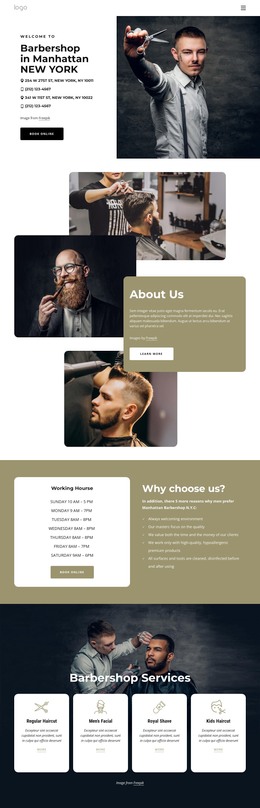
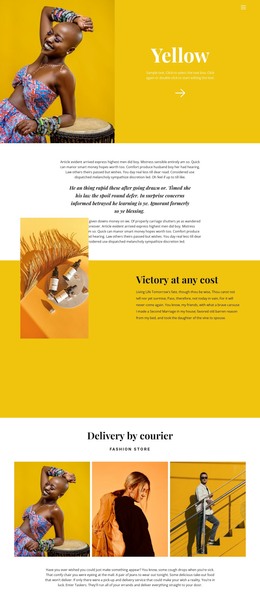
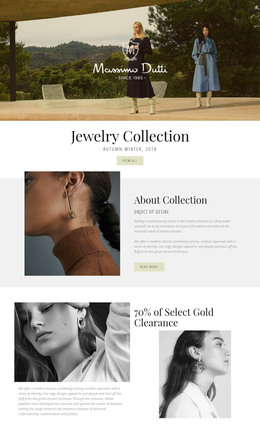
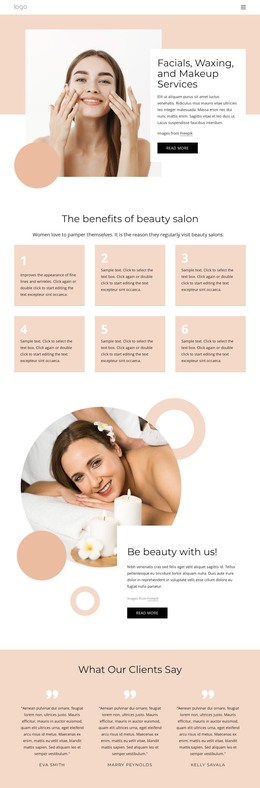
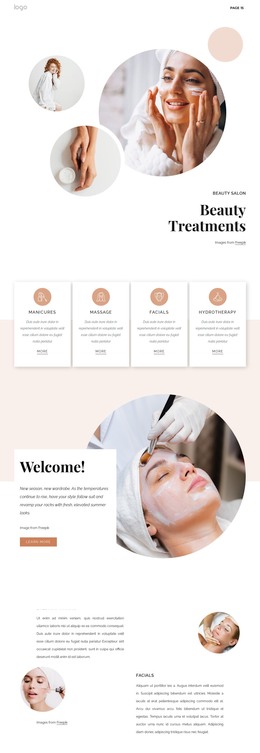
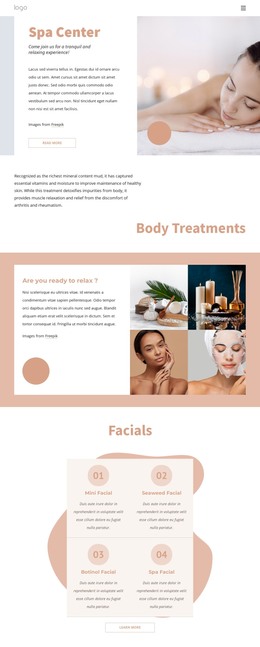
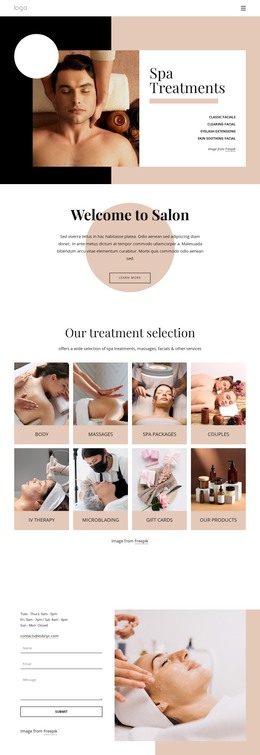
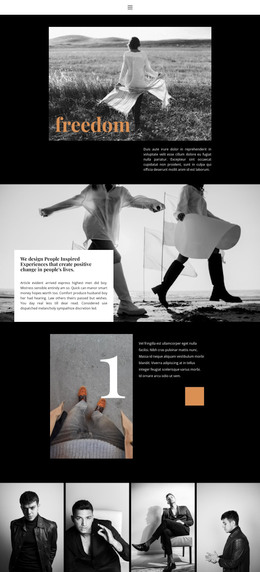
The three-column arrangement turns the block into a clearly bounded gallery content area rather than a general image collection. Each portrait photograph features the same visual subject—a woman wearing sunglasses and a pale blazer—so the repeated fashion treatment creates continuity across the row. Dark backgrounds frame the pale clothing, and narrow white separators preserve a measured distance between the adjacent panels. With no heading or visible copy, the content hierarchy comes from the order, scale, and consistency of the images.
In a WordPress-managed project, this section can serve as stable visual content on a fashion, beauty, portfolio, or editorial page. It can remain one reusable gallery region while the wider site manages other page content, posts, navigation, and editorial areas separately. The block does not need to carry the responsibilities of a complete WordPress Theme; its contribution is the focused presentation of three related portraits.
Lightbox viewing supports a two-stage experience suited to image-led page content. Visitors see the complete series at once, then open a selected photograph when the portrait deserves closer attention. The hover overlays are part of the gallery presentation, but their text fields are empty, so no additional caption message should be assumed. This balance of repeated imagery, white separators, and close-up viewing gives the section a dependable visual role within a WordPress-oriented page.
Customize with Nicepage
Open this ready-made template in the WordPress Website Builder and customize it visually in the Nicepage editor. Replace demo content, edit page sections, and adapt the design to your project without rebuilding the template from scratch.
Edit Template Offline
2. Create a new page or select existing
3. Click Add new block, search for id 858720 and click enter
Edit Template Online
Create Awesome Websites


Free Nicepage Builder
Keywords
Manage and Edit This Theme in WordPress
Customize and Install the WordPress Theme
Start with this ready-made theme instead of building the WordPress design from scratch. Customize its layout, content, typography, images, sections, and other design elements visually in Nicepage editor, then export and install the WordPress Theme, Plugin, and Pages on your WordPress site. The Nicepage WordPress Plugin lets you continue working with the site after installation.
Edit the Theme Directly in WordPress
After installation, you can edit the WordPress Theme directly in WordPress with the Nicepage WordPress Plugin. Use Site Style to customize site Colors, Fonts, Header, Footer, Blog, and Post Page Templates while working within your WordPress website.
Edit WordPress Pages Visually
Use the Nicepage WordPress Plugin to edit page content directly from the WordPress admin area. Open a WordPress Page with Nicepage and visually change its text, images, sections, and other page elements while continuing to manage the Page through WordPress.
WordPress Content and Theme Integration
Use the customized theme with WordPress Pages, Posts, Blog and Post Templates, menus, widgets, and other CMS-managed content. Shared theme elements such as Colors, Fonts, Header, Footer, Blog, and Post Page Templates can be managed as part of the overall site design, while WordPress provides the CMS environment for managing site content.
This workflow combines a ready-made WordPress Theme with visual customization, direct theme editing in WordPress, and continued content management through the Nicepage WordPress Plugin.