Making informed fast decisions WordPress Theme


Edit Template Offline
2. Create new page and search for id 6249651
Edit Template Online
Create Awesome Websites


Free Nicepage Builder
Keywords
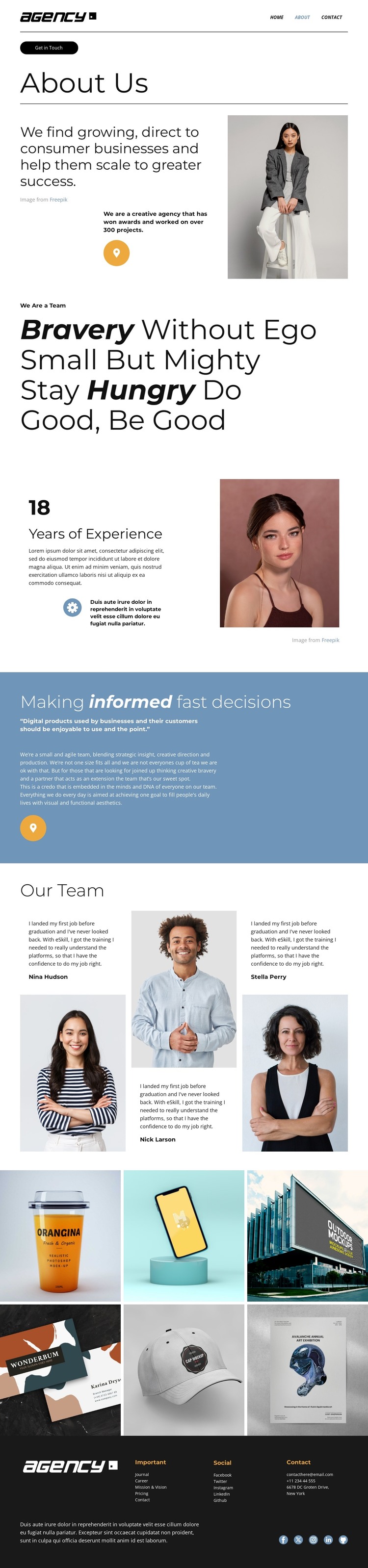
Team profiles and visual work give the agency content a clear WordPress shape
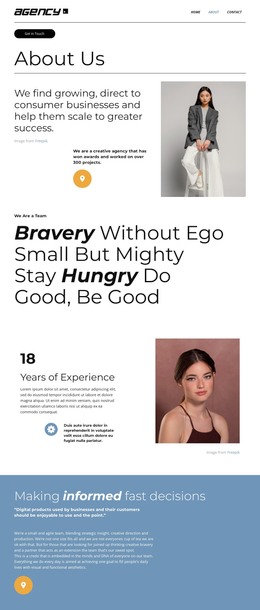
The page separates several kinds of permanent agency content that can remain useful in a WordPress-oriented site. The opening About Us section carries the organization’s positioning and a Get in Touch action, while the values statement and blue credo panel provide editorial content about culture and process. The experience block adds a focused background statement, pairing its displayed 18-year figure with supporting copy and portrait photography. These areas are distinct enough to guide page content without claiming that WordPress Posts, categories, or other dynamic structures already exist.
The three named team profiles are the strongest people-focused content group. Each profile combines a person, portrait, and statement, giving a WordPress project a clear area for maintaining team information as the agency changes. The six-image gallery serves a different role: it presents selected visual work and can sit alongside the more permanent About and Team material as a portfolio-oriented content area.
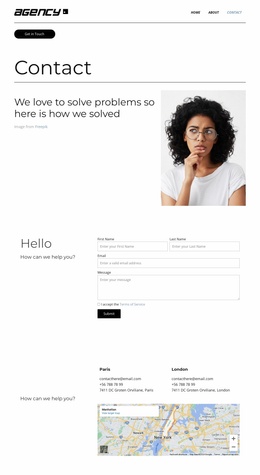
Navigation links for Home, About, and Contact, together with the footer’s contact details and social destinations, provide shared site context around the page. In a WordPress project, the WordPress Plugin can be relevant when continuing visual theme work in the CMS, but the template itself should not be read as evidence that a plugin, posts, or editable WordPress content is already installed.
Customize with Nicepage
Open this ready-made template in the WordPress Website Builder and customize it visually in the Nicepage editor. Replace demo content, edit page sections, and adapt the design to your project without rebuilding the template from scratch.
Manage and Edit This Theme in WordPress
Customize and Install the WordPress Theme
Start with this ready-made theme instead of building the WordPress design from scratch. Customize its layout, content, typography, images, sections, and other design elements visually in Nicepage editor, then export and install the WordPress Theme, Plugin, and Pages on your WordPress site. The Nicepage WordPress Plugin lets you continue working with the site after installation.
Edit the Theme Directly in WordPress
After installation, you can edit the WordPress Theme directly in WordPress with the Nicepage WordPress Plugin. Use Site Style to customize site Colors, Fonts, Header, Footer, Blog, and Post Page Templates while working within your WordPress website.
Edit WordPress Pages Visually
Use the Nicepage WordPress Plugin to edit page content directly from the WordPress admin area. Open a WordPress Page with Nicepage and visually change its text, images, sections, and other page elements while continuing to manage the Page through WordPress.
WordPress Content and Theme Integration
Use the customized theme with WordPress Pages, Posts, Blog and Post Templates, menus, widgets, and other CMS-managed content. Shared theme elements such as Colors, Fonts, Header, Footer, Blog, and Post Page Templates can be managed as part of the overall site design, while WordPress provides the CMS environment for managing site content.
This workflow combines a ready-made WordPress Theme with visual customization, direct theme editing in WordPress, and continued content management through the Nicepage WordPress Plugin.