Flower delivery NYC Website Template



Edit Template Offline
2. Create new page and search for id 6247134
Edit Template Online
Create Awesome Websites


Free Nicepage Builder
Keywords
Delivery, collections, and event florals establish a site foundation
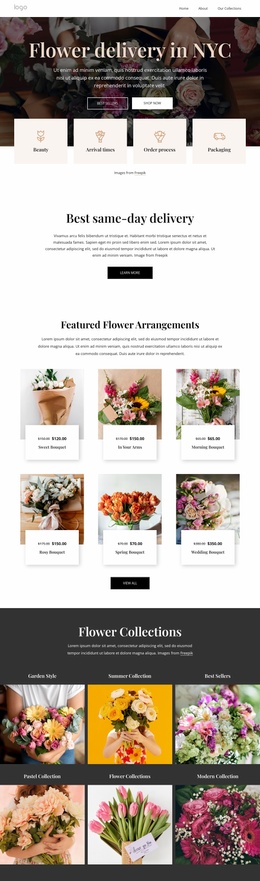
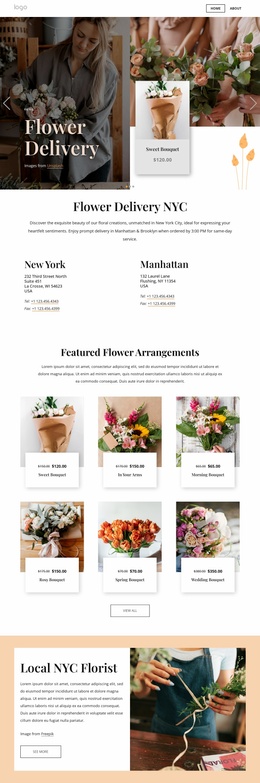
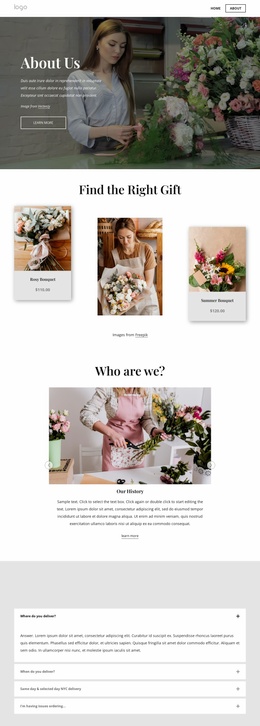
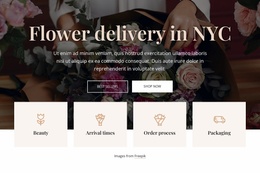
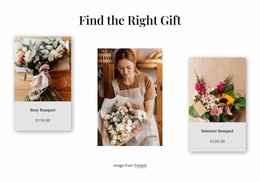
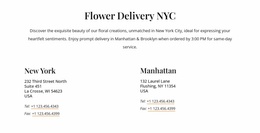
The Flower Delivery hero gives the project a clear entry point, but the page extends beyond a single promotional message. The centered Flower Delivery NYC introduction and separate New York and Manhattan details establish local service content that could anchor the main site presentation. Beneath them, six featured arrangement cards create a product area, giving visitors a defined place to explore bouquets rather than leaving the offer at the level of general florist branding.
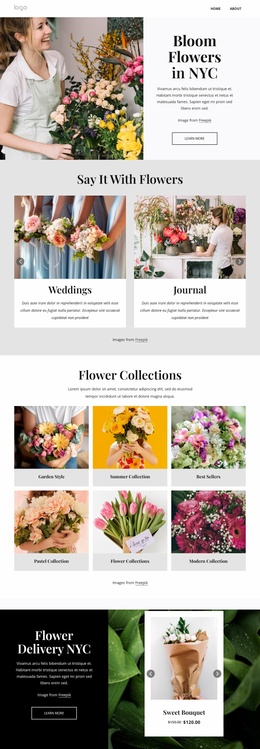
The six Flower Collections tiles add another layer of organization. Categories such as Garden Style, Summer Collection, Best Sellers, Pastel Collection, and Modern’s Collection can support different content directions as a broader website develops, while the Events and Weddings cards introduce a distinct service area for occasion-based floral work. These groups are not separate pages in the verified design, but they provide recognizable content categories around which additional site pages or related sections could be planned.
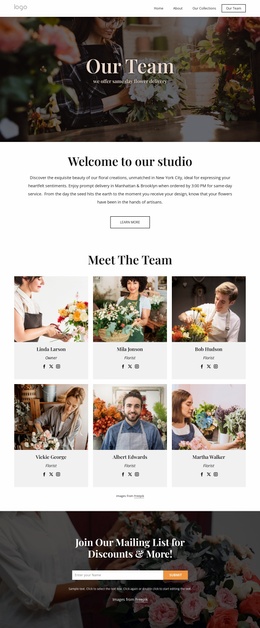
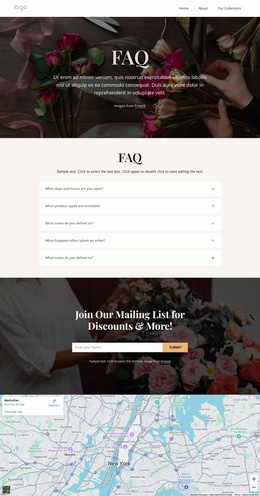
A testimonial contributes customer-focused context, and the “Join Our Mailing List for Discounts & More!” banner creates a continuing communication point after visitors review the offer. Together with the navigation, Shop Now and View All actions, image-led presentation, warm cream and pale peach sections, and dark footer, the design supplies a coherent foundation for a florist project that may grow beyond one delivery-focused page without losing its local and editorial character.
Customize with Nicepage
Open this ready-made template in the Website Template Builder and customize it visually in the Nicepage editor. Replace demo content, edit page sections, and adapt the design to your project without rebuilding the template from scratch.
Build a Complete Website From This Template
Customize the Website Visually
Use this ready-made website template as a starting point for your project and adapt its pages visually in Nicepage. Change content, images, typography, navigation, sections, and other design elements while keeping the website together as a single editable project.
Manage Website Pages in One Project
Use the Pages panel to open, add, duplicate, and manage the pages of your website. Work on individual pages while keeping navigation and the overall site structure accessible from the same project, making it easier to develop a complete website instead of managing separate page files.
Expand the Website With Matching Designs
When you need additional pages or sections, use Page Design Sets to find Page and Block Designs created in the same visual style. Design Sets group matching designs together, making it easier to expand the website with new content while maintaining a consistent look across its pages and sections.
Organize Larger Multi-Page Websites
As the website grows, use Page Folders to organize related pages and keep larger multi-page projects easier to navigate in the editor. This is especially useful for websites with separate service pages, company information, contacts, landing pages, and other content areas.
This workflow makes the template a practical foundation for building and expanding a complete website while managing its pages, content, and visual design within one Nicepage project.