Ideas for a successful business WordPress Theme


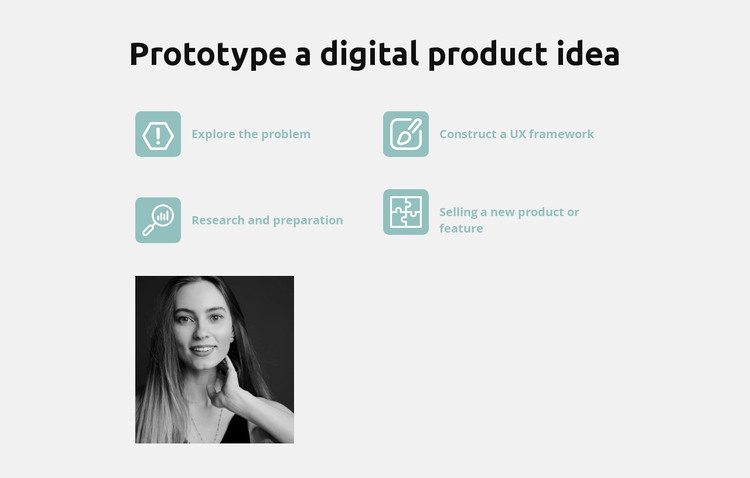
Feature Labels and Portrait Create Stable Page Content
The centered heading and four repeated feature items give this section the character of stable, publishable page content rather than a stream of changing updates. “Explore the problem,” “Construct a UX framework,” “Research and preparation,” and “Selling a new product or feature” each identify a distinct part of the digital product prototyping topic. Their accompanying icons and two-column placement make the content easy to scan, while the repeated treatment keeps the items visually related.
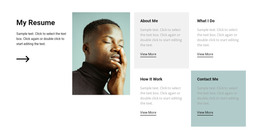
For a WordPress-managed page, the section can occupy a durable feature or capabilities area while the surrounding project handles other page content. The grayscale portrait below the list changes the rhythm from repeated labels to a single image, helping the section end with a human visual emphasis instead of another text item. The light gray background contains both regions, and the dark heading gives the content a clear entry point before the reader moves through the four labels.
This WordPress Theme interpretation emphasizes how the block can remain a recognizable content region inside a broader page design. It does not need to carry every product-design detail itself: the four labels provide a concise overview, while additional pages or sections can expand individual subjects. Its consistent icon treatment, two-column grouping, and portrait placement make the same visual pattern practical for a reusable feature area managed alongside other WordPress page content.
Customize with Nicepage
Open this ready-made template in the WordPress Website Builder and customize it visually in the Nicepage editor. Replace demo content, edit page sections, and adapt the design to your project without rebuilding the template from scratch.
Edit Template Offline
2. Create a new page or select existing
3. Click Add new block, search for id 611494 and click enter
Edit Template Online
Create Awesome Websites


Free Nicepage Builder
Keywords
Manage and Edit This Theme in WordPress
Customize and Install the WordPress Theme
Start with this ready-made theme instead of building the WordPress design from scratch. Customize its layout, content, typography, images, sections, and other design elements visually in Nicepage editor, then export and install the WordPress Theme, Plugin, and Pages on your WordPress site. The Nicepage WordPress Plugin lets you continue working with the site after installation.
Edit the Theme Directly in WordPress
After installation, you can edit the WordPress Theme directly in WordPress with the Nicepage WordPress Plugin. Use Site Style to customize site Colors, Fonts, Header, Footer, Blog, and Post Page Templates while working within your WordPress website.
Edit WordPress Pages Visually
Use the Nicepage WordPress Plugin to edit page content directly from the WordPress admin area. Open a WordPress Page with Nicepage and visually change its text, images, sections, and other page elements while continuing to manage the Page through WordPress.
WordPress Content and Theme Integration
Use the customized theme with WordPress Pages, Posts, Blog and Post Templates, menus, widgets, and other CMS-managed content. Shared theme elements such as Colors, Fonts, Header, Footer, Blog, and Post Page Templates can be managed as part of the overall site design, while WordPress provides the CMS environment for managing site content.
This workflow combines a ready-made WordPress Theme with visual customization, direct theme editing in WordPress, and continued content management through the Nicepage WordPress Plugin.