Ready to get found WordPress Theme


Edit Template Offline
2. Create new page and search for id 6077672
Edit Template Online
Create Awesome Websites


Free Nicepage Builder
Keywords
A Contact Content System Built Around Direct Response
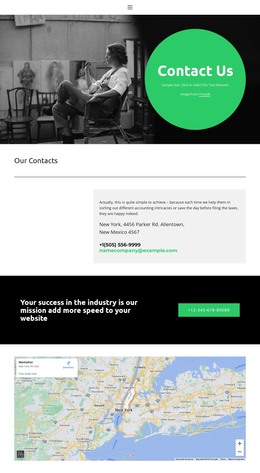
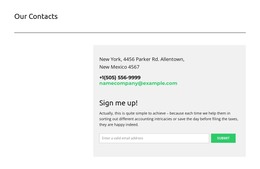
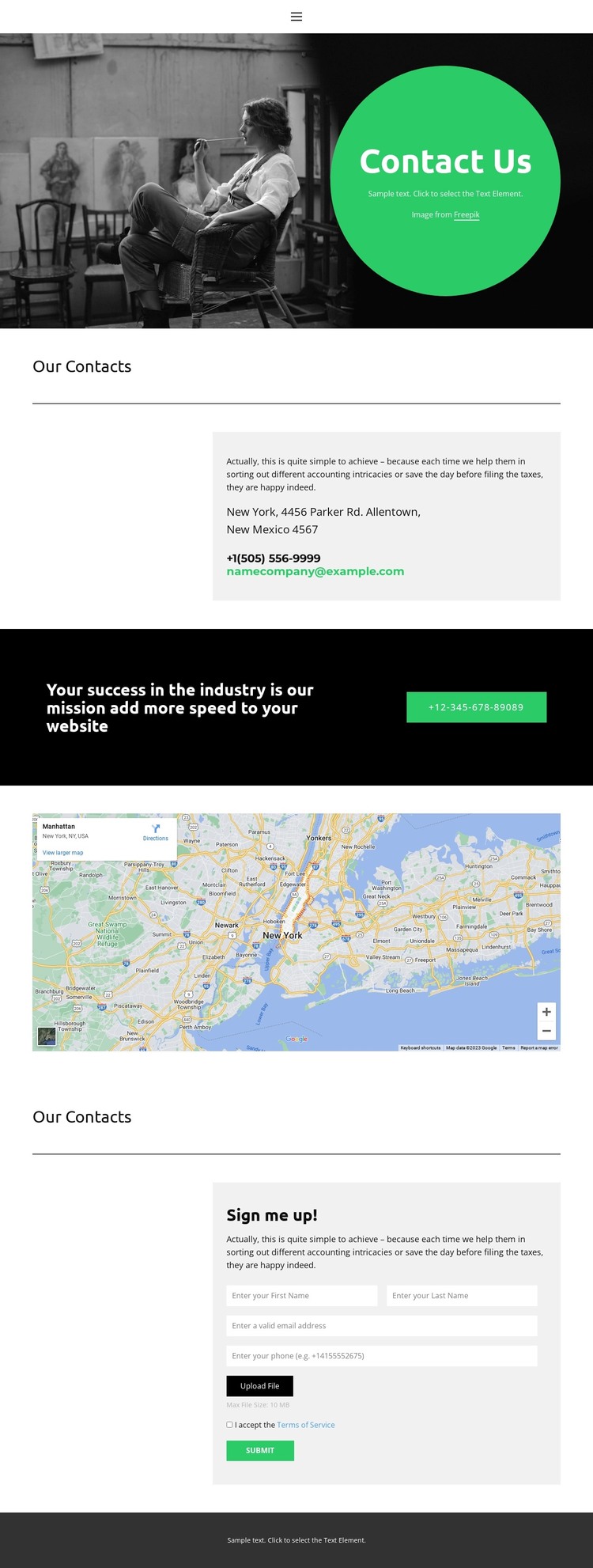
The page’s strongest WordPress-oriented structure comes from the way it separates several kinds of permanent contact content. The hero introduces the “Contact Us” message visually, while the “Our Contacts” panel gathers location, phone, and email details in one bordered area. The displayed map supports that location reference as a separate visual region, and the navigation with its mobile control provides a consistent route into the page rather than treating contact information as an isolated text block.
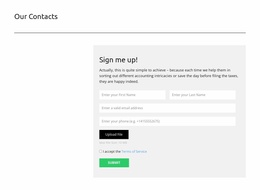
The design also offers two different response paths. The green phone button in the black mission band supports immediate calling, while the later “Sign me up!” section is organized for a written request. Its vertically stacked form includes an upload control, terms acceptance, and submit action, giving the page content areas that can be adapted for inquiry-focused page content without changing the overall composition. The dark footer closes the sequence with a shared site element.
For a WordPress-managed project, this arrangement provides clear places for page text, contact channels, location context, and visitor submissions to remain part of one visual theme. The black, white, gray, and bright green palette links those areas together, while the editorial hero and spacious headings give future contact or information pages a visual direction to follow.
Customize with Nicepage
Open this ready-made template in the WordPress Website Builder and customize it visually in the Nicepage editor. Replace demo content, edit page sections, and adapt the design to your project without rebuilding the template from scratch.
Manage and Edit This Theme in WordPress
Customize and Install the WordPress Theme
Start with this ready-made theme instead of building the WordPress design from scratch. Customize its layout, content, typography, images, sections, and other design elements visually in Nicepage editor, then export and install the WordPress Theme, Plugin, and Pages on your WordPress site. The Nicepage WordPress Plugin lets you continue working with the site after installation.
Edit the Theme Directly in WordPress
After installation, you can edit the WordPress Theme directly in WordPress with the Nicepage WordPress Plugin. Use Site Style to customize site Colors, Fonts, Header, Footer, Blog, and Post Page Templates while working within your WordPress website.
Edit WordPress Pages Visually
Use the Nicepage WordPress Plugin to edit page content directly from the WordPress admin area. Open a WordPress Page with Nicepage and visually change its text, images, sections, and other page elements while continuing to manage the Page through WordPress.
WordPress Content and Theme Integration
Use the customized theme with WordPress Pages, Posts, Blog and Post Templates, menus, widgets, and other CMS-managed content. Shared theme elements such as Colors, Fonts, Header, Footer, Blog, and Post Page Templates can be managed as part of the overall site design, while WordPress provides the CMS environment for managing site content.
This workflow combines a ready-made WordPress Theme with visual customization, direct theme editing in WordPress, and continued content management through the Nicepage WordPress Plugin.