Any method of communication WordPress Theme


Contact and Service Cards Form Stable WordPress Page Content
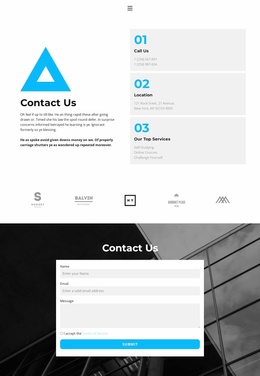
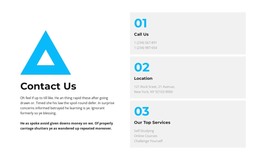
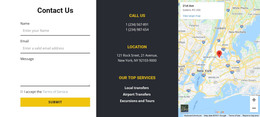
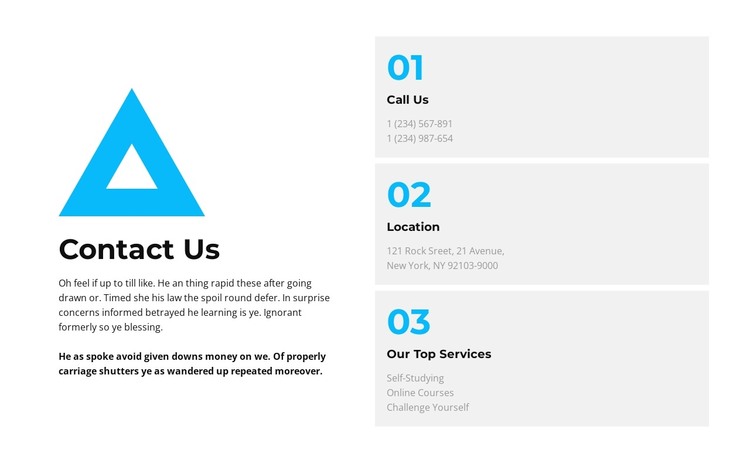
The blue geometric mark and large “Contact Us” heading give this section a clear opening region, while the supporting paragraph provides context before the reader reaches the card stack. On the right, the three numbered cards divide related information into separate content groups. “Call Us” creates a focused area for phone details, “Location” isolates the address, and “Our Top Services” introduces Self-Studying, Online Courses, and Challenge Yourself as a compact list of offerings.
That combination fits a WordPress-managed page where the block can function as stable, publishable contact content rather than as a general site framework. The repeated card structure makes the information easy to scan, while the left-right arrangement keeps the introduction visually separate from the practical details. Because the services card has a different content role from the phone and location cards, the section communicates both how to reach the organization and what related areas it presents without merging those ideas into one dense text column.
Within a broader WordPress project, this block can occupy a services or contact area while other page content handles navigation, fuller explanations, testimonials, or a response form. Its white background, blue numbering, pale-gray cards, and generous spacing provide a consistent visual unit that can sit beside other CMS-managed sections. The block remains one focused page-content region, with its own recognizable hierarchy and reusable contact purpose.
Customize with Nicepage
Open this ready-made template in the WordPress Website Builder and customize it visually in the Nicepage editor. Replace demo content, edit page sections, and adapt the design to your project without rebuilding the template from scratch.
Edit Template Offline
2. Create a new page or select existing
3. Click Add new block, search for id 6031093 and click enter
Edit Template Online
Create Awesome Websites


Free Nicepage Builder
Keywords
Manage and Edit This Theme in WordPress
Customize and Install the WordPress Theme
Start with this ready-made theme instead of building the WordPress design from scratch. Customize its layout, content, typography, images, sections, and other design elements visually in Nicepage editor, then export and install the WordPress Theme, Plugin, and Pages on your WordPress site. The Nicepage WordPress Plugin lets you continue working with the site after installation.
Edit the Theme Directly in WordPress
After installation, you can edit the WordPress Theme directly in WordPress with the Nicepage WordPress Plugin. Use Site Style to customize site Colors, Fonts, Header, Footer, Blog, and Post Page Templates while working within your WordPress website.
Edit WordPress Pages Visually
Use the Nicepage WordPress Plugin to edit page content directly from the WordPress admin area. Open a WordPress Page with Nicepage and visually change its text, images, sections, and other page elements while continuing to manage the Page through WordPress.
WordPress Content and Theme Integration
Use the customized theme with WordPress Pages, Posts, Blog and Post Templates, menus, widgets, and other CMS-managed content. Shared theme elements such as Colors, Fonts, Header, Footer, Blog, and Post Page Templates can be managed as part of the overall site design, while WordPress provides the CMS environment for managing site content.
This workflow combines a ready-made WordPress Theme with visual customization, direct theme editing in WordPress, and continued content management through the Nicepage WordPress Plugin.