Best SEO services WordPress Theme



Edit Template Offline
2. Create new page and search for id 6017269
Edit Template Online
Create Awesome Websites


Free Nicepage Builder
Keywords
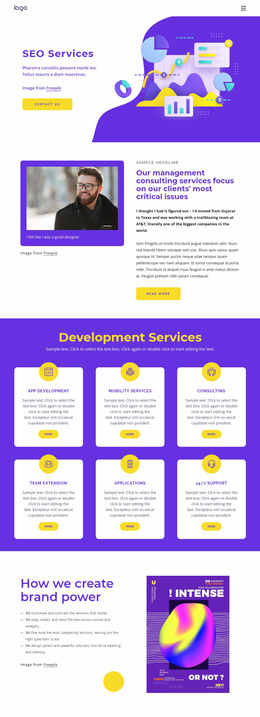
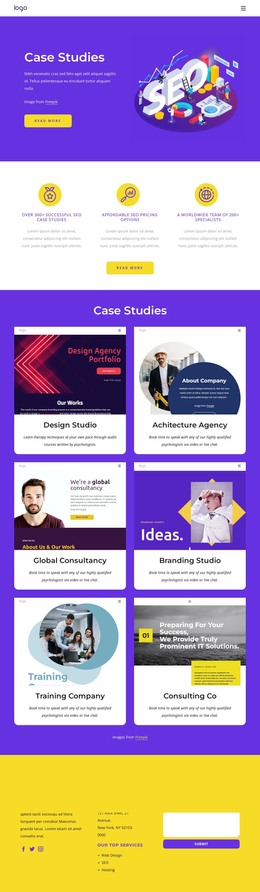
Service Content and Editorial Sections Form a WordPress Theme Base
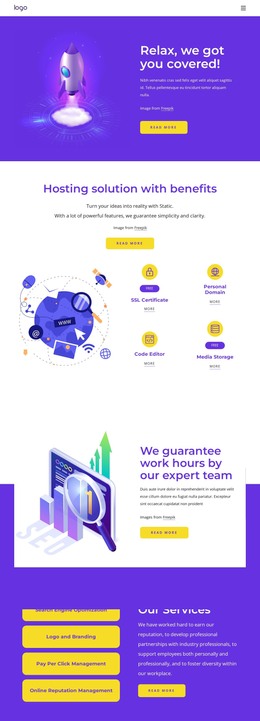
The four named services give the design a strong page-oriented content core. Search Engine Optimization, Logo and Branding, Pay Per Click Management, and Online Reputation Management can be treated as distinct informational areas while remaining visually connected through the same purple, yellow, white, and dark-gray system. The four hosting benefit cards add a second repeated content group, making the page more than a single promotional statement.
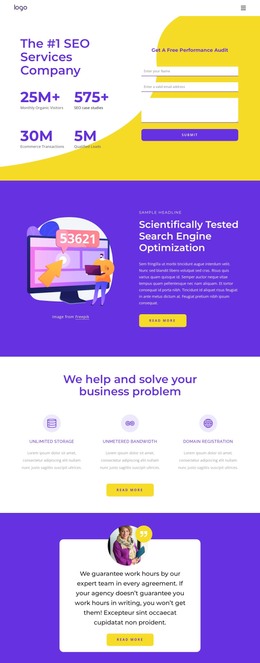
The team-focused sections provide a useful editorial contrast to the service material. One block explains the expert team through an image-and-text arrangement, while the creative-team section uses a photograph with an overlaid white panel. The five expandable FAQ questions can support regularly maintained explanatory content, and the four displayed performance highlights provide a separate proof area. Because the figures are sample content, they should be replaced or verified before being presented as actual results.
At the bottom, the contact region combines company copy, contact channels, social links, service references, and an inquiry form. That gives permanent page content a clear closing destination while leaving room for additional WordPress-managed material around the same visual direction. WordPress Pages or Posts may be relevant depending on the project’s content plan, but the verified template itself establishes the page areas; it does not prove that a blog or post structure already exists.
Customize with Nicepage
Open this ready-made template in the WordPress Website Builder and customize it visually in the Nicepage editor. Replace demo content, edit page sections, and adapt the design to your project without rebuilding the template from scratch.
Manage and Edit This Theme in WordPress
Customize and Install the WordPress Theme
Start with this ready-made theme instead of building the WordPress design from scratch. Customize its layout, content, typography, images, sections, and other design elements visually in Nicepage editor, then export and install the WordPress Theme, Plugin, and Pages on your WordPress site. The Nicepage WordPress Plugin lets you continue working with the site after installation.
Edit the Theme Directly in WordPress
After installation, you can edit the WordPress Theme directly in WordPress with the Nicepage WordPress Plugin. Use Site Style to customize site Colors, Fonts, Header, Footer, Blog, and Post Page Templates while working within your WordPress website.
Edit WordPress Pages Visually
Use the Nicepage WordPress Plugin to edit page content directly from the WordPress admin area. Open a WordPress Page with Nicepage and visually change its text, images, sections, and other page elements while continuing to manage the Page through WordPress.
WordPress Content and Theme Integration
Use the customized theme with WordPress Pages, Posts, Blog and Post Templates, menus, widgets, and other CMS-managed content. Shared theme elements such as Colors, Fonts, Header, Footer, Blog, and Post Page Templates can be managed as part of the overall site design, while WordPress provides the CMS environment for managing site content.
This workflow combines a ready-made WordPress Theme with visual customization, direct theme editing in WordPress, and continued content management through the Nicepage WordPress Plugin.