Fantastic freshly made pizza WordPress Theme


Stable Cafe Page Content With a Clear Offering Pattern
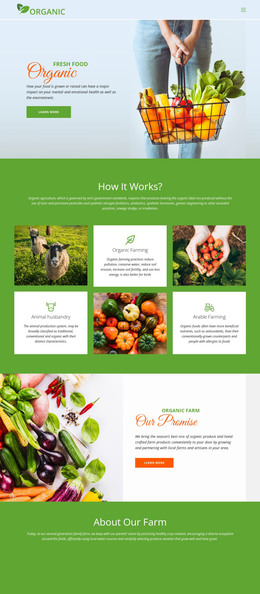
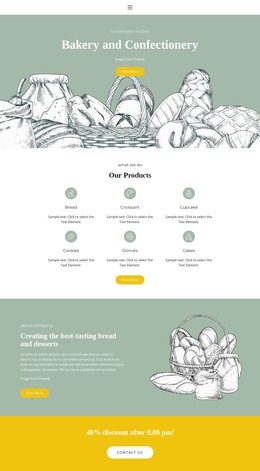
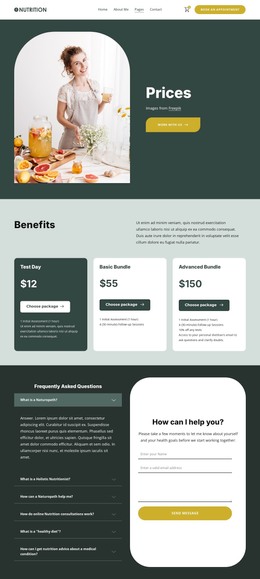
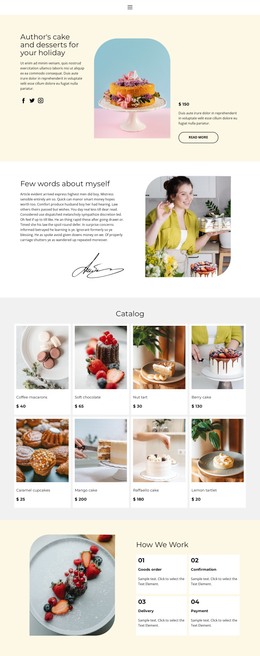
The block's heading, supporting paragraph, and five social media links form a stable introductory content area rather than a stream of time-sensitive entries. This makes the left side suitable for a permanent cafe or restaurant section in a WordPress-managed page. The three neighboring categories add a second content layer: Our Menu, Specials, and Drinks are presented as distinct offering units, each paired with a line icon and given equal visual space.
That separation supports a practical page-content interpretation. The introduction can remain consistent while surrounding site content develops around it, and the three category labels can point visitors toward deeper information placed in other sections. The dark food photograph keeps the block visually recognizable, while white typography ensures that the content hierarchy remains visible over the image.
The section's four-column structure also provides a repeatable visual pattern for related cafe content. If a project uses similar sections elsewhere, the icon-and-label relationship can help connect them without requiring the same exact text. The social links remain associated with the introductory area, so they do not compete with the three primary categories. In a WordPress-oriented context, the block can therefore serve as a stable services-style content region whose message, links, and category labels fit naturally inside a larger managed page.
Customize with Nicepage
Open this ready-made template in the WordPress Website Builder and customize it visually in the Nicepage editor. Replace demo content, edit page sections, and adapt the design to your project without rebuilding the template from scratch.
Edit Template Offline
2. Create a new page or select existing
3. Click Add new block, search for id 50537 and click enter
Edit Template Online
Create Awesome Websites


Free Nicepage Builder
Keywords
Manage and Edit This Theme in WordPress
Customize and Install the WordPress Theme
Start with this ready-made theme instead of building the WordPress design from scratch. Customize its layout, content, typography, images, sections, and other design elements visually in Nicepage editor, then export and install the WordPress Theme, Plugin, and Pages on your WordPress site. The Nicepage WordPress Plugin lets you continue working with the site after installation.
Edit the Theme Directly in WordPress
After installation, you can edit the WordPress Theme directly in WordPress with the Nicepage WordPress Plugin. Use Site Style to customize site Colors, Fonts, Header, Footer, Blog, and Post Page Templates while working within your WordPress website.
Edit WordPress Pages Visually
Use the Nicepage WordPress Plugin to edit page content directly from the WordPress admin area. Open a WordPress Page with Nicepage and visually change its text, images, sections, and other page elements while continuing to manage the Page through WordPress.
WordPress Content and Theme Integration
Use the customized theme with WordPress Pages, Posts, Blog and Post Templates, menus, widgets, and other CMS-managed content. Shared theme elements such as Colors, Fonts, Header, Footer, Blog, and Post Page Templates can be managed as part of the overall site design, while WordPress provides the CMS environment for managing site content.
This workflow combines a ready-made WordPress Theme with visual customization, direct theme editing in WordPress, and continued content management through the Nicepage WordPress Plugin.