Global music festival WordPress Theme



Stable Event Content in a WordPress-Managed Page
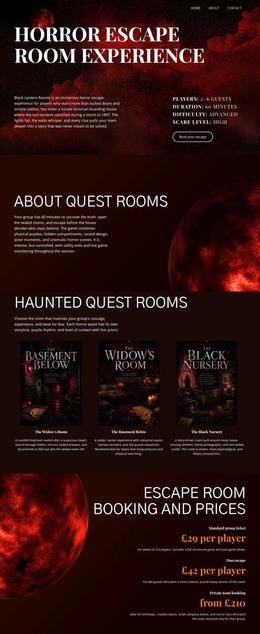
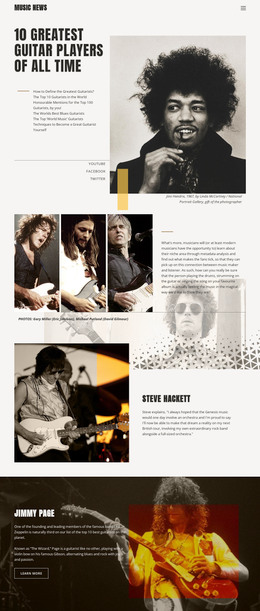
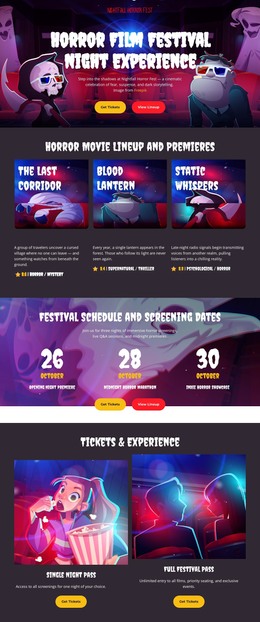
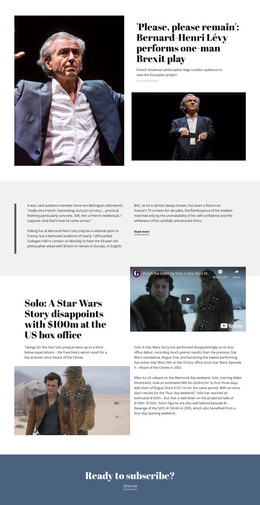
The large “Global Music Festival” heading and retro cassette image read as durable page content rather than a stream of changing entries. The audio ribbon reinforces the music subject, while the yellow and red split gives the section a defined visual identity. In a WordPress-oriented project, this block can occupy a stable introductory area on a page while the broader site manages other content around it.
Its content model is intentionally limited to one title and one hero image, which keeps the section easy to understand and reuse. The right-side heading provides the textual identifier, and the full-width image carries most of the atmosphere. Because there is no visible repeated card group, post list, or form, the block does not need to represent a larger content collection. It can instead act as a fixed visual entry point before separate sections explain performers, dates, locations, or festival activities.
The section’s color treatment may also help maintain continuity with related page content. A WordPress-managed project could echo the saturated yellow and red contrast or the bold white typography elsewhere, while allowing each page section to retain its own structure. The important distinction is that this block contributes one reusable piece of page content: a music-festival introduction with a clear image-and-heading relationship, not a complete theme or site architecture.
Customize with Nicepage
Open this ready-made template in the WordPress Website Builder and customize it visually in the Nicepage editor. Replace demo content, edit page sections, and adapt the design to your project without rebuilding the template from scratch.
Edit Template Offline
2. Create a new page or select existing
3. Click Add new block, search for id 46776 and click enter
Edit Template Online
Create Awesome Websites


Free Nicepage Builder
Keywords
Manage and Edit This Theme in WordPress
Customize and Install the WordPress Theme
Start with this ready-made theme instead of building the WordPress design from scratch. Customize its layout, content, typography, images, sections, and other design elements visually in Nicepage editor, then export and install the WordPress Theme, Plugin, and Pages on your WordPress site. The Nicepage WordPress Plugin lets you continue working with the site after installation.
Edit the Theme Directly in WordPress
After installation, you can edit the WordPress Theme directly in WordPress with the Nicepage WordPress Plugin. Use Site Style to customize site Colors, Fonts, Header, Footer, Blog, and Post Page Templates while working within your WordPress website.
Edit WordPress Pages Visually
Use the Nicepage WordPress Plugin to edit page content directly from the WordPress admin area. Open a WordPress Page with Nicepage and visually change its text, images, sections, and other page elements while continuing to manage the Page through WordPress.
WordPress Content and Theme Integration
Use the customized theme with WordPress Pages, Posts, Blog and Post Templates, menus, widgets, and other CMS-managed content. Shared theme elements such as Colors, Fonts, Header, Footer, Blog, and Post Page Templates can be managed as part of the overall site design, while WordPress provides the CMS environment for managing site content.
This workflow combines a ready-made WordPress Theme with visual customization, direct theme editing in WordPress, and continued content management through the Nicepage WordPress Plugin.