A consulting firm WordPress Theme


About Us and Three Linked Panels Create Stable Page Content
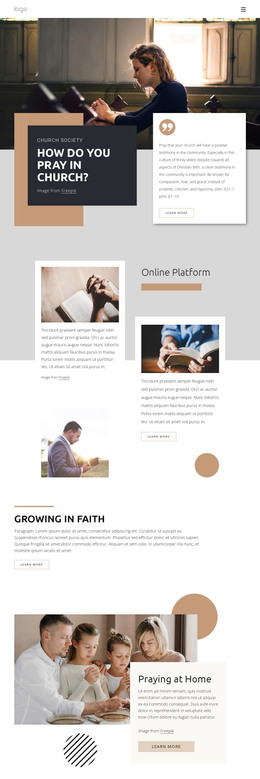
The About Us panel gives this block a clear page-content entry point, while the three neighboring panels extend the business overview into a compact set of related statements. Their two-by-two arrangement keeps the information grouped rather than presenting it as one uninterrupted text column. The full-width office workspace image connects the panels visually, and the darkened treatment leaves the overlaid content as the primary reading layer.
For a WordPress-managed page, the section can function as a stable business-information area within a broader content structure. The three visible more links provide distinct pathways for deeper material when the surrounding project supplies suitable destinations, while the About Us panel can remain the concise introductory point. The sample statements suggest marketing and growth themes structurally, but the panel layout itself can hold revised page copy without changing the four-part arrangement.
The contrasting surfaces also support content maintenance: white and orange panels stand apart from the dark translucent treatment, making each item recognizable when text is updated. Bold sans-serif headings, compact supporting copy, square corners, and generous spacing preserve the established visual pattern as the content changes. In this context, the block is reusable page content inside a WordPress-oriented site; it is not a standalone WordPress Theme or complete site.
Customize with Nicepage
Open this ready-made template in the WordPress Website Builder and customize it visually in the Nicepage editor. Replace demo content, edit page sections, and adapt the design to your project without rebuilding the template from scratch.
Edit Template Offline
2. Create a new page or select existing
3. Click Add new block, search for id 3417270 and click enter
Edit Template Online
Create Awesome Websites


Free Nicepage Builder
Keywords
Use This Block in a WordPress-Managed Website
Keep the Block as Page Content
Use the block as one content/layout section inside a WordPress-oriented site rather than treating the Block ID as a complete WordPress Theme. Its verified text, images, repeated items, forms, galleries, or other elements can remain part of permanent page content while WordPress manages the wider site.
Work With Nicepage and WordPress
A Nicepage WordPress project can be installed using the WordPress Theme, Plugin, and Pages workflow. After installation, the same visual section can participate in WordPress-managed pages as part of the broader theme/site structure.
Continue Editing in WordPress
Nicepage supports editing the WordPress Theme directly in WordPress. Use WordPress Pages, Posts, Blog structures, and other CMS concepts only when they are relevant to the surrounding project; their existence must not be inferred from the analyzed block alone.
This workflow keeps the block's verified section function separate from the WordPress theme architecture while allowing it to participate in a CMS-managed website.