Premium boat tours WordPress Theme


Four landscape tiles create a stable WordPress page-content section
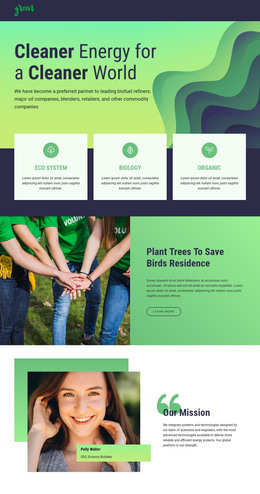
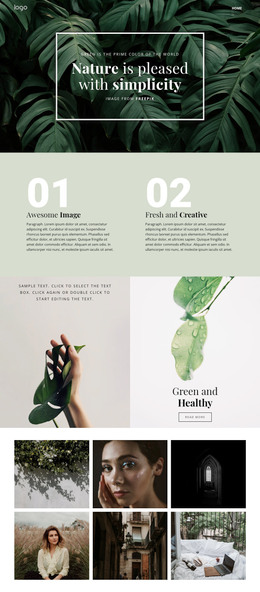
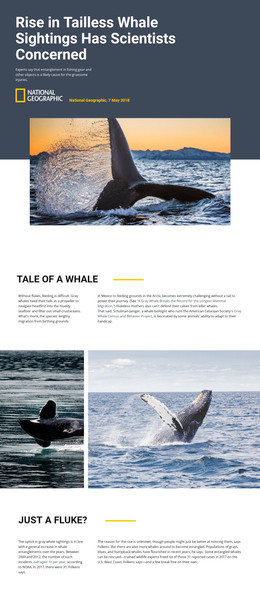
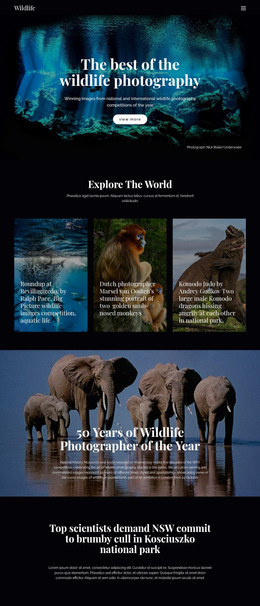
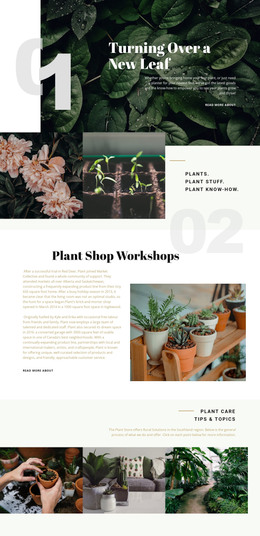
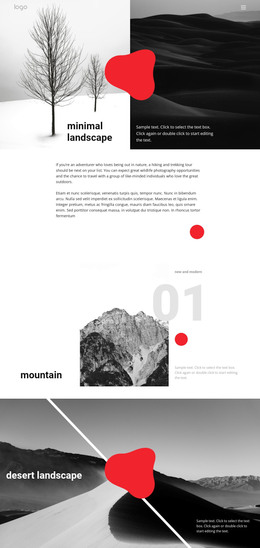
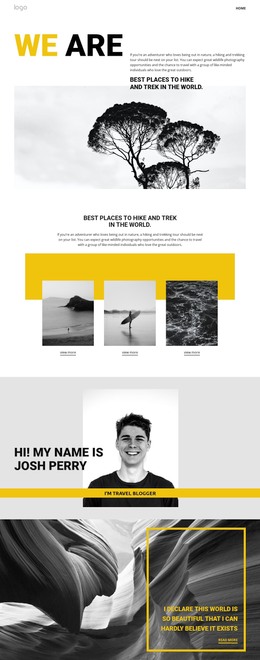
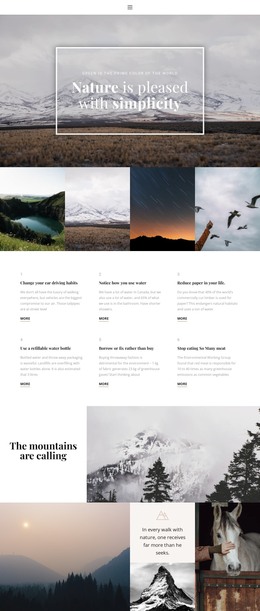
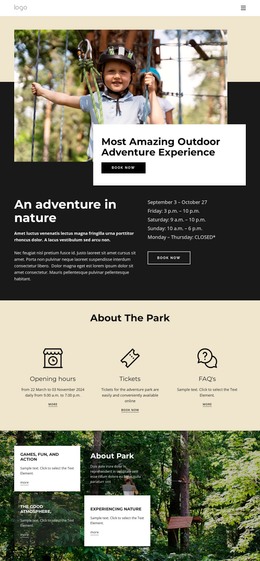
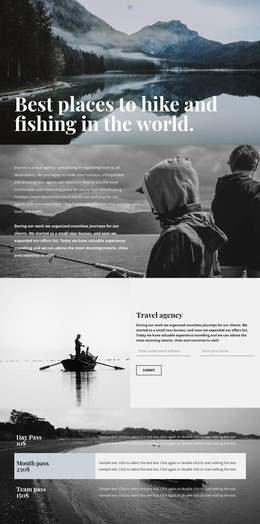
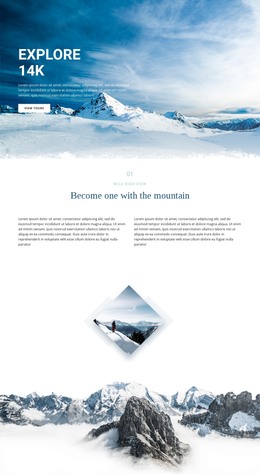
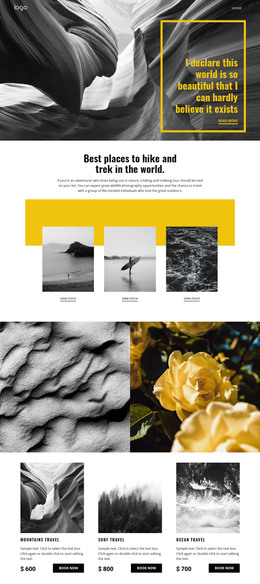
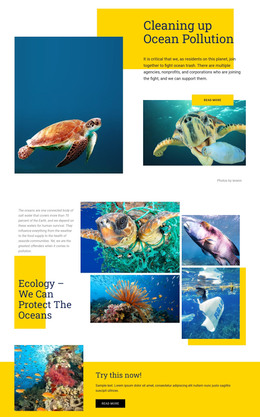
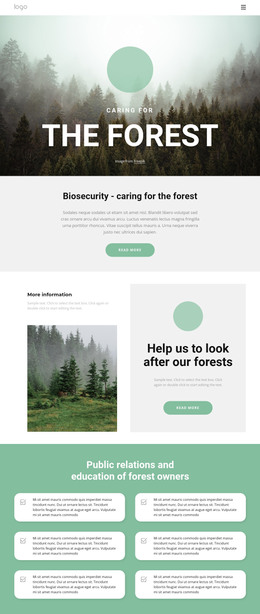
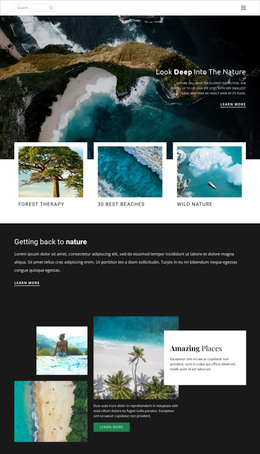
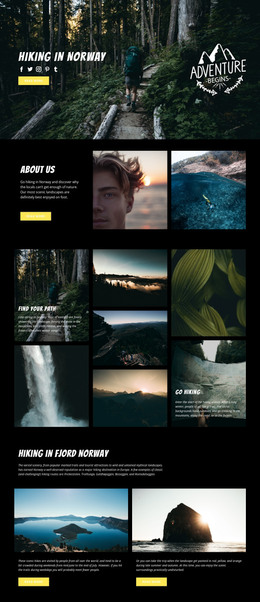
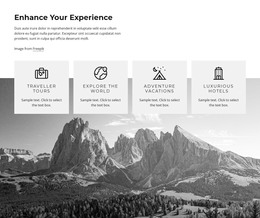
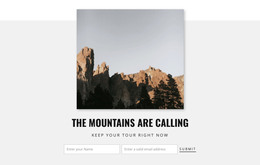
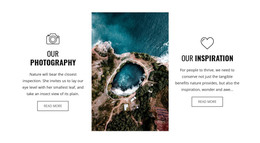
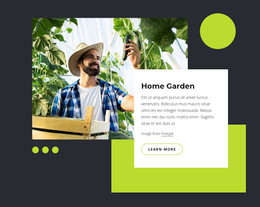
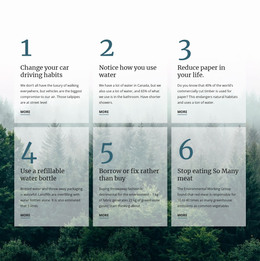
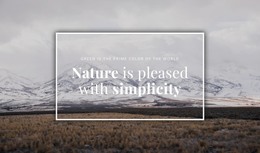
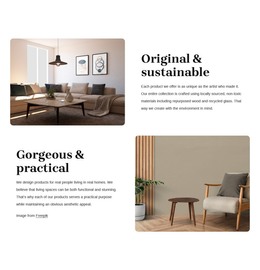
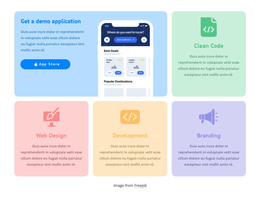
The gallery uses four equal image cells to present aerial coastal and forest landscapes as one visual content group. Their single-row arrangement and edge-to-edge alignment create a continuous horizontal rhythm, while the full-height rectangular crops keep the photographs consistent in scale. Turquoise, deep blue, green, white, and earthy tones supply the section’s visual variety through the images themselves. With no visible heading, text, button, or overlay, the block remains centered on showing the landscape scenes rather than explaining them.
For a WordPress-oriented project, this arrangement can serve as stable visual content within a page-managed section, such as a nature presentation, destination feature, or image-led introduction. The gallery’s role is specific and limited: it displays four photographs together in a fixed order and does not imply posts, categories, widgets, or other CMS structures inside the block. Because interaction is static, all four images remain visible at once instead of depending on a carousel or slideshow. That makes the section straightforward to place alongside separately managed page content while preserving its consistent image treatment. It contributes a recognizable gallery region to the surrounding WordPress site, not a complete WordPress theme.
Customize with Nicepage
Open this ready-made template in the WordPress Website Builder and customize it visually in the Nicepage editor. Replace demo content, edit page sections, and adapt the design to your project without rebuilding the template from scratch.
Edit Template Offline
2. Create a new page or select existing
3. Click Add new block, search for id 58644 and click enter
Edit Template Online
Create Awesome Websites


Free Nicepage Builder
Keywords
Manage and Edit This Theme in WordPress
Customize and Install the WordPress Theme
Start with this ready-made theme instead of building the WordPress design from scratch. Customize its layout, content, typography, images, sections, and other design elements visually in Nicepage editor, then export and install the WordPress Theme, Plugin, and Pages on your WordPress site. The Nicepage WordPress Plugin lets you continue working with the site after installation.
Edit the Theme Directly in WordPress
After installation, you can edit the WordPress Theme directly in WordPress with the Nicepage WordPress Plugin. Use Site Style to customize site Colors, Fonts, Header, Footer, Blog, and Post Page Templates while working within your WordPress website.
Edit WordPress Pages Visually
Use the Nicepage WordPress Plugin to edit page content directly from the WordPress admin area. Open a WordPress Page with Nicepage and visually change its text, images, sections, and other page elements while continuing to manage the Page through WordPress.
WordPress Content and Theme Integration
Use the customized theme with WordPress Pages, Posts, Blog and Post Templates, menus, widgets, and other CMS-managed content. Shared theme elements such as Colors, Fonts, Header, Footer, Blog, and Post Page Templates can be managed as part of the overall site design, while WordPress provides the CMS environment for managing site content.
This workflow combines a ready-made WordPress Theme with visual customization, direct theme editing in WordPress, and continued content management through the Nicepage WordPress Plugin.