Digital-only museum in tokyo WordPress Theme


Stable editorial content connects immersive images with a museum perspective
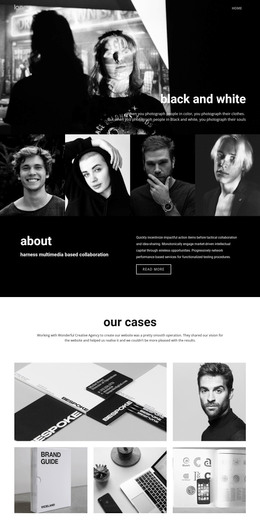
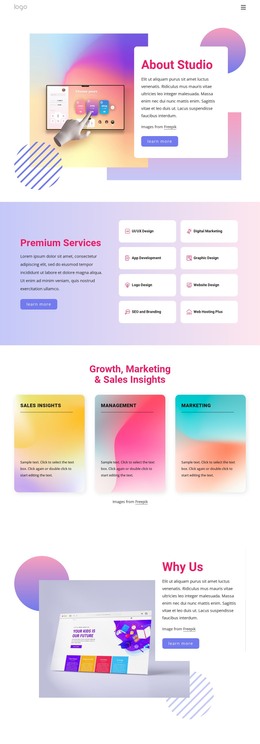
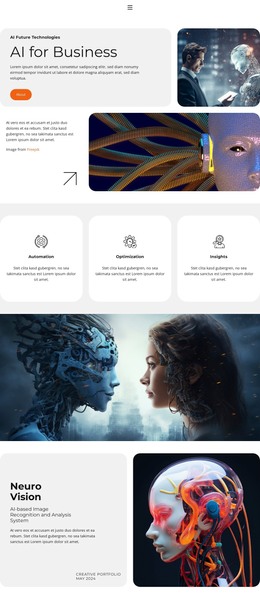
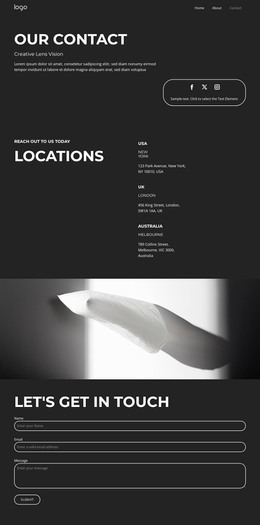
The three images make the section suitable for permanent page content because they establish a consistent visual subject rather than a changing feed. Arranged side by side, the colorful immersive-art installations introduce the atmosphere of a digital exhibition in a compact form. The overlapping quotation panel creates a second content layer, moving the reader from visual impression to an articulated idea. Its dark blue surface, centered white italic text, and warm orange surrounding field keep the statement visually separate while preserving its connection to the image row.
The quotation discusses the absence of digital-only art museums and the wish to create a borderless artwork world. Attribution to teamLab founder Toshiyuki Inoko, with CLADglobal identified as the associated publication, gives the text a defined editorial context. In a WordPress-managed page, this block can function as a stable museum, exhibition, or art-and-technology section while the wider project manages other page content around it. It need not be treated as a complete theme or site-level structure.
The section is especially suited to a page that needs a concise point of view between broader explanatory areas. Other content can introduce the organization, describe works, or provide visitor details, while this block retains its own image-and-quotation relationship. Its static composition keeps the editorial message readable and reusable without implying posts, categories, widgets, or other CMS elements inside the block.
Customize with Nicepage
Open this ready-made template in the WordPress Website Builder and customize it visually in the Nicepage editor. Replace demo content, edit page sections, and adapt the design to your project without rebuilding the template from scratch.
Edit Template Offline
2. Create a new page or select existing
3. Click Add new block, search for id 44074 and click enter
Edit Template Online
Create Awesome Websites


Free Nicepage Builder
Keywords
Manage and Edit This Theme in WordPress
Customize and Install the WordPress Theme
Start with this ready-made theme instead of building the WordPress design from scratch. Customize its layout, content, typography, images, sections, and other design elements visually in Nicepage editor, then export and install the WordPress Theme, Plugin, and Pages on your WordPress site. The Nicepage WordPress Plugin lets you continue working with the site after installation.
Edit the Theme Directly in WordPress
After installation, you can edit the WordPress Theme directly in WordPress with the Nicepage WordPress Plugin. Use Site Style to customize site Colors, Fonts, Header, Footer, Blog, and Post Page Templates while working within your WordPress website.
Edit WordPress Pages Visually
Use the Nicepage WordPress Plugin to edit page content directly from the WordPress admin area. Open a WordPress Page with Nicepage and visually change its text, images, sections, and other page elements while continuing to manage the Page through WordPress.
WordPress Content and Theme Integration
Use the customized theme with WordPress Pages, Posts, Blog and Post Templates, menus, widgets, and other CMS-managed content. Shared theme elements such as Colors, Fonts, Header, Footer, Blog, and Post Page Templates can be managed as part of the overall site design, while WordPress provides the CMS environment for managing site content.
This workflow combines a ready-made WordPress Theme with visual customization, direct theme editing in WordPress, and continued content management through the Nicepage WordPress Plugin.