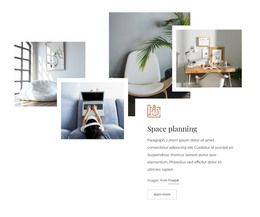
Interior domestic room WordPress Theme


A Testimonial Section Suited to Stable WordPress Page Content
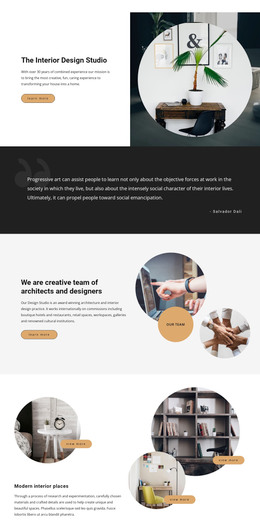
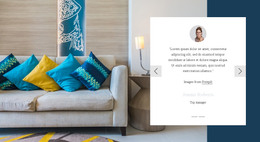
The large serif heading and italic testimonial paragraph make this section read as stable page content rather than a stream of dated editorial entries. The quotation mark establishes the testimonial context immediately, and the paragraph provides the main narrative before the read-more button offers a related next step. Because the copy and action share the left side, the block keeps its message concentrated in one readable content area.
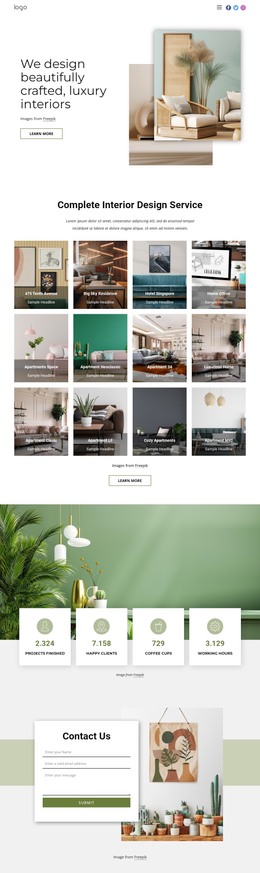
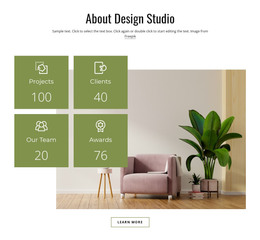
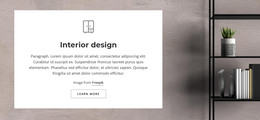
The right-side photograph gives that text a concrete interior setting. A bright living room with abundant plants and soft furnishings supports the subject visually, while the single-image format avoids the density of a gallery or repeated card layout. White space between the columns allows the image to function as a visual counterweight instead of interrupting the testimonial hierarchy.
Within a WordPress-managed project, the block can serve as a reusable section on an interior design or studio page, with the broader site handling additional content around it. The block itself remains one page-content region, not a complete WordPress Theme. Its fixed split arrangement is useful when a site needs a recognizable testimonial moment that combines a client-quote presentation, an interior image, and a modest read-more action without adding unnecessary components.
Customize with Nicepage
Open this ready-made template in the WordPress Website Builder and customize it visually in the Nicepage editor. Replace demo content, edit page sections, and adapt the design to your project without rebuilding the template from scratch.
Edit Template Offline
2. Create a new page or select existing
3. Click Add new block, search for id 42680 and click enter
Edit Template Online
Create Awesome Websites


Free Nicepage Builder
Keywords
Manage and Edit This Theme in WordPress
Customize and Install the WordPress Theme
Start with this ready-made theme instead of building the WordPress design from scratch. Customize its layout, content, typography, images, sections, and other design elements visually in Nicepage editor, then export and install the WordPress Theme, Plugin, and Pages on your WordPress site. The Nicepage WordPress Plugin lets you continue working with the site after installation.
Edit the Theme Directly in WordPress
After installation, you can edit the WordPress Theme directly in WordPress with the Nicepage WordPress Plugin. Use Site Style to customize site Colors, Fonts, Header, Footer, Blog, and Post Page Templates while working within your WordPress website.
Edit WordPress Pages Visually
Use the Nicepage WordPress Plugin to edit page content directly from the WordPress admin area. Open a WordPress Page with Nicepage and visually change its text, images, sections, and other page elements while continuing to manage the Page through WordPress.
WordPress Content and Theme Integration
Use the customized theme with WordPress Pages, Posts, Blog and Post Templates, menus, widgets, and other CMS-managed content. Shared theme elements such as Colors, Fonts, Header, Footer, Blog, and Post Page Templates can be managed as part of the overall site design, while WordPress provides the CMS environment for managing site content.
This workflow combines a ready-made WordPress Theme with visual customization, direct theme editing in WordPress, and continued content management through the Nicepage WordPress Plugin.