Medical care WordPress Theme


Dental Imagery as Stable WordPress Page Content
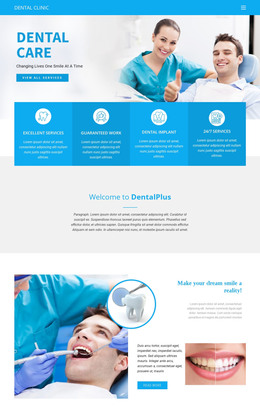
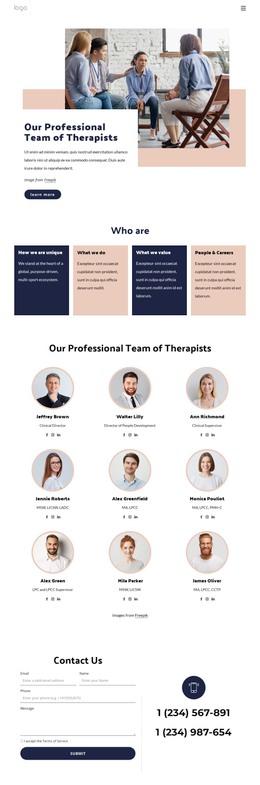
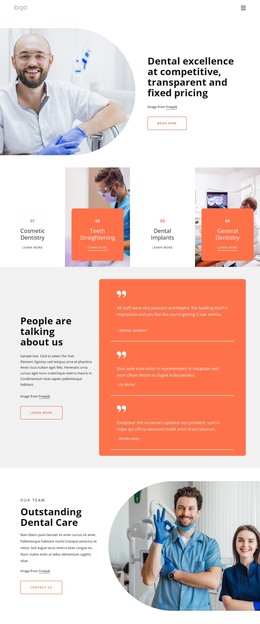
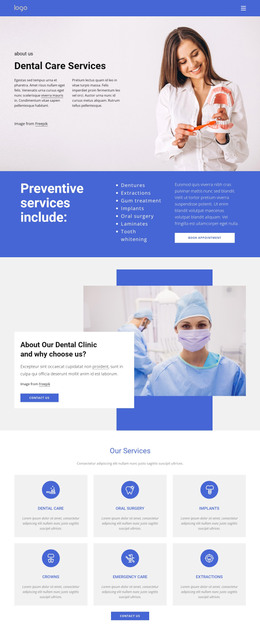
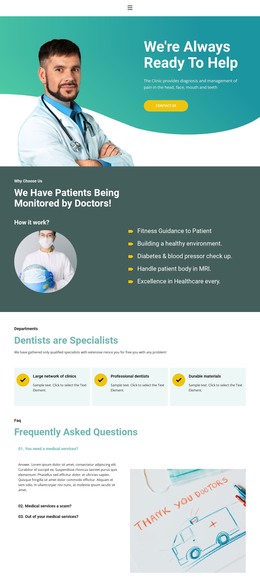
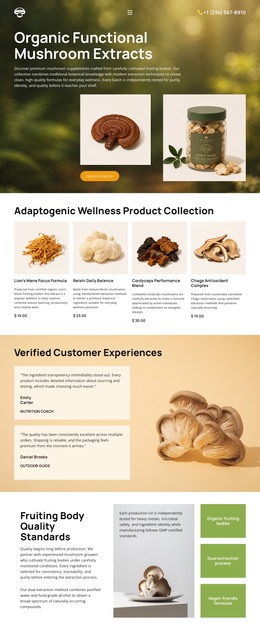
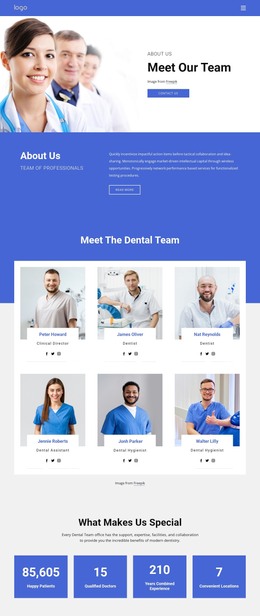
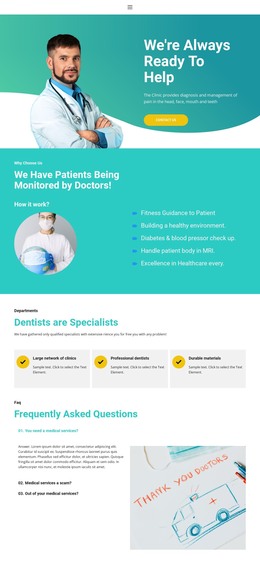
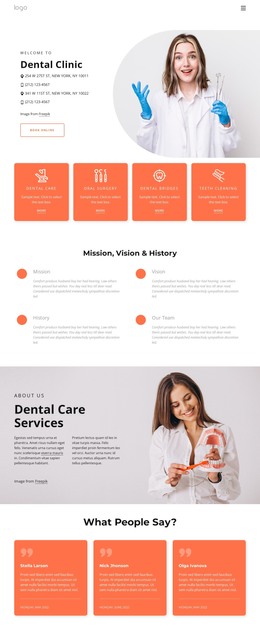
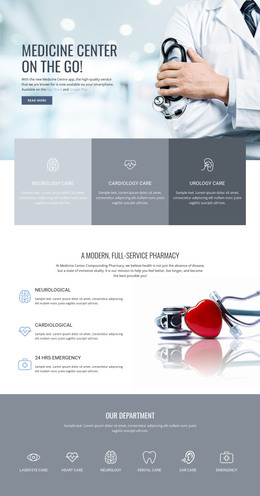
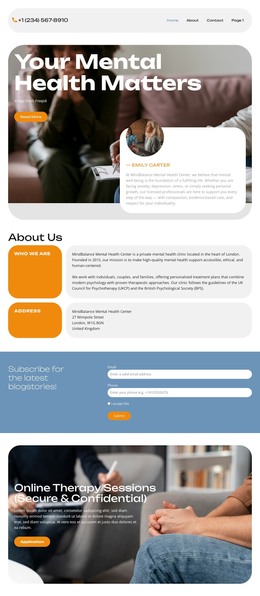
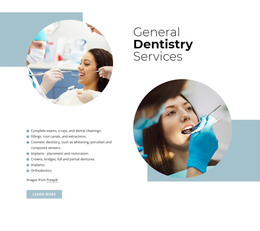
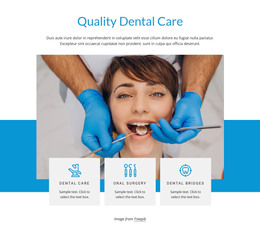
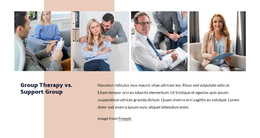
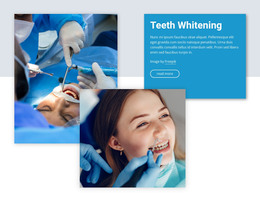
The treatment chair, masked clinician, and dental instruments give this section a clear role as visual page content in a WordPress-managed healthcare site. The three photographs are arranged as equal-width columns in one horizontal row, allowing visitors to take in the treatment environment, clinical personnel, and equipment as a single visual group. Since the block contains no visible heading, captions, or controls, its meaning comes from the relationship between the images rather than from editable text inside the section.
That simplicity makes the gallery suitable for stable content on a dental or healthcare page, where surrounding copy can explain services or provide context separately. The tightly cropped panels keep attention on concrete treatment details, while the narrow vertical boundaries prevent the scenes from merging into one indistinct image. A cool white-and-blue clinical palette connects the photographs; warm wood and neutral gray accents add texture to the otherwise restrained presentation.
In a WordPress-oriented project, the block can remain a reusable visual section within permanent page content while the wider site handles other information around it. The gallery does not need to become a complete page or theme. Its specific contribution is a concise image-led presentation that can sit beside written descriptions, service information, or a later contact area.
Customize with Nicepage
Open this ready-made template in the WordPress Website Builder and customize it visually in the Nicepage editor. Replace demo content, edit page sections, and adapt the design to your project without rebuilding the template from scratch.
Edit Template Offline
2. Create a new page or select existing
3. Click Add new block, search for id 42388 and click enter
Edit Template Online
Create Awesome Websites


Free Nicepage Builder
Keywords
Manage and Edit This Theme in WordPress
Customize and Install the WordPress Theme
Start with this ready-made theme instead of building the WordPress design from scratch. Customize its layout, content, typography, images, sections, and other design elements visually in Nicepage editor, then export and install the WordPress Theme, Plugin, and Pages on your WordPress site. The Nicepage WordPress Plugin lets you continue working with the site after installation.
Edit the Theme Directly in WordPress
After installation, you can edit the WordPress Theme directly in WordPress with the Nicepage WordPress Plugin. Use Site Style to customize site Colors, Fonts, Header, Footer, Blog, and Post Page Templates while working within your WordPress website.
Edit WordPress Pages Visually
Use the Nicepage WordPress Plugin to edit page content directly from the WordPress admin area. Open a WordPress Page with Nicepage and visually change its text, images, sections, and other page elements while continuing to manage the Page through WordPress.
WordPress Content and Theme Integration
Use the customized theme with WordPress Pages, Posts, Blog and Post Templates, menus, widgets, and other CMS-managed content. Shared theme elements such as Colors, Fonts, Header, Footer, Blog, and Post Page Templates can be managed as part of the overall site design, while WordPress provides the CMS environment for managing site content.
This workflow combines a ready-made WordPress Theme with visual customization, direct theme editing in WordPress, and continued content management through the Nicepage WordPress Plugin.