Jazz club WordPress Theme


Stable Music Content Across a WordPress-Managed Page
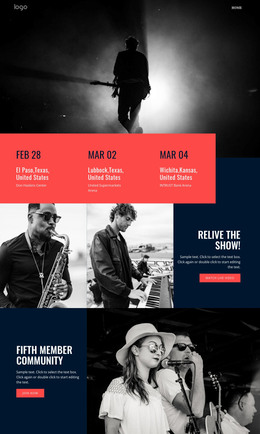
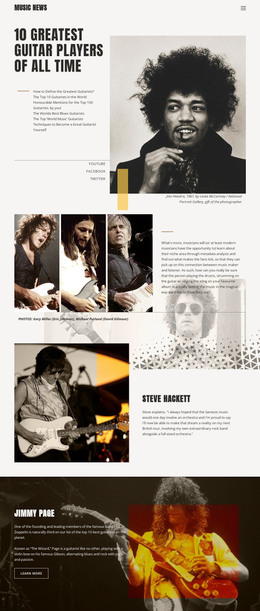
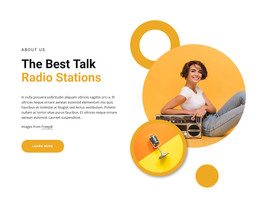
The “jazz club” heading and two musician photographs give this section stable, page-oriented content rather than a time-sensitive interaction. The yellow identity panel provides the primary textual cue, and the circular icon adds a small supporting detail beneath it. On the right, the two portrait images show instruments and microphones, allowing the visual material to reinforce the music subject while remaining separate from the heading area. Equal panel widths keep those content roles easy to preserve as the section is maintained.
In a WordPress-oriented project, the block can serve as a reusable visual section on a page about a venue, event, or artist, while the surrounding site manages other content areas independently. Its practical role is not to act as the whole theme, but to keep this particular identity message consistent wherever the section is used. The static arrangement also suits content that needs a dependable presentation rather than a rotating display. Editors can update the heading or imagery as the project develops, while the established contrast between yellow, white type, and darker photography continues to distinguish the music section from adjacent page content.
Customize with Nicepage
Open this ready-made template in the WordPress Website Builder and customize it visually in the Nicepage editor. Replace demo content, edit page sections, and adapt the design to your project without rebuilding the template from scratch.
Edit Template Offline
2. Create a new page or select existing
3. Click Add new block, search for id 73379 and click enter
Edit Template Online
Create Awesome Websites


Free Nicepage Builder
Keywords
Manage and Edit This Theme in WordPress
Customize and Install the WordPress Theme
Start with this ready-made theme instead of building the WordPress design from scratch. Customize its layout, content, typography, images, sections, and other design elements visually in Nicepage editor, then export and install the WordPress Theme, Plugin, and Pages on your WordPress site. The Nicepage WordPress Plugin lets you continue working with the site after installation.
Edit the Theme Directly in WordPress
After installation, you can edit the WordPress Theme directly in WordPress with the Nicepage WordPress Plugin. Use Site Style to customize site Colors, Fonts, Header, Footer, Blog, and Post Page Templates while working within your WordPress website.
Edit WordPress Pages Visually
Use the Nicepage WordPress Plugin to edit page content directly from the WordPress admin area. Open a WordPress Page with Nicepage and visually change its text, images, sections, and other page elements while continuing to manage the Page through WordPress.
WordPress Content and Theme Integration
Use the customized theme with WordPress Pages, Posts, Blog and Post Templates, menus, widgets, and other CMS-managed content. Shared theme elements such as Colors, Fonts, Header, Footer, Blog, and Post Page Templates can be managed as part of the overall site design, while WordPress provides the CMS environment for managing site content.
This workflow combines a ready-made WordPress Theme with visual customization, direct theme editing in WordPress, and continued content management through the Nicepage WordPress Plugin.