Choose our digital agency WordPress Theme



Edit Template Offline
2. Create new page and search for id 4234763
Edit Template Online
Create Awesome Websites


Free Nicepage Builder
Keywords
Agency services and recurring content suit a WordPress theme structure
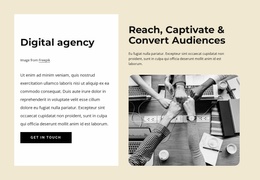
The service section gives the design a strong set of permanent page content. A featured image introduces the dark block, while four white cards separate Strategy, Management, Procurement, and Consultation into recognizable areas that can explain what the agency offers. The prototyping section provides a different content relationship: six concise labels connect product work with problem exploration, UX framework construction, research, selling a product or feature, fundraising, and redesign preparation. This makes the page suitable for a project that may combine stable agency information with content that can be expanded or refreshed.
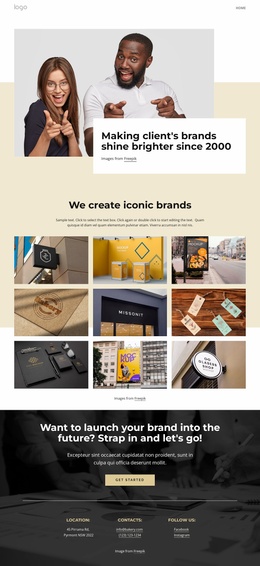
The later marketing grid and brand showcase add reusable visual patterns. Four image-led cards present Agility, Strength, Quickness, and Power as marketing-oriented value pillars, while the consistency statement and five brand marks create a dedicated space for brand context. These sections work alongside navigation links for Company, About us, Our Team, and Contact, giving the page a clear set of content destinations without asserting that blog posts, categories, or other WordPress structures are already present.
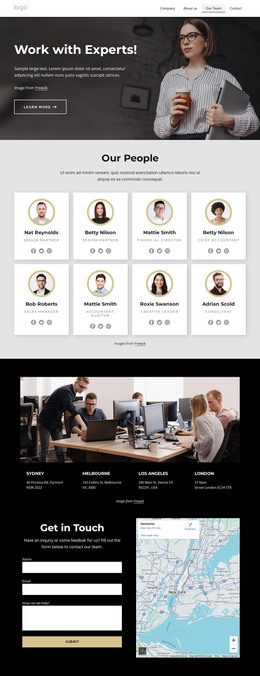
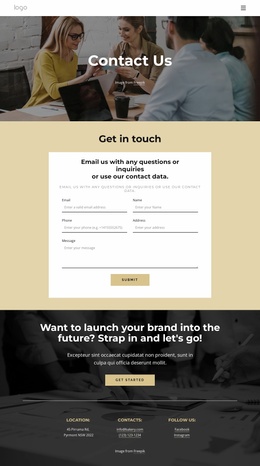
The closing area is especially useful as shared site content because it brings together location, contact, and social-link groups beneath a final Get Started prompt. In a WordPress-managed project, these page-oriented areas could continue to carry the agency’s core information while new editorial or project content is added around them. The black, pale cream, and white palette, rounded cards, and image-led sections keep that content within one recognizable theme direction.
Customize with Nicepage
Open this ready-made template in the WordPress Website Builder and customize it visually in the Nicepage editor. Replace demo content, edit page sections, and adapt the design to your project without rebuilding the template from scratch.
Manage and Edit This Theme in WordPress
Customize and Install the WordPress Theme
Start with this ready-made theme instead of building the WordPress design from scratch. Customize its layout, content, typography, images, sections, and other design elements visually in Nicepage editor, then export and install the WordPress Theme, Plugin, and Pages on your WordPress site. The Nicepage WordPress Plugin lets you continue working with the site after installation.
Edit the Theme Directly in WordPress
After installation, you can edit the WordPress Theme directly in WordPress with the Nicepage WordPress Plugin. Use Site Style to customize site Colors, Fonts, Header, Footer, Blog, and Post Page Templates while working within your WordPress website.
Edit WordPress Pages Visually
Use the Nicepage WordPress Plugin to edit page content directly from the WordPress admin area. Open a WordPress Page with Nicepage and visually change its text, images, sections, and other page elements while continuing to manage the Page through WordPress.
WordPress Content and Theme Integration
Use the customized theme with WordPress Pages, Posts, Blog and Post Templates, menus, widgets, and other CMS-managed content. Shared theme elements such as Colors, Fonts, Header, Footer, Blog, and Post Page Templates can be managed as part of the overall site design, while WordPress provides the CMS environment for managing site content.
This workflow combines a ready-made WordPress Theme with visual customization, direct theme editing in WordPress, and continued content management through the Nicepage WordPress Plugin.