Jemma's Studio Testimonials WordPress Theme


Side-by-side quotes provide stable page content
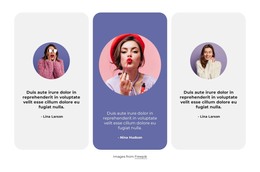
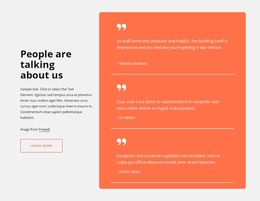
The two testimonial entries give this block a clear WordPress-oriented page-content role. Rather than depending on a changing article stream, the section presents a defined set of endorsement content under the “Testimonials” heading. Each quote remains tied to its attribution: Jess Gerring is identified as Owner & Director of Hello Hair, and Laura Cameron as Channel 10 Publicist. That pairing of quotation, name, and role creates a repeatable content pattern that can sit within a stable services, about, or customer-proof area managed around the block.
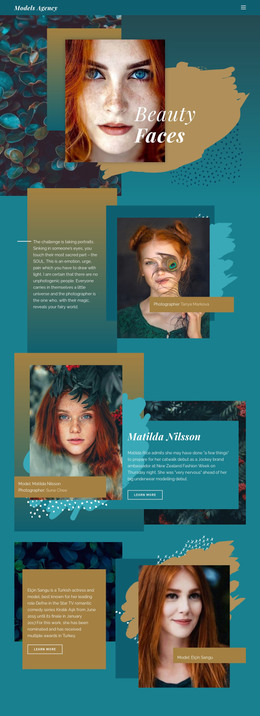
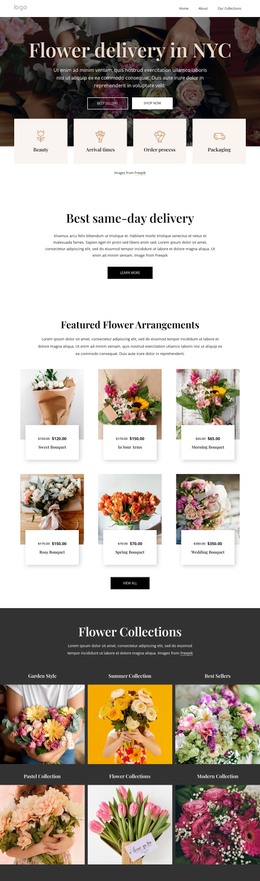
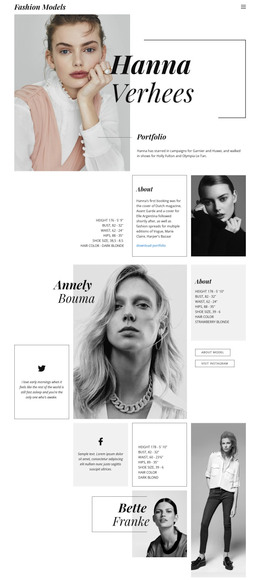
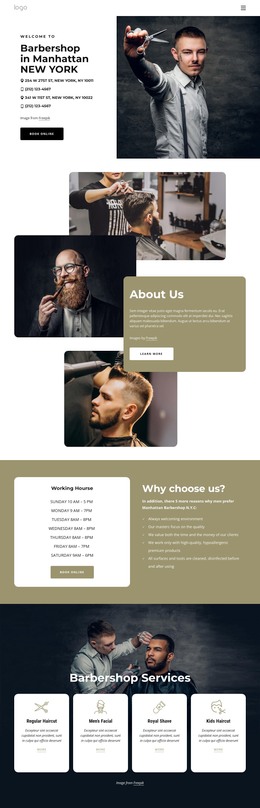
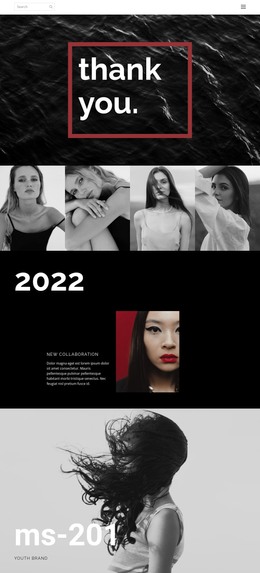
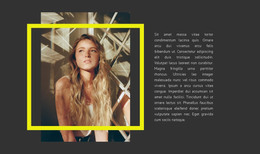
The visual treatment reinforces the section’s editorial character. A full-width black-and-white photograph focused on hair and a close-up portrait spans behind the content, while white text stands out against the dark image. The two balanced columns keep the entries comparable without reducing them to one combined statement. Because the interaction is static, visitors can read both attributed entries at once, with no carousel or expandable state competing for attention.
In a WordPress-managed page, this block can retain its role as a reusable testimonial section while the surrounding project handles other permanent content or regularly updated areas. The section itself remains focused on its heading, two quotes, author context, and photographic background. The CMS context supports how the content may participate in a wider page; it does not make this single section a standalone theme or complete site.
Customize with Nicepage
Open this ready-made template in the WordPress Website Builder and customize it visually in the Nicepage editor. Replace demo content, edit page sections, and adapt the design to your project without rebuilding the template from scratch.
Edit Template Offline
2. Create a new page or select existing
3. Click Add new block, search for id 40917 and click enter
Edit Template Online
Create Awesome Websites


Free Nicepage Builder
Keywords
Manage and Edit This Theme in WordPress
Customize and Install the WordPress Theme
Start with this ready-made theme instead of building the WordPress design from scratch. Customize its layout, content, typography, images, sections, and other design elements visually in Nicepage editor, then export and install the WordPress Theme, Plugin, and Pages on your WordPress site. The Nicepage WordPress Plugin lets you continue working with the site after installation.
Edit the Theme Directly in WordPress
After installation, you can edit the WordPress Theme directly in WordPress with the Nicepage WordPress Plugin. Use Site Style to customize site Colors, Fonts, Header, Footer, Blog, and Post Page Templates while working within your WordPress website.
Edit WordPress Pages Visually
Use the Nicepage WordPress Plugin to edit page content directly from the WordPress admin area. Open a WordPress Page with Nicepage and visually change its text, images, sections, and other page elements while continuing to manage the Page through WordPress.
WordPress Content and Theme Integration
Use the customized theme with WordPress Pages, Posts, Blog and Post Templates, menus, widgets, and other CMS-managed content. Shared theme elements such as Colors, Fonts, Header, Footer, Blog, and Post Page Templates can be managed as part of the overall site design, while WordPress provides the CMS environment for managing site content.
This workflow combines a ready-made WordPress Theme with visual customization, direct theme editing in WordPress, and continued content management through the Nicepage WordPress Plugin.