We are the largest running club WordPress Theme


Numbered Sports Information Works as Stable WordPress Page Content
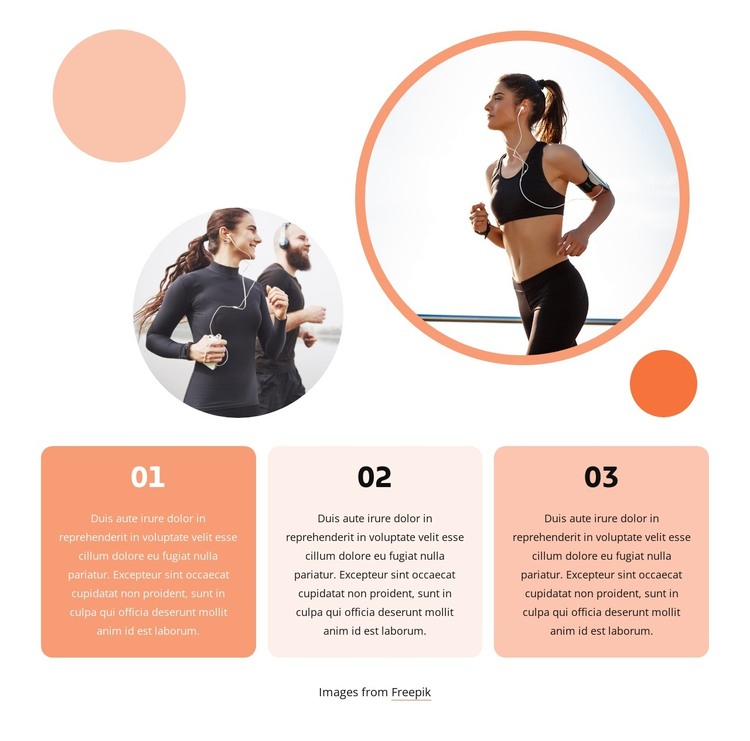
The circular photographs give the section an immediate sports and jogging context, but the primary content model is the three-card sequence beneath them. Each rounded card contains a number and a paragraph, creating three stable informational units that can be read from 01 to 03 or scanned as a parallel group. Because the cards use the same centered typography and related warm fills, the section presents separate points without losing visual cohesion.
For a WordPress-managed page, this structure is well suited to permanent content such as an explanation of activities, participation steps, training ideas, or other related information. Those interpretations can be adapted around the existing three-item format, while the broader WordPress site manages additional pages and regularly maintained content outside this section. The block itself remains a contained page area rather than a complete theme; its value comes from giving one topic three clearly bounded points.
The two circular images above the cards can reinforce the subject visually, while the overlapping decorative circles provide continuity between the image area and the information row. Alternating card backgrounds create emphasis without changing the content hierarchy. The image credit beneath the row should stay attached to the visual material when the section is placed in WordPress-managed content. This combination makes the block useful for a stable, visually distinctive information section within a larger site.
Customize with Nicepage
Open this ready-made template in the WordPress Website Builder and customize it visually in the Nicepage editor. Replace demo content, edit page sections, and adapt the design to your project without rebuilding the template from scratch.
Edit Template Offline
2. Create a new page or select existing
3. Click Add new block, search for id 2239617 and click enter
Edit Template Online
Create Awesome Websites


Free Nicepage Builder
Keywords
Manage and Edit This Theme in WordPress
Customize and Install the WordPress Theme
Start with this ready-made theme instead of building the WordPress design from scratch. Customize its layout, content, typography, images, sections, and other design elements visually in Nicepage editor, then export and install the WordPress Theme, Plugin, and Pages on your WordPress site. The Nicepage WordPress Plugin lets you continue working with the site after installation.
Edit the Theme Directly in WordPress
After installation, you can edit the WordPress Theme directly in WordPress with the Nicepage WordPress Plugin. Use Site Style to customize site Colors, Fonts, Header, Footer, Blog, and Post Page Templates while working within your WordPress website.
Edit WordPress Pages Visually
Use the Nicepage WordPress Plugin to edit page content directly from the WordPress admin area. Open a WordPress Page with Nicepage and visually change its text, images, sections, and other page elements while continuing to manage the Page through WordPress.
WordPress Content and Theme Integration
Use the customized theme with WordPress Pages, Posts, Blog and Post Templates, menus, widgets, and other CMS-managed content. Shared theme elements such as Colors, Fonts, Header, Footer, Blog, and Post Page Templates can be managed as part of the overall site design, while WordPress provides the CMS environment for managing site content.
This workflow combines a ready-made WordPress Theme with visual customization, direct theme editing in WordPress, and continued content management through the Nicepage WordPress Plugin.