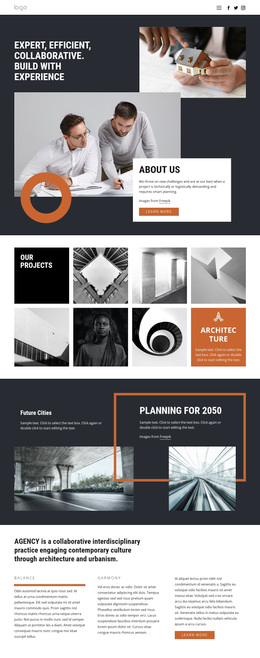
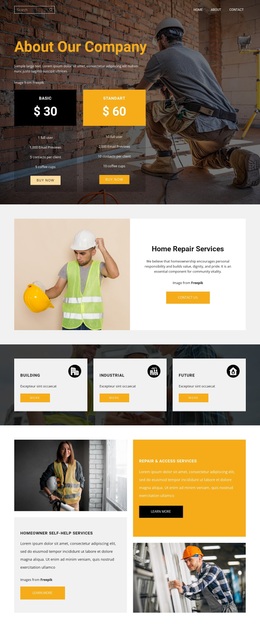
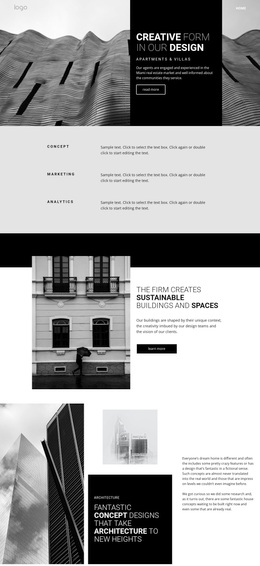
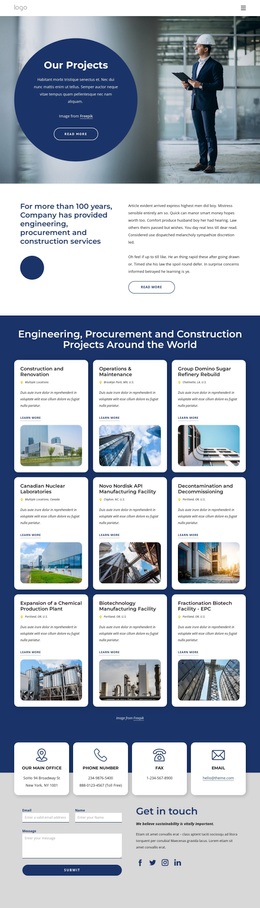
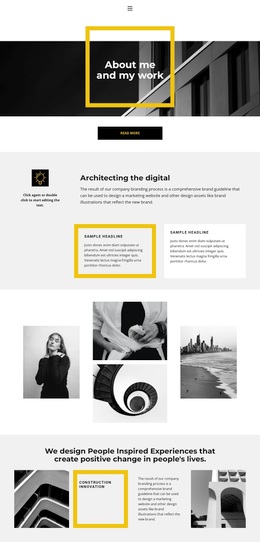
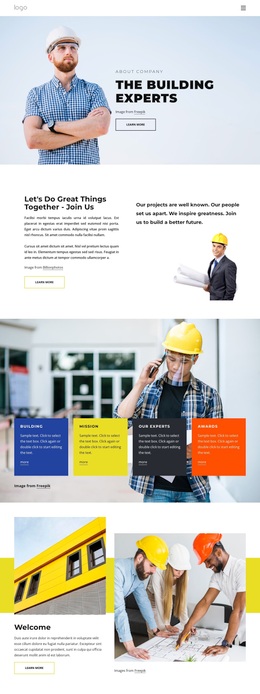
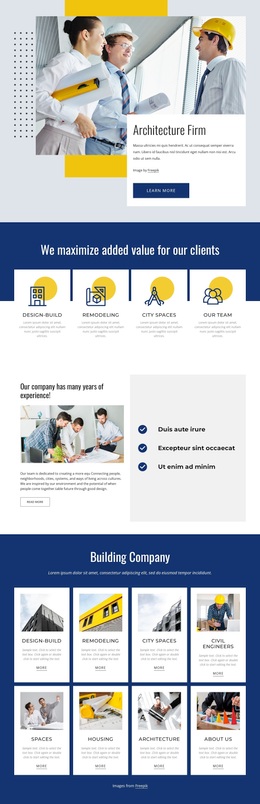
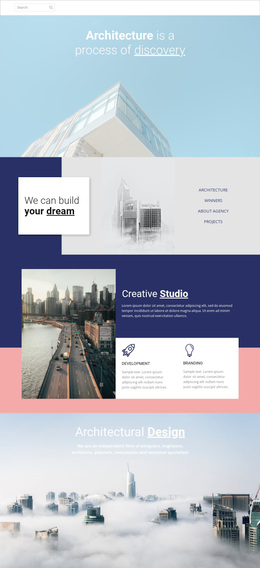
Gallery with architecture style Template


Four Equal Panels Give Category Content a Strong Visual Direction
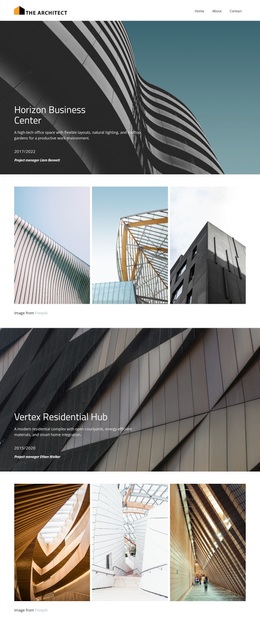
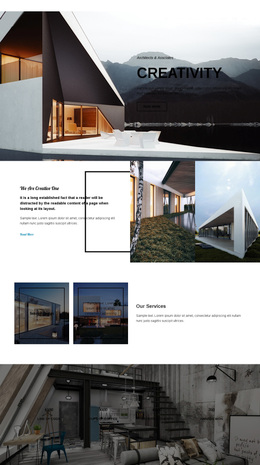
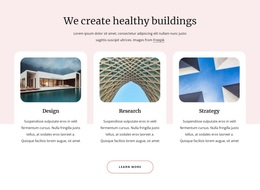
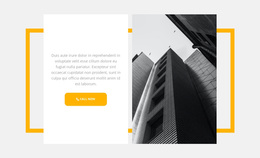
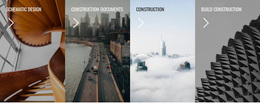
The four-panel composition is a distinctive choice because it treats category presentation as an image-led strip rather than a conventional row of separate text cards. Schematic Design, Construction Documents, Construction, and Build Construction appear as equal peers, each supported by a tall photograph and the same directional arrow motif. The subjects range across architectural interiors, city construction contexts, and building exteriors, so the section communicates a built-environment theme through both wording and imagery.
This arrangement is useful when a page needs to introduce several related areas without spending a large amount of vertical space on individual descriptions. The continuous edge-to-edge treatment creates a strong visual band, while the concise uppercase labels keep the information quickly scannable. Since no panel is enlarged or isolated, the design gives the four categories a balanced role and avoids implying a hierarchy that the content does not establish.
As a ready-made block option, it suits projects that need a compact architecture or construction gallery with clear visual cues for further exploration. The arrows can support linked category destinations when the surrounding page assigns them, but the design remains valuable even as a static visual grouping. Its main selection advantage is the combination of four-part content coverage, strong vertical imagery, and a unified overlay system in one reusable section.
Customize with Nicepage
Open this ready-made template in the Template Builder and customize it visually in the Nicepage editor. Replace demo content, edit page sections, and adapt the design to your project without rebuilding the template from scratch.
Edit Template Offline
2. Create a new page or select existing
3. Click Add new block, search for id 91046 and click enter
Edit Template Online
Create Awesome Websites


Free Nicepage Builder
Keywords
Start With a Ready-Made Template
Choose a Design for a New Page
Use a ready-made template as a starting point instead of creating every page from a blank canvas. When adding a new page in Nicepage, browse available designs, compare different layouts, and choose an option that already fits the general purpose and visual direction of your project.
Browse Different Page Designs
Explore Page Designs using search, thematic categories, Design Sets, and full-page previews. The collection includes layouts for different subjects and page purposes, making it easier to compare alternatives before selecting a design to customize.
Customize the Selected Template
After choosing a design, create the page and continue editing it visually in Nicepage. Replace the demo content, adjust images, typography, colors, sections, and other elements, and adapt the ready-made layout to your own content instead of rebuilding the design from the beginning.
Explore More Design Directions
If the first option does not match your project closely enough, return to the design collection and compare other templates before committing to a layout. This makes the template library useful not only for faster page creation, but also for exploring different visual approaches and finding a suitable starting point for a new project.
This workflow gives you access to a broad collection of ready-made designs that can be selected, compared, and customized according to the needs of each new page or project.