Investment consulting group Template


Edit Template Offline
2. Create new page and search for id 6464346
Edit Template Online
Create Awesome Websites


Free Nicepage Builder
Keywords
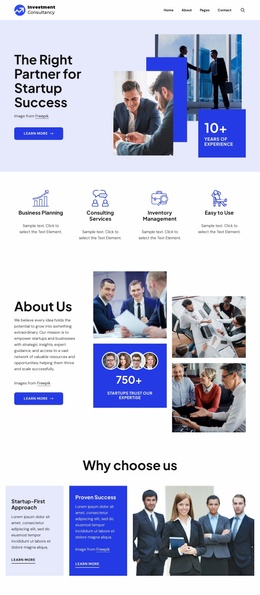
Three Service Cards Lead Into a Broad Consulting Story
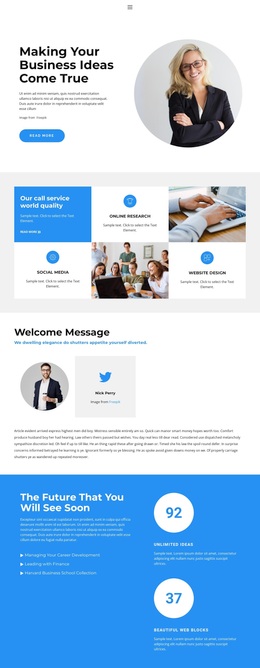
Business Planning, Consulting Services, and Inventory Management appear together near the beginning, giving this design a useful starting point for projects that need to explain several related offerings without separating them into unrelated presentations. The hero adds a stronger entry point: a business-team photograph, the “Just Taking Care of Your Business” message, a Get Started button, and an appointment calendar immediately establish the page’s consulting context and intended next step.
The later content broadens that initial promise. Accounting and business-growth support introduce a more specific operational concern, while the four focus-area tiles connect the offer to Business Planning, Sales Increase, Market Research, and Business Strategy. A cost-saving section, testimonial quotes, and four unlabeled counters add further layers of explanation and proof. The counters are structural visual elements, not verified performance claims, and the sample testimonial identities should likewise be replaced with confirmed content.
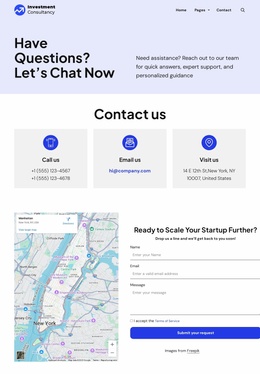
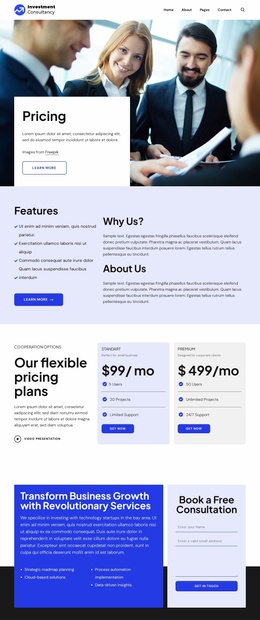
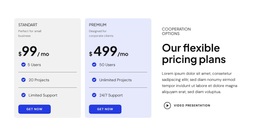
Pricing cards labeled Standard and Premium make the design suitable for projects that need to compare consulting options, while the team section gives the organization a more human point of reference. The final Book a Free Consultation area ties the separate topics back to a concrete response. Together, these relationships make the template a strong option when a consultancy needs more than a simple service list: it needs a visual path from care and expertise to plans, credibility, people, and contact.
Customize with Nicepage
Open this ready-made template in the Template Builder and customize it visually in the Nicepage editor. Replace demo content, edit page sections, and adapt the design to your project without rebuilding the template from scratch.
Start With a Ready-Made Template
Choose a Design for a New Page
Use a ready-made template as a starting point instead of creating every page from a blank canvas. When adding a new page in Nicepage, browse available designs, compare different layouts, and choose an option that already fits the general purpose and visual direction of your project.
Browse Different Page Designs
Explore Page Designs using search, thematic categories, Design Sets, and full-page previews. The collection includes layouts for different subjects and page purposes, making it easier to compare alternatives before selecting a design to customize.
Customize the Selected Template
After choosing a design, create the page and continue editing it visually in Nicepage. Replace the demo content, adjust images, typography, colors, sections, and other elements, and adapt the ready-made layout to your own content instead of rebuilding the design from the beginning.
Explore More Design Directions
If the first option does not match your project closely enough, return to the design collection and compare other templates before committing to a layout. This makes the template library useful not only for faster page creation, but also for exploring different visual approaches and finding a suitable starting point for a new project.
This workflow gives you access to a broad collection of ready-made designs that can be selected, compared, and customized according to the needs of each new page or project.