Turn your ideas Template



Edit Template Offline
2. Create new page and search for id 4545251
Edit Template Online
Create Awesome Websites


Free Nicepage Builder
Keywords
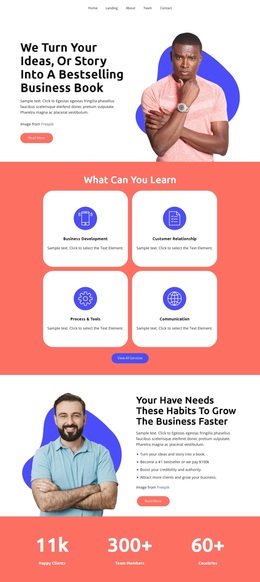
Four learning cards connect a book story with broader services
The strongest reason to choose this design is its wide content coverage. The opening headline frames the page around turning an idea or story into a business book, but the next four cards expand the subject into Business Development, Customer Relationship, Process & Tools, and Communication. That relationship suits a project that needs to present both an identifiable central offer and several educational or consulting directions without separating them into unrelated layouts.
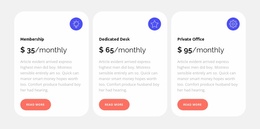
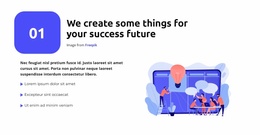
The page also includes multiple forms of supporting content. A portrait-led growth section supplies explanatory copy and benefit statements, while two testimonial cards and a row of seven subdued client logos create places for proof and association. Three monthly plan cards—Membership, Dedicated Desk, and Private Office—add a practical choice layer that distinguishes this design from a page focused only on long-form consulting text or a single service description. The repeated rounded cards make these varied subjects feel related.
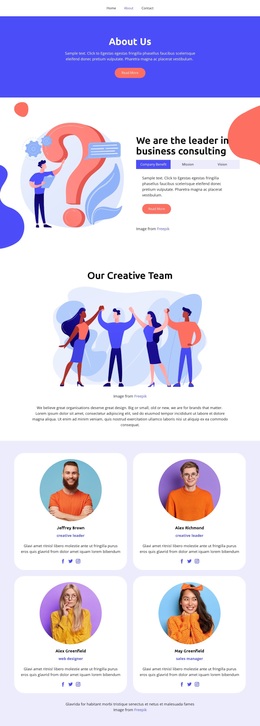
The final tab group organizes Company Benefits, Mission, and Vision, giving the design a compact way to hold additional company information before the email submission area. Together, the book message, learning categories, proof, plans, tabs, and contact point make this a useful option for a business project that needs a visual narrative with several service dimensions. Its vivid palette and alternating saturated and light sections further help separate the story into recognizable stages without requiring dense copy in every block.
Customize with Nicepage
Open this ready-made template in the Template Builder and customize it visually in the Nicepage editor. Replace demo content, edit page sections, and adapt the design to your project without rebuilding the template from scratch.
Start With a Ready-Made Template
Choose a Design for a New Page
Use a ready-made template as a starting point instead of creating every page from a blank canvas. When adding a new page in Nicepage, browse available designs, compare different layouts, and choose an option that already fits the general purpose and visual direction of your project.
Browse Different Page Designs
Explore Page Designs using search, thematic categories, Design Sets, and full-page previews. The collection includes layouts for different subjects and page purposes, making it easier to compare alternatives before selecting a design to customize.
Customize the Selected Template
After choosing a design, create the page and continue editing it visually in Nicepage. Replace the demo content, adjust images, typography, colors, sections, and other elements, and adapt the ready-made layout to your own content instead of rebuilding the design from the beginning.
Explore More Design Directions
If the first option does not match your project closely enough, return to the design collection and compare other templates before committing to a layout. This makes the template library useful not only for faster page creation, but also for exploring different visual approaches and finding a suitable starting point for a new project.
This workflow gives you access to a broad collection of ready-made designs that can be selected, compared, and customized according to the needs of each new page or project.