Empowering dreams Template



Edit Template Offline
2. Create new page and search for id 6257874
Edit Template Online
Create Awesome Websites


Free Nicepage Builder
Keywords
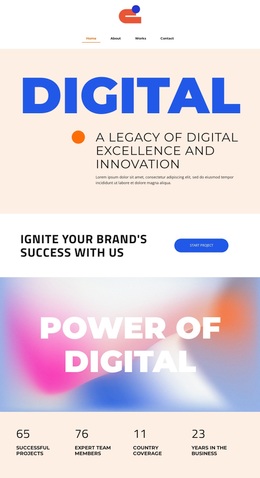
Three Agency Services Meet a Gallery-Led Editorial Direction
The strongest reason to choose this design is the way it combines practical agency content with a visually led presentation. UI/UX Design, Branding, and SEO are stated directly in the services section, so the template can communicate a recognizable offer without depending on dense paragraphs. Those service descriptions are balanced by the four-item feature showcase, where image-and-caption tiles introduce 3D modeling, minimalist design, mockups, and a universal look.
The visual direction is reinforced by the large DIGITAL, POWER OF DIGITAL, and DIGITAL AGENCY statements. Blue, orange, cream, and white surfaces create clear shifts between introduction, services, proof, and response areas, while condensed display typography gives the page a strong editorial signature. This makes the design a useful option for an agency that wants its visual identity to carry as much weight as its written explanation.
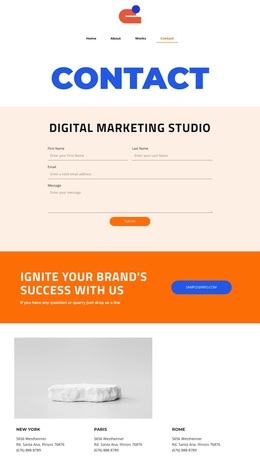
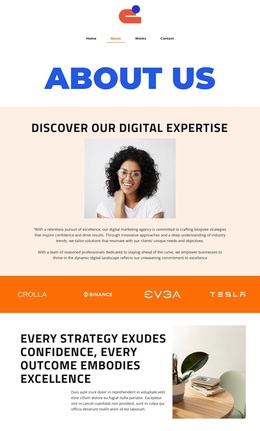
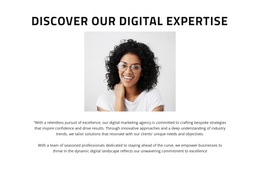
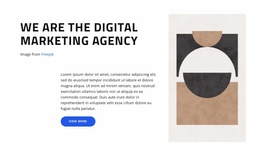
The content coverage is also broad enough for a focused presentation: an about section introduces the agency, four metric columns summarize displayed highlights, and a testimonial adds a client-perspective section. The Start project button and final subscription form provide two practical action contexts. Together, these relationships distinguish the template from a service-list layout or a portfolio-only page, while leaving room to adapt the emphasis to the final agency message.
Customize with Nicepage
Open this ready-made template in the Template Builder and customize it visually in the Nicepage editor. Replace demo content, edit page sections, and adapt the design to your project without rebuilding the template from scratch.
Start With a Ready-Made Template
Choose a Design for a New Page
Use a ready-made template as a starting point instead of creating every page from a blank canvas. When adding a new page in Nicepage, browse available designs, compare different layouts, and choose an option that already fits the general purpose and visual direction of your project.
Browse Different Page Designs
Explore Page Designs using search, thematic categories, Design Sets, and full-page previews. The collection includes layouts for different subjects and page purposes, making it easier to compare alternatives before selecting a design to customize.
Customize the Selected Template
After choosing a design, create the page and continue editing it visually in Nicepage. Replace the demo content, adjust images, typography, colors, sections, and other elements, and adapt the ready-made layout to your own content instead of rebuilding the design from the beginning.
Explore More Design Directions
If the first option does not match your project closely enough, return to the design collection and compare other templates before committing to a layout. This makes the template library useful not only for faster page creation, but also for exploring different visual approaches and finding a suitable starting point for a new project.
This workflow gives you access to a broad collection of ready-made designs that can be selected, compared, and customized according to the needs of each new page or project.