Full-service design studio Template



Edit Template Offline
2. Create new page and search for id 117349
Edit Template Online
Create Awesome Websites


Free Nicepage Builder
Keywords
Four Creative Categories Connect Editorial Images With Studio Proof
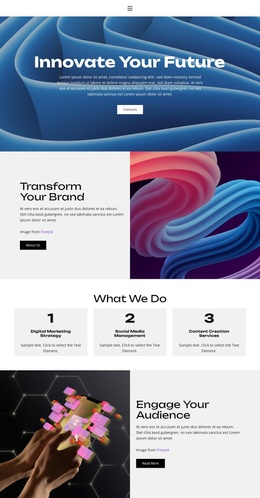
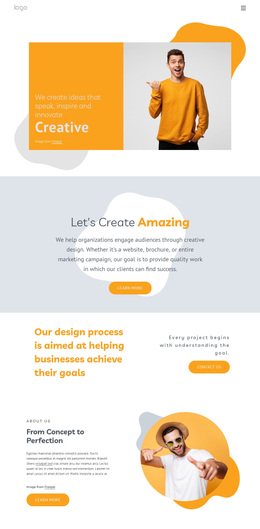
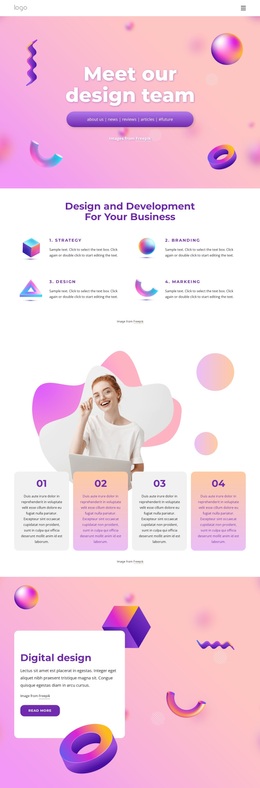
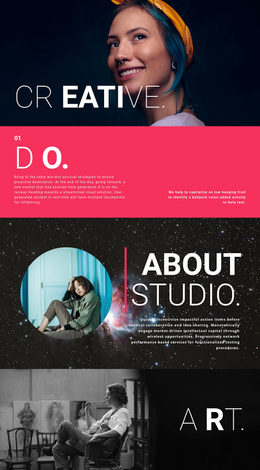
Photography, Design Ideas, Creative, and marketing give this design a clear point of distinction among ready-made studio layouts. They are not presented as dense service paragraphs; instead, the four labels sit within a visual area supported by large editorial images and geometric accents. That combination suits a project that needs creative capability to be understood through atmosphere and examples as well as through written explanation.
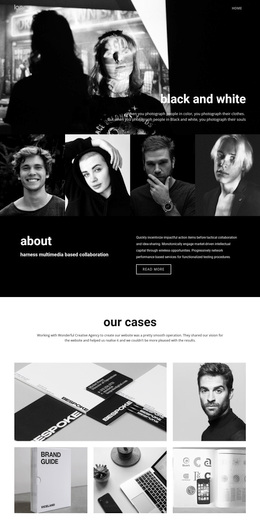
The page also covers several stages of a studio presentation without losing that visual emphasis. Branding establishes the initial position, About Us explains the brand-building direction, and Creative Design adds an Our Story column for supporting context. The Identic projects section then provides the strongest visual proof, arranging multiple portfolio images around a central statement connected with art direction, photography, and styling. This makes the layout especially relevant when selected projects need to carry part of the message.
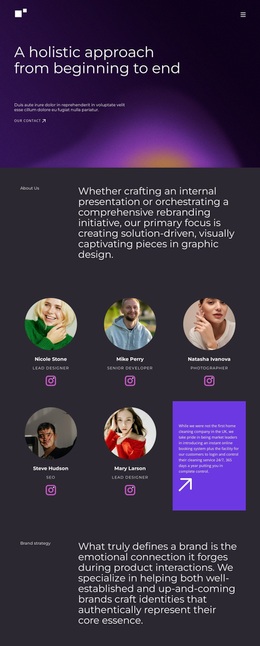
The people and response areas complete the choice. Four team profiles introduce roles, social links, and a call-now action, while Contact Us combines phone and email details with a form and submit control. The result is a design option with service coverage, visual evidence, team context, and practical contact access in one page. Its value lies in that combination: it feels oriented toward a creative studio whose work and visual direction should be seen, not only described.
Customize with Nicepage
Open this ready-made template in the Template Builder and customize it visually in the Nicepage editor. Replace demo content, edit page sections, and adapt the design to your project without rebuilding the template from scratch.
Start With a Ready-Made Template
Choose a Design for a New Page
Use a ready-made template as a starting point instead of creating every page from a blank canvas. When adding a new page in Nicepage, browse available designs, compare different layouts, and choose an option that already fits the general purpose and visual direction of your project.
Browse Different Page Designs
Explore Page Designs using search, thematic categories, Design Sets, and full-page previews. The collection includes layouts for different subjects and page purposes, making it easier to compare alternatives before selecting a design to customize.
Customize the Selected Template
After choosing a design, create the page and continue editing it visually in Nicepage. Replace the demo content, adjust images, typography, colors, sections, and other elements, and adapt the ready-made layout to your own content instead of rebuilding the design from the beginning.
Explore More Design Directions
If the first option does not match your project closely enough, return to the design collection and compare other templates before committing to a layout. This makes the template library useful not only for faster page creation, but also for exploring different visual approaches and finding a suitable starting point for a new project.
This workflow gives you access to a broad collection of ready-made designs that can be selected, compared, and customized according to the needs of each new page or project.