Personal shopper service Template


Edit Template Offline
2. Create new page and search for id 23188
Edit Template Online
Create Awesome Websites


Free Nicepage Builder
Keywords
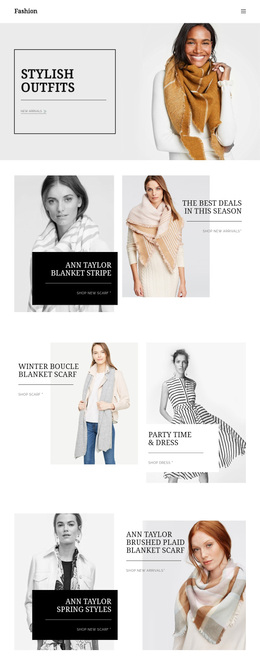
Seasonal Scarf Stories Give This Design Its Character
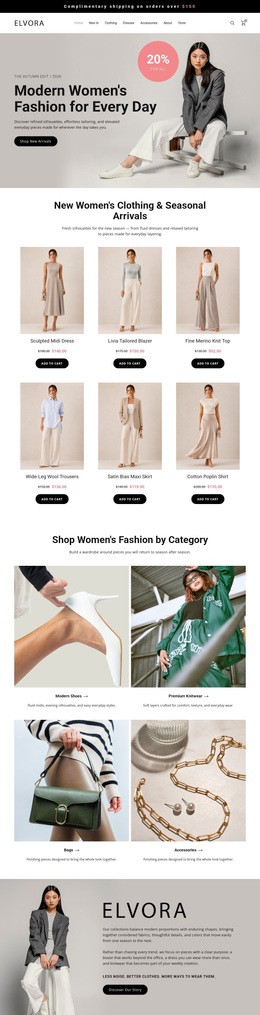
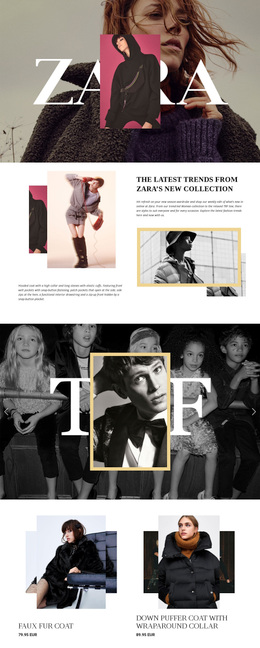
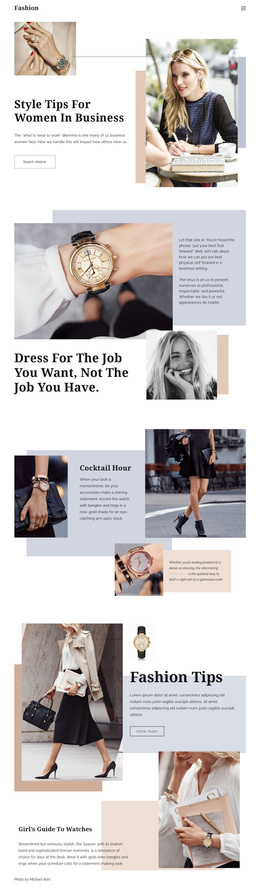
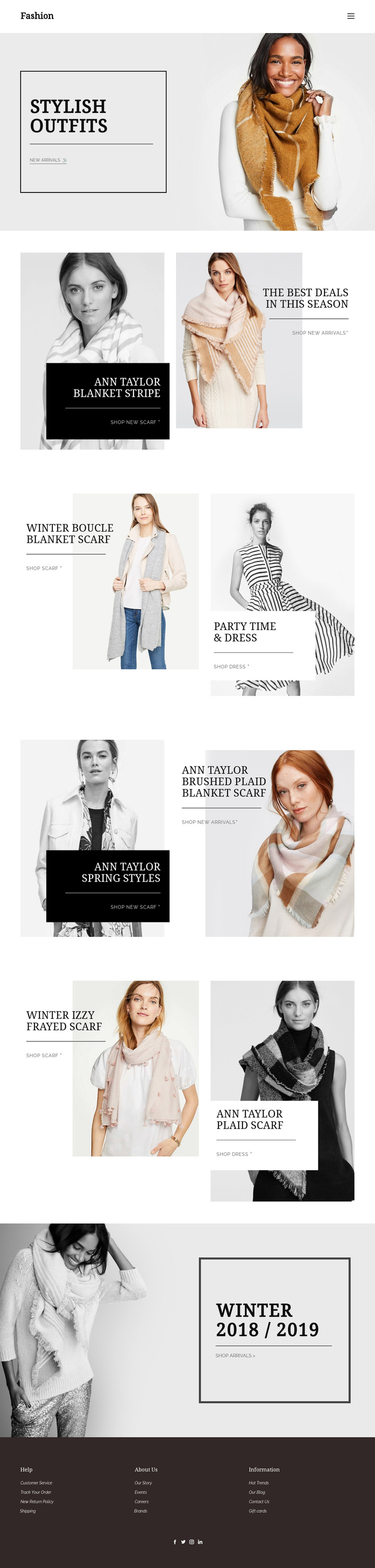
The strongest reason to choose this design is the way it makes seasonal accessories part of the page’s visual narrative. The opening Stylish Outfits promotion establishes a fashion-editorial direction, but the later Blanket Stripe, Winter Boucle Blanket Scarf, and Izzy Frayed Scarf sections give the collection a more specific identity. Scarves are not confined to one product card; they recur across winter, plaid, and spring-oriented promotions, creating a recognizable merchandising thread.
That repeated accessory focus is balanced by Party Time & Dress content and the Ann Taylor Spring Styles promotion. The page therefore covers more than one apparel category while keeping the relationships between products visible through paired imagery and short shopping links. Alternating monochrome and color photography, bordered promotional panels, and dark overlay areas make each collection feel distinct without breaking the overall storefront language.
This is a useful choice for a fashion project that needs visual storytelling rather than dense product specifications. Visitors can understand the collection through images first, then follow links for new arrivals, scarves, dresses, or seasonal products. The closing Winter 2018 / 2019 campaign provides a memorable final seasonal statement, while the footer’s service, brand, blog, and social links make the page feel connected to a broader retail presence without claiming that additional pages are already included.
Customize with Nicepage
Open this ready-made template in the Template Builder and customize it visually in the Nicepage editor. Replace demo content, edit page sections, and adapt the design to your project without rebuilding the template from scratch.
Start With a Ready-Made Template
Choose a Design for a New Page
Use a ready-made template as a starting point instead of creating every page from a blank canvas. When adding a new page in Nicepage, browse available designs, compare different layouts, and choose an option that already fits the general purpose and visual direction of your project.
Browse Different Page Designs
Explore Page Designs using search, thematic categories, Design Sets, and full-page previews. The collection includes layouts for different subjects and page purposes, making it easier to compare alternatives before selecting a design to customize.
Customize the Selected Template
After choosing a design, create the page and continue editing it visually in Nicepage. Replace the demo content, adjust images, typography, colors, sections, and other elements, and adapt the ready-made layout to your own content instead of rebuilding the design from the beginning.
Explore More Design Directions
If the first option does not match your project closely enough, return to the design collection and compare other templates before committing to a layout. This makes the template library useful not only for faster page creation, but also for exploring different visual approaches and finding a suitable starting point for a new project.
This workflow gives you access to a broad collection of ready-made designs that can be selected, compared, and customized according to the needs of each new page or project.