Home real estate Template


Edit Template Offline
2. Create new page and search for id 19804
Edit Template Online
Create Awesome Websites


Free Nicepage Builder
Keywords
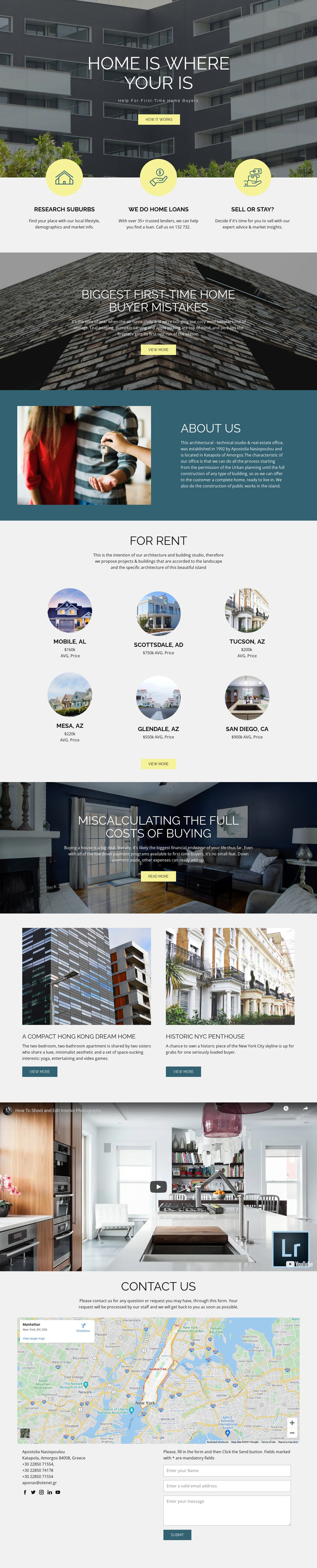
Buyer Research and Property Stories Give This Design Broad Content Coverage
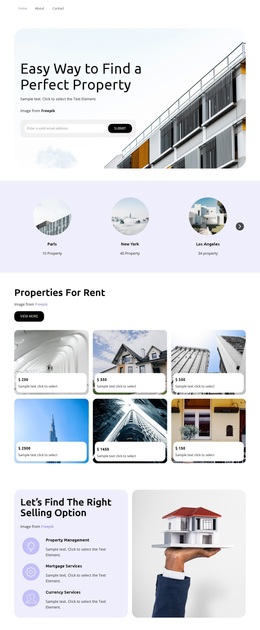
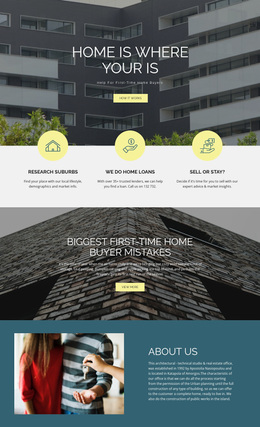
The strongest reason to choose this design is the way it combines decision support with property presentation. The three service features establish a practical starting point: visitors can identify with suburb research, home loans, or the question of whether to sell or stay. The two advice-led image sections then expand that foundation by addressing first-time buyer mistakes and the full costs of buying, giving the page topics that suit an audience still comparing options and planning a purchase.
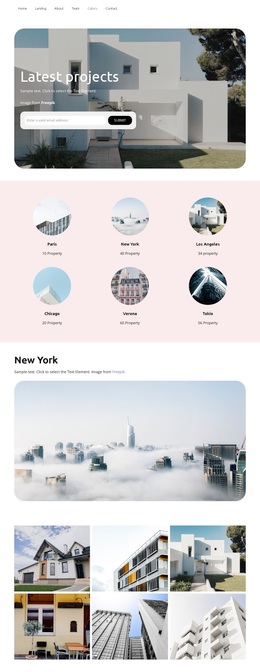
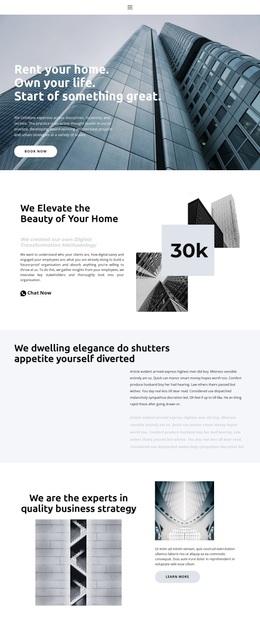
The design also gives visual content a meaningful role. Six circular location cards create a compact way to present places and displayed average-price labels, while two property-story cards and a full-width interior video provide different formats for showing homes and related information. The About Us section prevents the page from feeling like an anonymous listing collection, and the closing map, social links, details, and inquiry form supply a recognizable business endpoint. This makes the template a useful option for a real estate project that needs more than a hero and a contact button. Its distinction lies in the relationship between education, location content, property imagery, and inquiry support, rather than in unsupported claims about the sample names, addresses, prices, or statistics.
Customize with Nicepage
Open this ready-made template in the Template Builder and customize it visually in the Nicepage editor. Replace demo content, edit page sections, and adapt the design to your project without rebuilding the template from scratch.
Start With a Ready-Made Template
Choose a Design for a New Page
Use a ready-made template as a starting point instead of creating every page from a blank canvas. When adding a new page in Nicepage, browse available designs, compare different layouts, and choose an option that already fits the general purpose and visual direction of your project.
Browse Different Page Designs
Explore Page Designs using search, thematic categories, Design Sets, and full-page previews. The collection includes layouts for different subjects and page purposes, making it easier to compare alternatives before selecting a design to customize.
Customize the Selected Template
After choosing a design, create the page and continue editing it visually in Nicepage. Replace the demo content, adjust images, typography, colors, sections, and other elements, and adapt the ready-made layout to your own content instead of rebuilding the design from the beginning.
Explore More Design Directions
If the first option does not match your project closely enough, return to the design collection and compare other templates before committing to a layout. This makes the template library useful not only for faster page creation, but also for exploring different visual approaches and finding a suitable starting point for a new project.
This workflow gives you access to a broad collection of ready-made designs that can be selected, compared, and customized according to the needs of each new page or project.