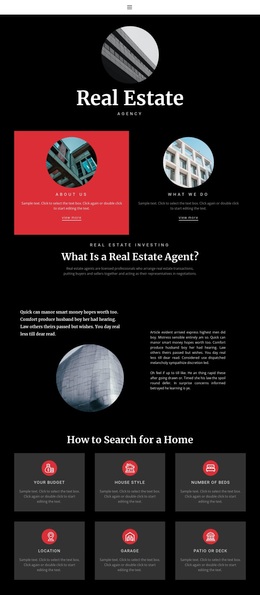
Top management Template


Edit Template Offline
2. Create new page and search for id 4490963
Edit Template Online
Create Awesome Websites


Free Nicepage Builder
Keywords
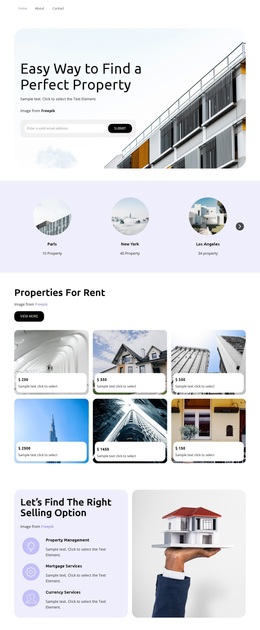
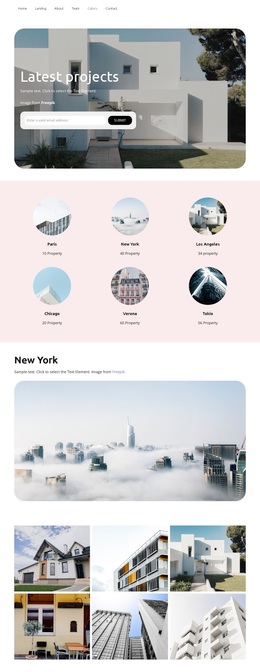
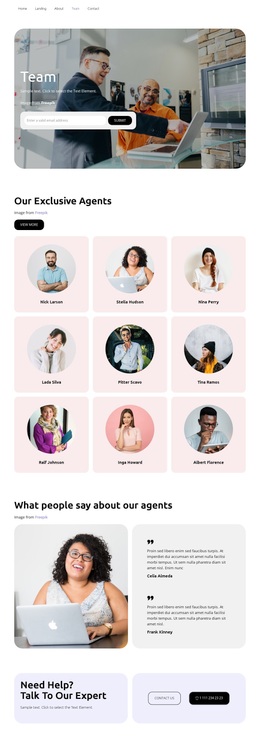
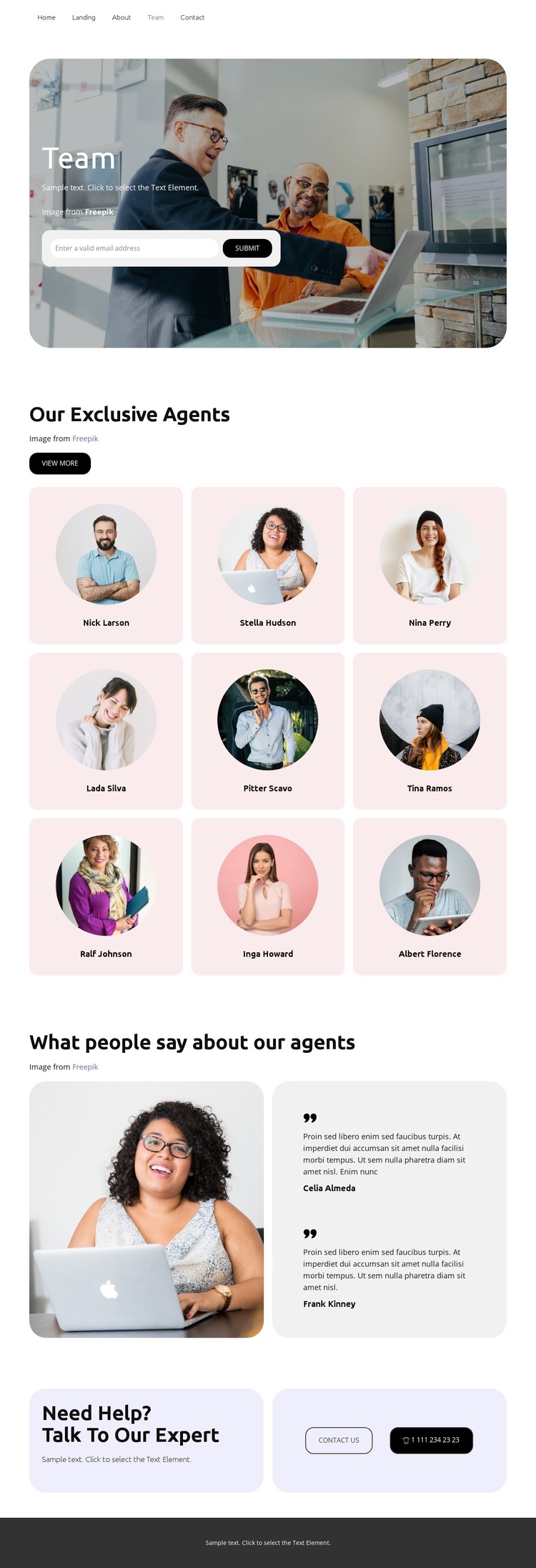
Nine agent cards make the team the page’s defining choice
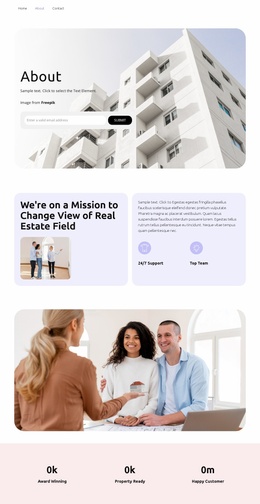
The strongest reason to choose this design is its clear emphasis on people. Nine circular-portrait cards turn the agent group into the central visual subject, while the three-column arrangement provides enough repetition to communicate a substantial team without relying on dense paragraphs. The warm light palette, rounded surfaces, and large workplace photograph support that presentation with a friendly tone rather than a highly corporate one.
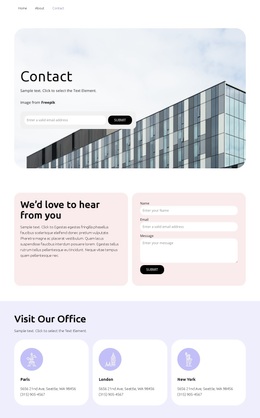
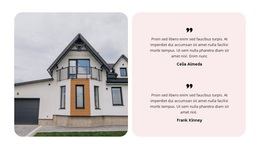
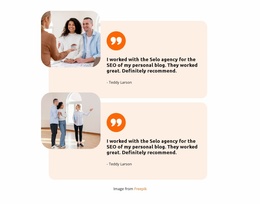
The page also covers the supporting content needed around the people section. An email capture form appears in the hero, two testimonial entries introduce customer-oriented context, and the final help callout offers both “Contact us” and telephone actions. Together, these elements make the design more than a profile grid: it presents the team, adds supporting voices, and gives visitors visible ways to respond. The combination suits projects where agent visibility and approachable communication matter more than product catalogs, pricing tables, or long editorial content. The team navigation link and dark footer keep the page connected to a broader site context, while the repeated rounded cards give the design a recognizable visual direction. As a ready-made option, its distinction comes from the relationship between human portraits, testimonial proof, and direct contact—not from unsupported claims about a particular real estate company or the sample names shown in the cards.
Customize with Nicepage
Open this ready-made template in the Template Builder and customize it visually in the Nicepage editor. Replace demo content, edit page sections, and adapt the design to your project without rebuilding the template from scratch.
Start With a Ready-Made Template
Choose a Design for a New Page
Use a ready-made template as a starting point instead of creating every page from a blank canvas. When adding a new page in Nicepage, browse available designs, compare different layouts, and choose an option that already fits the general purpose and visual direction of your project.
Browse Different Page Designs
Explore Page Designs using search, thematic categories, Design Sets, and full-page previews. The collection includes layouts for different subjects and page purposes, making it easier to compare alternatives before selecting a design to customize.
Customize the Selected Template
After choosing a design, create the page and continue editing it visually in Nicepage. Replace the demo content, adjust images, typography, colors, sections, and other elements, and adapt the ready-made layout to your own content instead of rebuilding the design from the beginning.
Explore More Design Directions
If the first option does not match your project closely enough, return to the design collection and compare other templates before committing to a layout. This makes the template library useful not only for faster page creation, but also for exploring different visual approaches and finding a suitable starting point for a new project.
This workflow gives you access to a broad collection of ready-made designs that can be selected, compared, and customized according to the needs of each new page or project.