Solutions for real estate Template


Edit Template Offline
2. Create new page and search for id 39336
Edit Template Online
Create Awesome Websites


Free Nicepage Builder
Keywords
Architectural Storytelling Covers Services, Values, and Reassurance
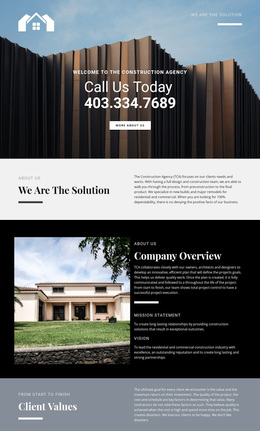
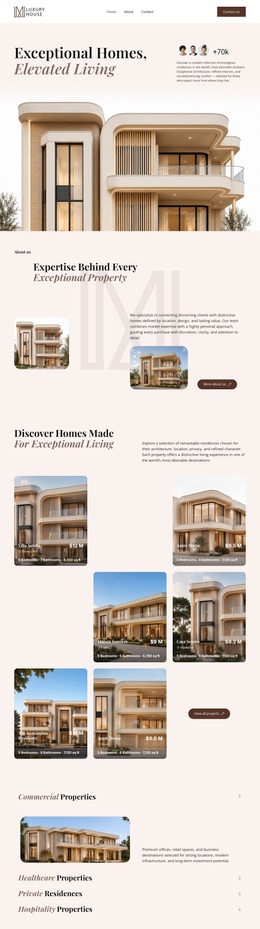
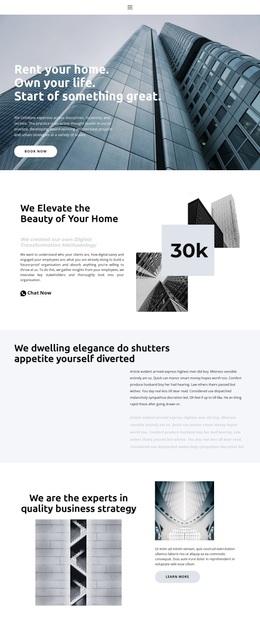
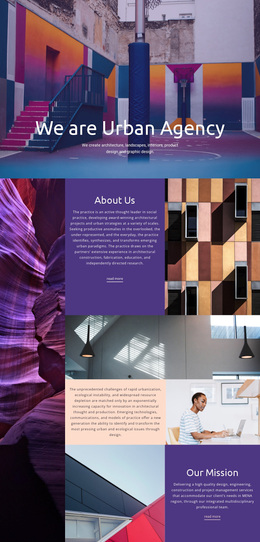
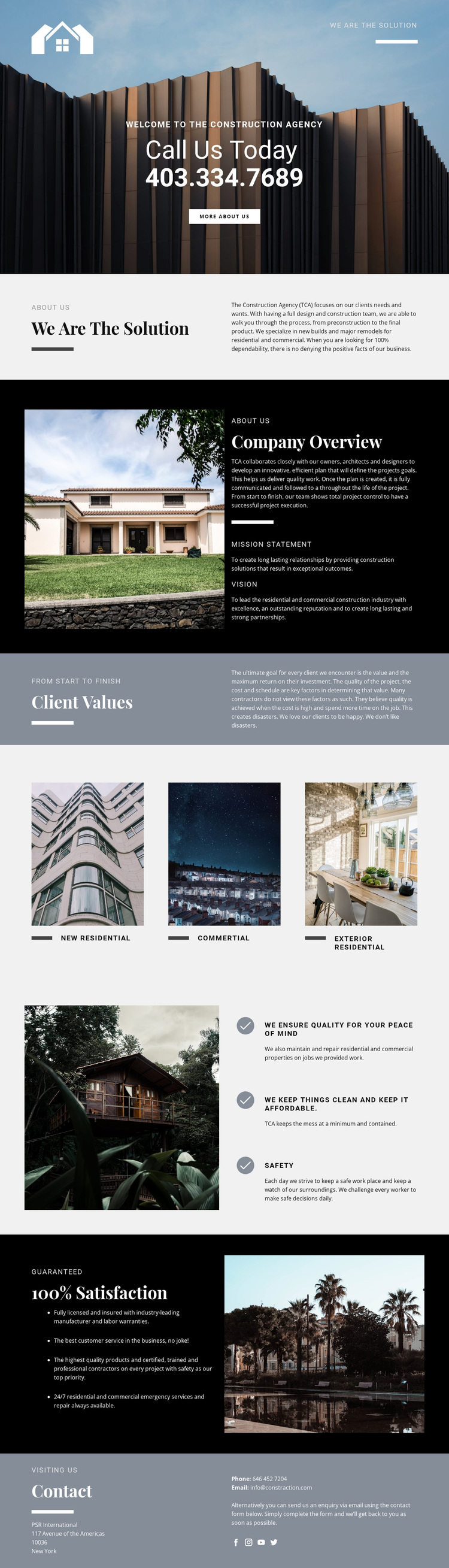
Large architectural photography gives this design a clear point of distinction from construction pages built mainly from dense service lists. The hero makes the agency’s subject immediately recognizable, then the alternating image-and-text sections expand that first impression into company overview, mission, vision, and client values. This combination suits projects that need to explain both what they build and how they approach quality, cost, scheduling, and investment.
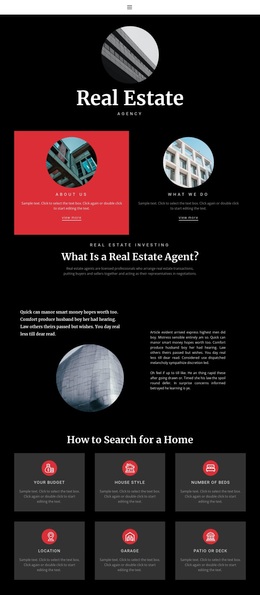
The service presentation is concise but varied. Three repeated image-led cards separate New Residential, Commercial, and Exterior Residential work, giving the page visual coverage across different construction contexts. The later features section adds statements about quality, affordability, and safety beside a property image, while the darker satisfaction block changes the visual emphasis to reassurance. Licensed and insured service, warranties, emergency support, maintenance, and repairs broaden the page beyond a simple portfolio display.
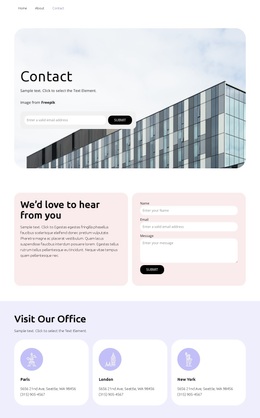
The design is worth considering when a construction company needs a ready-made starting point that balances visual evidence with company explanation. It does not depend on a single dramatic image alone: the service categories, values, assurance content, and closing contact area create a fuller presentation for property owners. Phone, email, location, inquiry guidance, and social options also give the page a practical ending, making the template suitable for an agency profile that must inform visitors before inviting them to respond.
Customize with Nicepage
Open this ready-made template in the Template Builder and customize it visually in the Nicepage editor. Replace demo content, edit page sections, and adapt the design to your project without rebuilding the template from scratch.
Start With a Ready-Made Template
Choose a Design for a New Page
Use a ready-made template as a starting point instead of creating every page from a blank canvas. When adding a new page in Nicepage, browse available designs, compare different layouts, and choose an option that already fits the general purpose and visual direction of your project.
Browse Different Page Designs
Explore Page Designs using search, thematic categories, Design Sets, and full-page previews. The collection includes layouts for different subjects and page purposes, making it easier to compare alternatives before selecting a design to customize.
Customize the Selected Template
After choosing a design, create the page and continue editing it visually in Nicepage. Replace the demo content, adjust images, typography, colors, sections, and other elements, and adapt the ready-made layout to your own content instead of rebuilding the design from the beginning.
Explore More Design Directions
If the first option does not match your project closely enough, return to the design collection and compare other templates before committing to a layout. This makes the template library useful not only for faster page creation, but also for exploring different visual approaches and finding a suitable starting point for a new project.
This workflow gives you access to a broad collection of ready-made designs that can be selected, compared, and customized according to the needs of each new page or project.