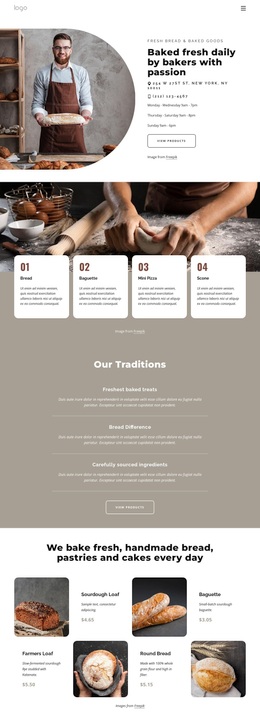
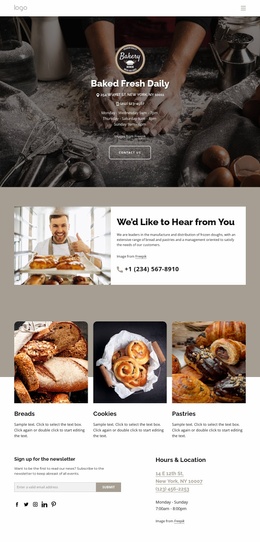
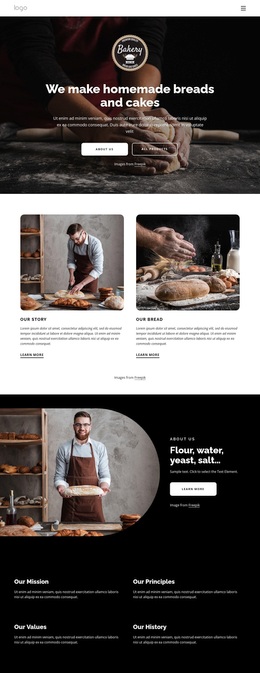
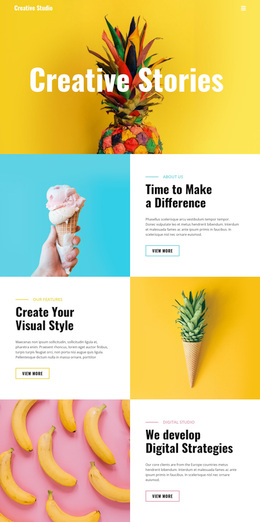
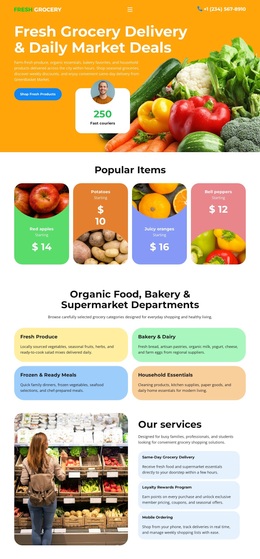
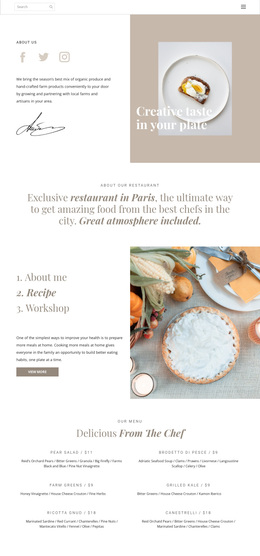
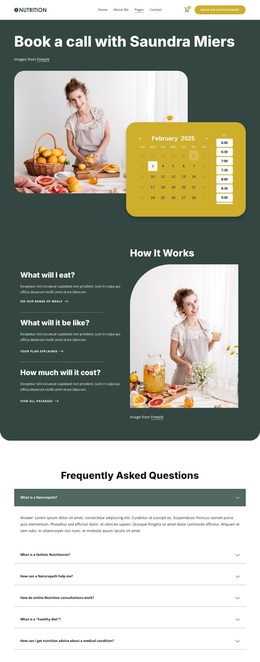
We bake fresh bread and cakes Template


Five Illustrated Features Create a Compact Bakery Choice
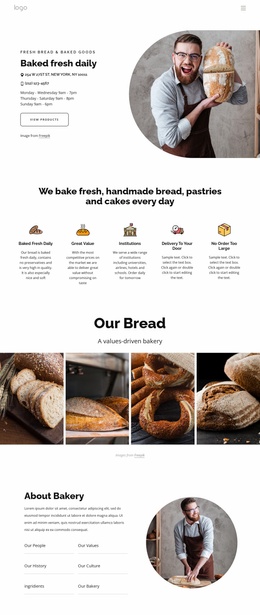
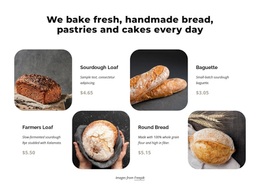
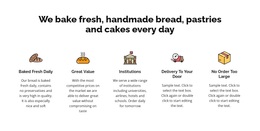
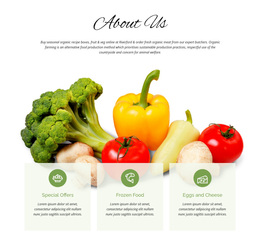
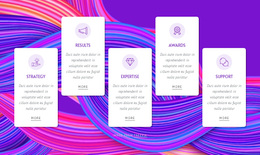
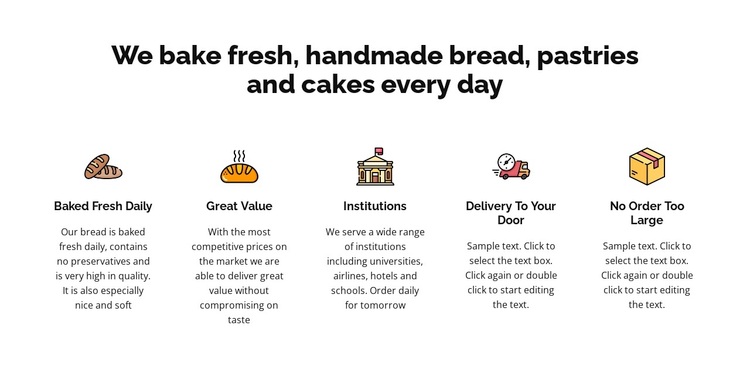
The block combines a strong subject heading with five parallel feature columns, making it a distinctive option for a bakery page that needs more coverage than a single text panel but less repetition than a large catalogue grid. The heading focuses on fresh, handmade bread, pastries, and cakes made every day. Below it, the titles Baked Fresh Daily, Great Value, Institutions, Delivery To Your Door, and No Order Too Large give the section a broad but coherent set of talking points.
The design’s main selection value comes from how the content is balanced. Five illustrated icons create visual markers, while the compact centered descriptions keep the row readable and evenly weighted. The Institutions item can accommodate information for universities, airlines, hotels, and schools, giving the section a supply-oriented angle alongside consumer-facing freshness and delivery themes. The first description adds a concrete production detail by mentioning bread baked fresh daily and no preservatives. The final two descriptions contain editable sample wording, so the block should be chosen for its structure and refined with accurate final copy.
This design works especially well when the page needs one self-contained features area that can sit between a bakery introduction and more detailed ordering or contact content. It is not a complete page; its value lies in the combination of repeated icon-led items, clear category labels, and a centered visual rhythm. Compared with a simpler paragraph section, it gives five benefits equal presence without requiring additional interaction.
Customize with Nicepage
Open this ready-made template in the Template Builder and customize it visually in the Nicepage editor. Replace demo content, edit page sections, and adapt the design to your project without rebuilding the template from scratch.
Edit Template Offline
2. Create a new page or select existing
3. Click Add new block, search for id 4873232 and click enter
Edit Template Online
Create Awesome Websites


Free Nicepage Builder
Keywords
Start With a Ready-Made Template
Choose a Design for a New Page
Use a ready-made template as a starting point instead of creating every page from a blank canvas. When adding a new page in Nicepage, browse available designs, compare different layouts, and choose an option that already fits the general purpose and visual direction of your project.
Browse Different Page Designs
Explore Page Designs using search, thematic categories, Design Sets, and full-page previews. The collection includes layouts for different subjects and page purposes, making it easier to compare alternatives before selecting a design to customize.
Customize the Selected Template
After choosing a design, create the page and continue editing it visually in Nicepage. Replace the demo content, adjust images, typography, colors, sections, and other elements, and adapt the ready-made layout to your own content instead of rebuilding the design from the beginning.
Explore More Design Directions
If the first option does not match your project closely enough, return to the design collection and compare other templates before committing to a layout. This makes the template library useful not only for faster page creation, but also for exploring different visual approaches and finding a suitable starting point for a new project.
This workflow gives you access to a broad collection of ready-made designs that can be selected, compared, and customized according to the needs of each new page or project.

Design Set (22)
-

-
-
-
-
-
-
-
-
-
-
-
-
-
Free Website Builder SoftwareDownload
-
-