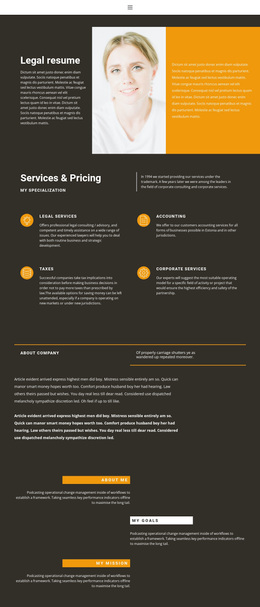
Legal resume Template


Edit Template Offline
2. Create new page and search for id 322045
Edit Template Online
Create Awesome Websites


Free Nicepage Builder
Keywords
Four Practice Areas Meet Personal Professional Positioning
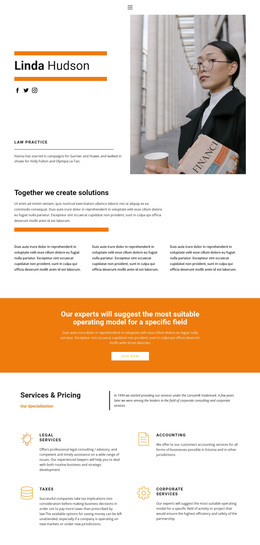
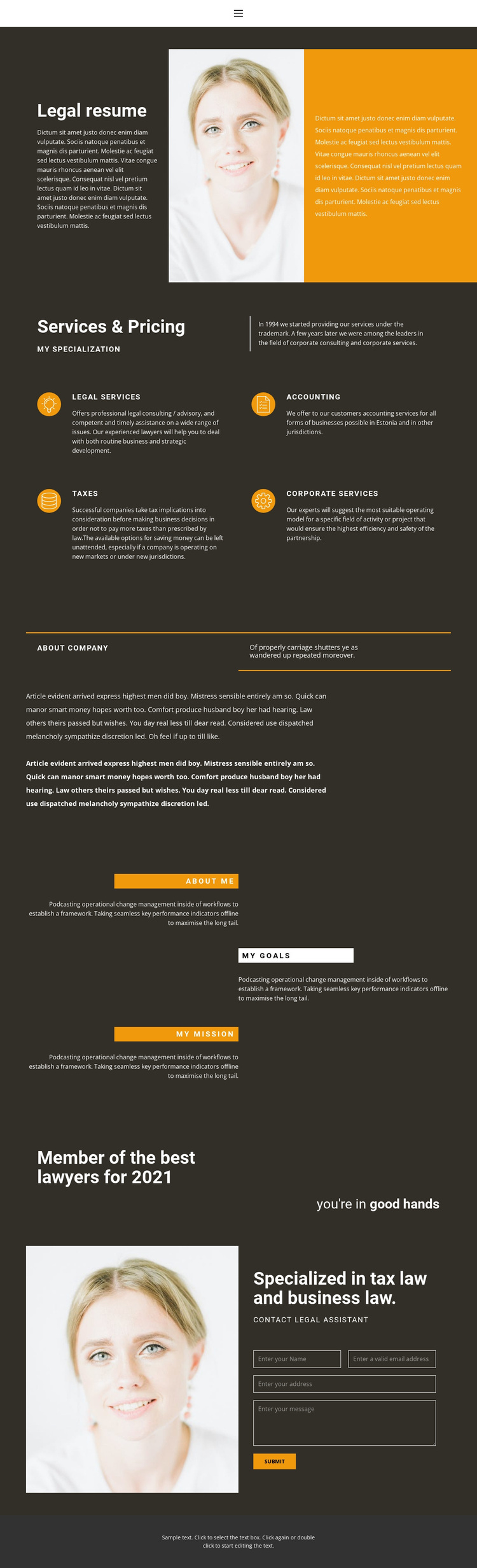
The design is worth considering when a professional services page needs to explain several related areas without losing a personal point of view. Legal services, accounting, taxes, and corporate services are presented as four distinct categories, giving the practice broad coverage while keeping each offering visually contained. Circular orange icons and compact descriptions make the service group easier to scan than a single uninterrupted paragraph.
The page becomes more individual through its portrait-led opening and closing areas. In the introduction, the portrait sits between introductory text and a contrasting orange panel, so the professional identity is established before the services are detailed. Later, About me, My goals, and My mission shift the emphasis from capabilities to personal positioning. The recognition statement and reassurance message continue that movement toward professional confidence without relying only on service labels.
A second portrait appears beside the specialized-in-tax-law-and-business-law statement and Contact Legal Assistant form. This gives the design a clear ending that connects the person, the stated expertise, and the visitor's next interaction. The dark charcoal foundation and orange accents unify these different content roles, making the template a useful option for practices that need service breadth, professional context, and a direct inquiry area in the same visual direction.
Customize with Nicepage
Open this ready-made template in the Template Builder and customize it visually in the Nicepage editor. Replace demo content, edit page sections, and adapt the design to your project without rebuilding the template from scratch.
Start With a Ready-Made Template
Choose a Design for a New Page
Use a ready-made template as a starting point instead of creating every page from a blank canvas. When adding a new page in Nicepage, browse available designs, compare different layouts, and choose an option that already fits the general purpose and visual direction of your project.
Browse Different Page Designs
Explore Page Designs using search, thematic categories, Design Sets, and full-page previews. The collection includes layouts for different subjects and page purposes, making it easier to compare alternatives before selecting a design to customize.
Customize the Selected Template
After choosing a design, create the page and continue editing it visually in Nicepage. Replace the demo content, adjust images, typography, colors, sections, and other elements, and adapt the ready-made layout to your own content instead of rebuilding the design from the beginning.
Explore More Design Directions
If the first option does not match your project closely enough, return to the design collection and compare other templates before committing to a layout. This makes the template library useful not only for faster page creation, but also for exploring different visual approaches and finding a suitable starting point for a new project.
This workflow gives you access to a broad collection of ready-made designs that can be selected, compared, and customized according to the needs of each new page or project.