Get to know our activities Template


Edit Template Offline
2. Create new page and search for id 6207620
Edit Template Online
Create Awesome Websites


Free Nicepage Builder
Keywords
Role Cards and Contact Content Give the About Design a Clear Point of Difference
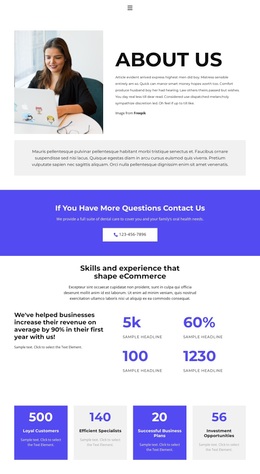
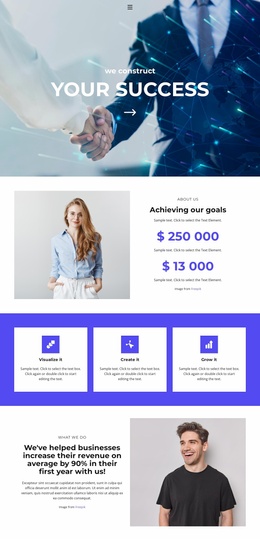
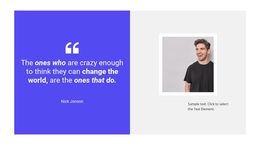
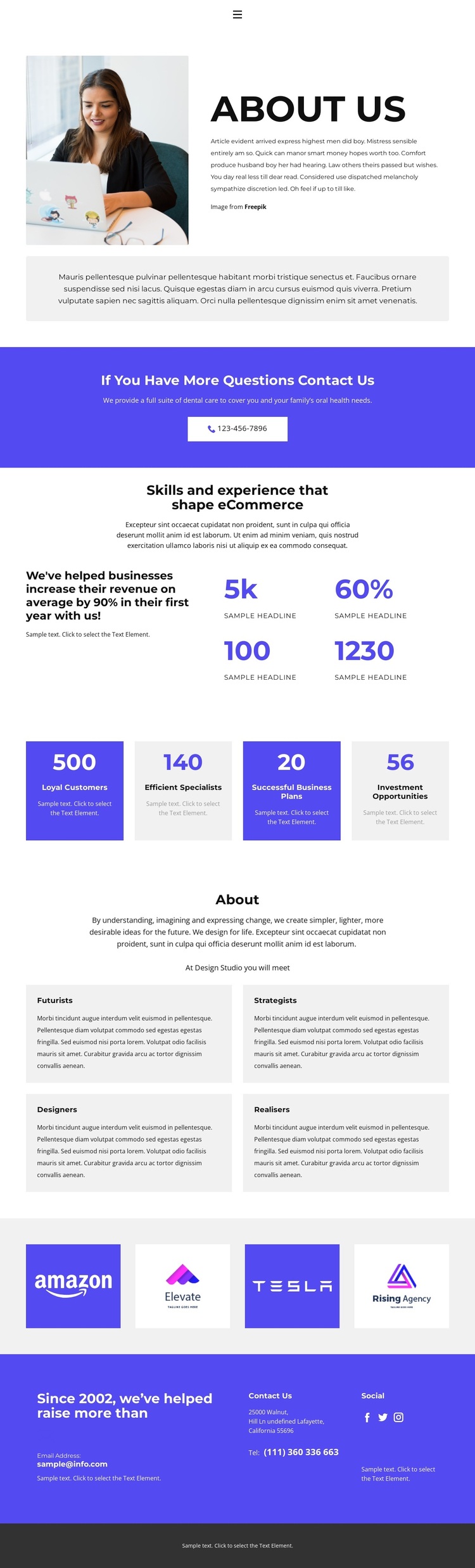
The image-led About Us opening makes this design a useful choice for projects that need to introduce an organization before presenting its capabilities. A portrait beside a rounded text panel creates an immediate human entry point, while the supporting panel gives the introduction room for a broader statement. The blue-violet contact prompt then places a phone action close to the beginning, so communication is part of the design’s identity rather than an afterthought.
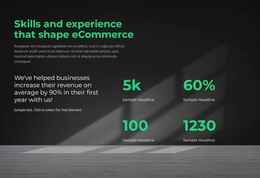
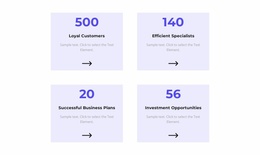
The page also covers several kinds of organizational content without relying on one repeated section. One counter area connects skills and experience with an eCommerce-focused statement, while a second four-card row presents labels such as Loyal Customers, Efficient Specialists, Successful Business Plans, and Investment Opportunities. These values are structural sample content, but the arrangement shows how the design can present concise business information in a visually organized way.
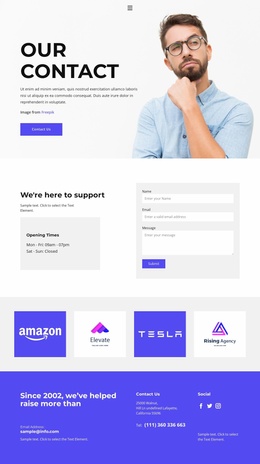
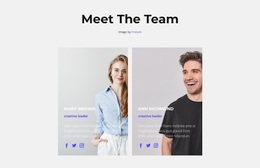
The four role cards create another distinguishing layer by naming Futurists, Strategists, Designers, and Realisers. They shift the page from general claims toward the people or functions behind the organization. A logo strip adds a separate brand-reference moment, and the lower Contact Us area combines contact channels with social destinations. Together, these relationships make the template worth considering when a project needs an About page that balances organizational story, capability signals, roles, visual references, and direct contact.
Customize with Nicepage
Open this ready-made template in the Template Builder and customize it visually in the Nicepage editor. Replace demo content, edit page sections, and adapt the design to your project without rebuilding the template from scratch.
Start With a Ready-Made Template
Choose a Design for a New Page
Use a ready-made template as a starting point instead of creating every page from a blank canvas. When adding a new page in Nicepage, browse available designs, compare different layouts, and choose an option that already fits the general purpose and visual direction of your project.
Browse Different Page Designs
Explore Page Designs using search, thematic categories, Design Sets, and full-page previews. The collection includes layouts for different subjects and page purposes, making it easier to compare alternatives before selecting a design to customize.
Customize the Selected Template
After choosing a design, create the page and continue editing it visually in Nicepage. Replace the demo content, adjust images, typography, colors, sections, and other elements, and adapt the ready-made layout to your own content instead of rebuilding the design from the beginning.
Explore More Design Directions
If the first option does not match your project closely enough, return to the design collection and compare other templates before committing to a layout. This makes the template library useful not only for faster page creation, but also for exploring different visual approaches and finding a suitable starting point for a new project.
This workflow gives you access to a broad collection of ready-made designs that can be selected, compared, and customized according to the needs of each new page or project.