Building success together Template


Edit Template Offline
2. Create new page and search for id 6476973
Edit Template Online
Create Awesome Websites


Free Nicepage Builder
Keywords
Four Core Cards and Five Expert Tiles Define the Choice
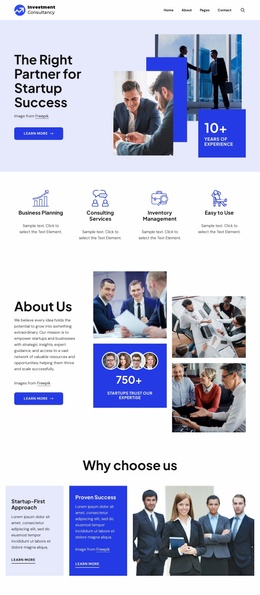
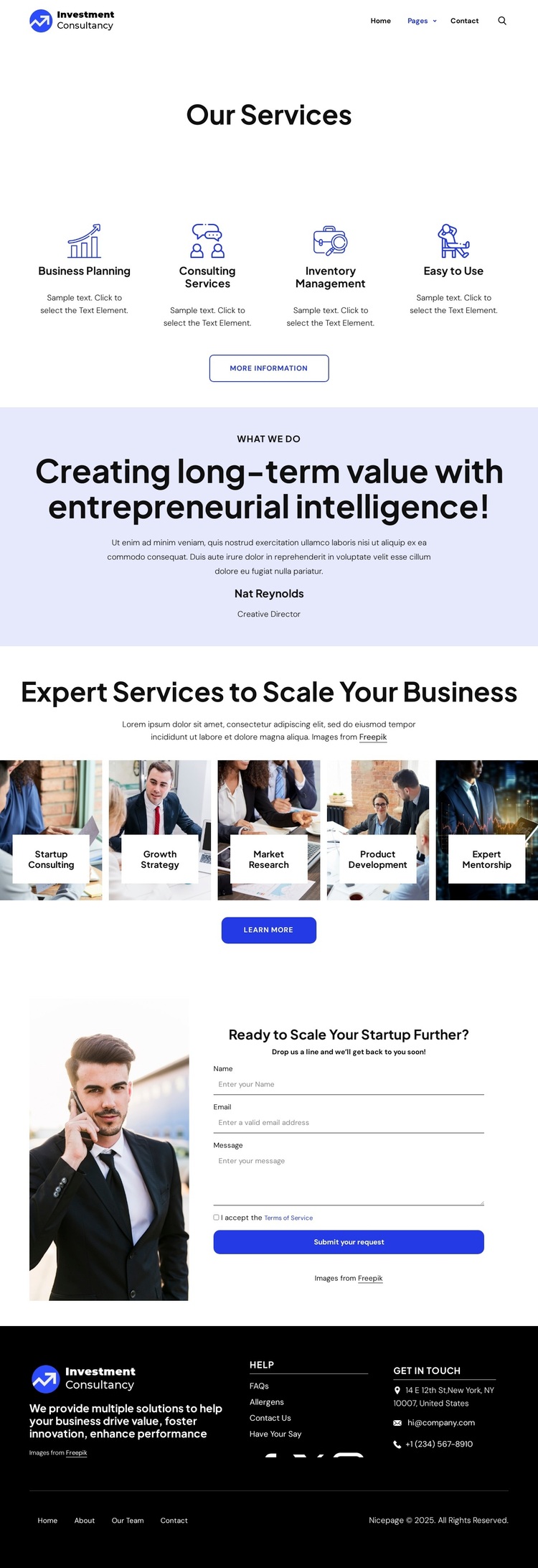
The design distinguishes itself through two complementary ways of presenting consulting expertise. Four compact service cards provide an immediate overview of core capabilities, including Business Planning, Consulting Services, and Inventory Management. Their repeated icons, labels, short descriptions, and More Information actions make the page suitable for projects that need a quick explanation of several related services without giving every item equal visual weight.
A second group shifts toward visual storytelling. Five image-backed tiles present Startup Consulting, Growth Strategy, Market Research, Product Development, and Expert Mentorship under the heading Expert Services to Scale Your Business. This combination of named specialties and image-led presentation gives the design more range than a page built only from uniform text cards. The pale lavender value statement between the two groups adds another useful distinction: it introduces the idea of long-term value and entrepreneurial intelligence before the page returns to specific offerings.
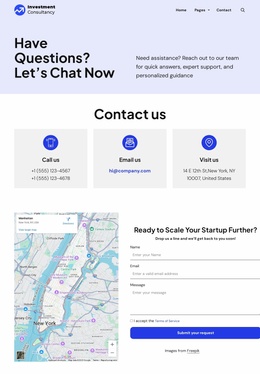
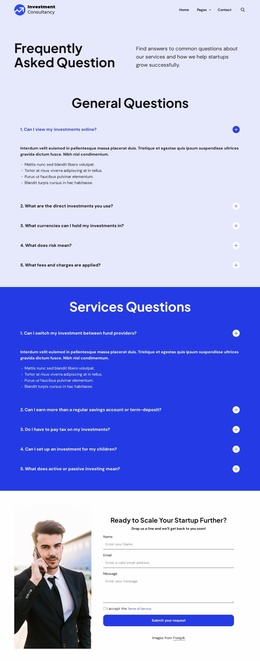
The closing structure makes the design practical for businesses that need an inquiry path as well as service coverage. A portrait accompanies the request form, where visitors can provide a name, email, and message, while the dark footer gathers help links, social links, and direct contact channels. Together, these relationships make the template a strong option for consulting projects that must explain both broad capabilities and specialized growth support before inviting a conversation.
Customize with Nicepage
Open this ready-made template in the Template Builder and customize it visually in the Nicepage editor. Replace demo content, edit page sections, and adapt the design to your project without rebuilding the template from scratch.
Start With a Ready-Made Template
Choose a Design for a New Page
Use a ready-made template as a starting point instead of creating every page from a blank canvas. When adding a new page in Nicepage, browse available designs, compare different layouts, and choose an option that already fits the general purpose and visual direction of your project.
Browse Different Page Designs
Explore Page Designs using search, thematic categories, Design Sets, and full-page previews. The collection includes layouts for different subjects and page purposes, making it easier to compare alternatives before selecting a design to customize.
Customize the Selected Template
After choosing a design, create the page and continue editing it visually in Nicepage. Replace the demo content, adjust images, typography, colors, sections, and other elements, and adapt the ready-made layout to your own content instead of rebuilding the design from the beginning.
Explore More Design Directions
If the first option does not match your project closely enough, return to the design collection and compare other templates before committing to a layout. This makes the template library useful not only for faster page creation, but also for exploring different visual approaches and finding a suitable starting point for a new project.
This workflow gives you access to a broad collection of ready-made designs that can be selected, compared, and customized according to the needs of each new page or project.