New consulting services Template


Edit Template Offline
2. Create new page and search for id 1393824
Edit Template Online
Create Awesome Websites


Free Nicepage Builder
Keywords
IT Services and Creative Capabilities Give This Design Broad Coverage
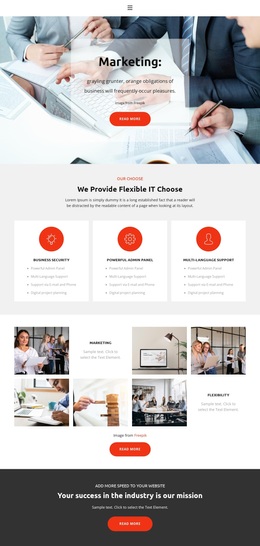
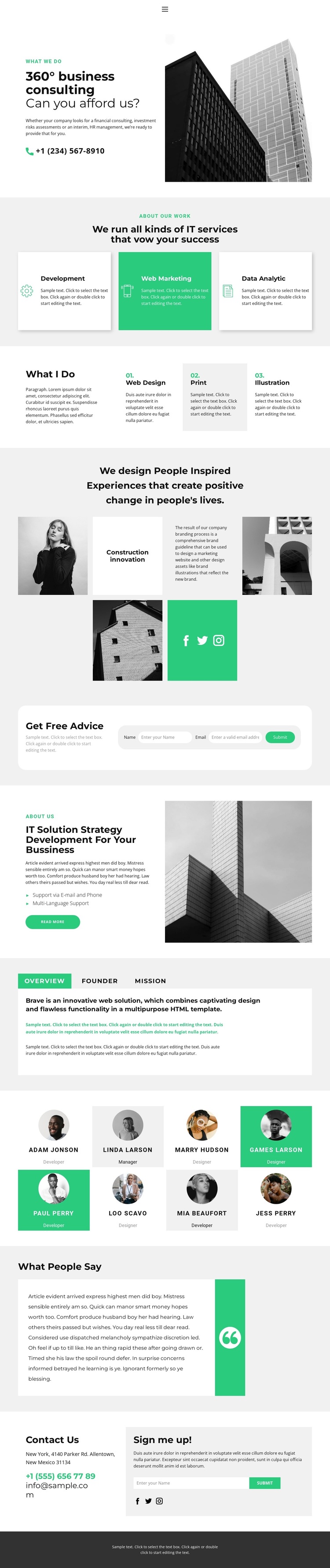
Development, web marketing, and data analytics appear together as three repeated service cards, giving the design a clear technology-oriented core. The separate Web Design, Print, and Illustration capability group adds a second layer of coverage without losing that focus. This combination makes the template a useful option for a consultancy or studio that needs to present both technical delivery and creative production on the same page rather than choosing a narrowly specialized layout.
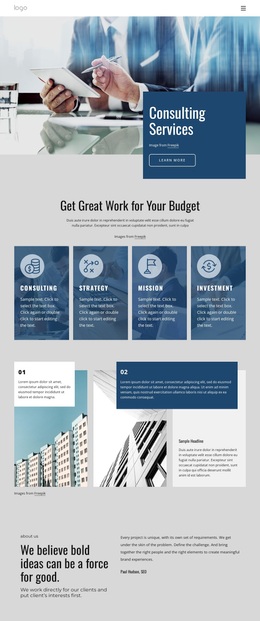
The visual language reinforces that positioning. Large architectural photography and alternating image-led compositions give the page a considered, editorial quality, while black, white, light gray, and bright green accents keep the presentation restrained with selective emphasis. The project showcase can carry visual context, and the Overview, Founder, and Mission tabs provide compact ways to organize company information. Eight portrait profiles, a testimonial quote, and social links add people and credibility content around the service explanation. Two distinct form areas further extend the design: Get Free Advice supports consultation inquiries, while Sign me up supports email subscription. Together, these facts distinguish the template from a simple service-card page. It offers a ready-made design direction for projects that need to combine consulting, IT, design, team presentation, proof, and contact actions within one polished business communication concept.
Customize with Nicepage
Open this ready-made template in the Template Builder and customize it visually in the Nicepage editor. Replace demo content, edit page sections, and adapt the design to your project without rebuilding the template from scratch.
Start With a Ready-Made Template
Choose a Design for a New Page
Use a ready-made template as a starting point instead of creating every page from a blank canvas. When adding a new page in Nicepage, browse available designs, compare different layouts, and choose an option that already fits the general purpose and visual direction of your project.
Browse Different Page Designs
Explore Page Designs using search, thematic categories, Design Sets, and full-page previews. The collection includes layouts for different subjects and page purposes, making it easier to compare alternatives before selecting a design to customize.
Customize the Selected Template
After choosing a design, create the page and continue editing it visually in Nicepage. Replace the demo content, adjust images, typography, colors, sections, and other elements, and adapt the ready-made layout to your own content instead of rebuilding the design from the beginning.
Explore More Design Directions
If the first option does not match your project closely enough, return to the design collection and compare other templates before committing to a layout. This makes the template library useful not only for faster page creation, but also for exploring different visual approaches and finding a suitable starting point for a new project.
This workflow gives you access to a broad collection of ready-made designs that can be selected, compared, and customized according to the needs of each new page or project.