Development Marketing Template



Edit Template Offline
2. Create new page and search for id 5615087
Edit Template Online
Create Awesome Websites


Free Nicepage Builder
Keywords
Three Service Cards Lead Into Plans, People, and Contact
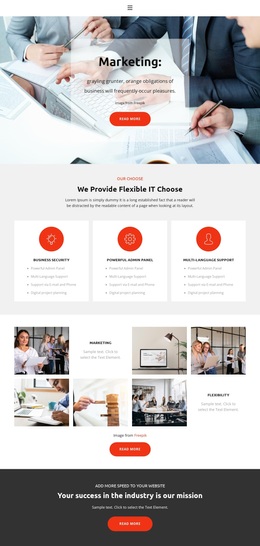
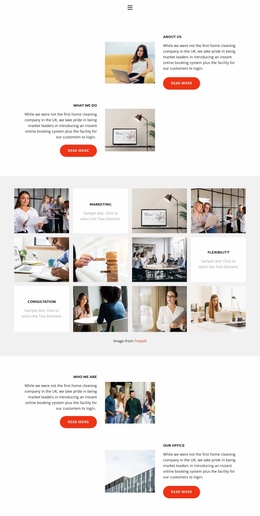
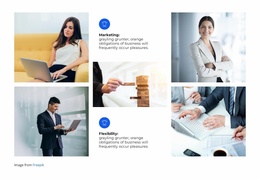
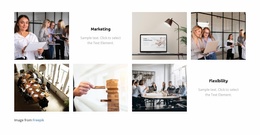
The strongest reason to choose this design is its combination of several business presentation modes within one coherent layout. The three service cards provide a concise way to introduce Business Security, Powerful Admin Panel, and Multi-Language Support, while the image collage gives the page a more visual route through Marketing and Flexibility. This balance suits a project that needs to explain capabilities without relying only on dense service text.
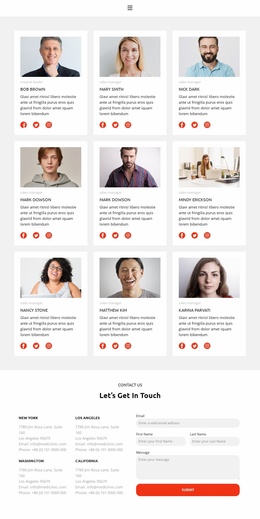
The design also covers the stages that commonly follow an initial service introduction. A dark mission band creates a focused statement, and the university partnership section adds expandable topics for deeper supporting information. Four team profiles bring roles, portraits, descriptions, and social links into the page, giving the business presentation a people-centered section rather than leaving it entirely abstract.
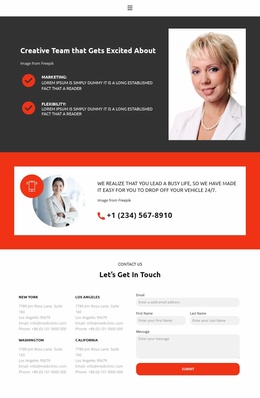
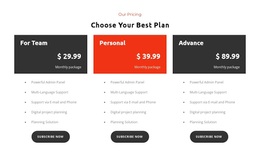
Three subscription cards make the option especially useful when a project needs plan comparison alongside service explanation. Plan names, feature lists, and subscription buttons are separated from the earlier promotional sections, so commercial choices have their own visual area. The phone contact strip and final form broaden the response options: visitors can use a contact channel, review four location labels, or submit email, first name, last name, and message details. This mix of service coverage, visual proof, team content, plans, and inquiry paths distinguishes the design from a simpler corporate introduction.
Customize with Nicepage
Open this ready-made template in the Template Builder and customize it visually in the Nicepage editor. Replace demo content, edit page sections, and adapt the design to your project without rebuilding the template from scratch.
Start With a Ready-Made Template
Choose a Design for a New Page
Use a ready-made template as a starting point instead of creating every page from a blank canvas. When adding a new page in Nicepage, browse available designs, compare different layouts, and choose an option that already fits the general purpose and visual direction of your project.
Browse Different Page Designs
Explore Page Designs using search, thematic categories, Design Sets, and full-page previews. The collection includes layouts for different subjects and page purposes, making it easier to compare alternatives before selecting a design to customize.
Customize the Selected Template
After choosing a design, create the page and continue editing it visually in Nicepage. Replace the demo content, adjust images, typography, colors, sections, and other elements, and adapt the ready-made layout to your own content instead of rebuilding the design from the beginning.
Explore More Design Directions
If the first option does not match your project closely enough, return to the design collection and compare other templates before committing to a layout. This makes the template library useful not only for faster page creation, but also for exploring different visual approaches and finding a suitable starting point for a new project.
This workflow gives you access to a broad collection of ready-made designs that can be selected, compared, and customized according to the needs of each new page or project.