We work with ambitious leaders who want to define the future Template



Edit Template Offline
2. Create new page and search for id 5720436
Edit Template Online
Create Awesome Websites


Free Nicepage Builder
Keywords
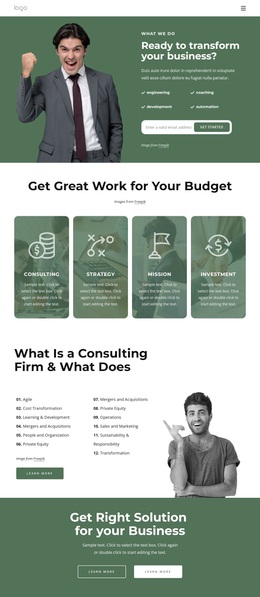
Four service cards lead into a broad consulting story
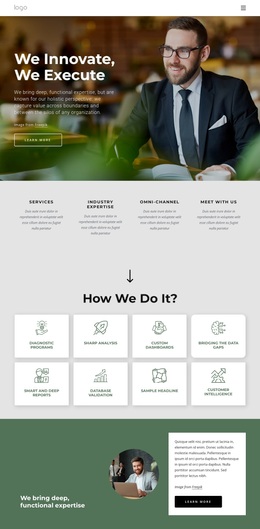
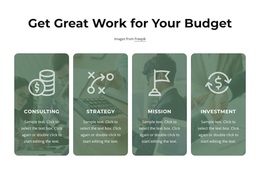
The design stands out through the way it combines a focused opening with unusually broad consulting coverage. The hero begins with a direct transformation question and pairs it with engineering, coaching, development, and automation labels, an email signup, and a large business photograph. That gives the design an immediate point of view while leaving room for more detailed explanation below. The following four rounded image cards then turn Consulting, Strategy, Mission, and Investment into a concise set of visual choices.
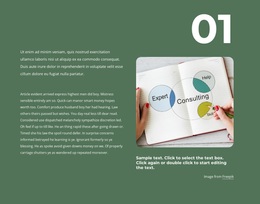
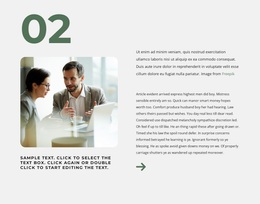
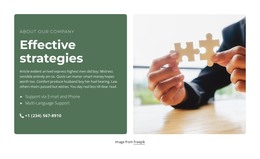
Its strongest differentiating feature is the twelve-topic capability list. Rather than limiting the page to generic service language, it names areas such as Agile, Cost Transformation, Learning and Development, Mergers and Acquisitions, People and Organization, Private Equity, Operations, Sales and Marketing, Sustainability and Responsibility, and Transformation. This breadth makes the template suitable for a consulting practice that needs to show several dimensions of expertise within one presentation. The organizational consulting feature and three numbered strategy steps add focus after that wide overview.
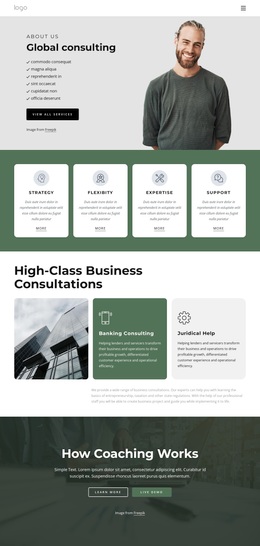
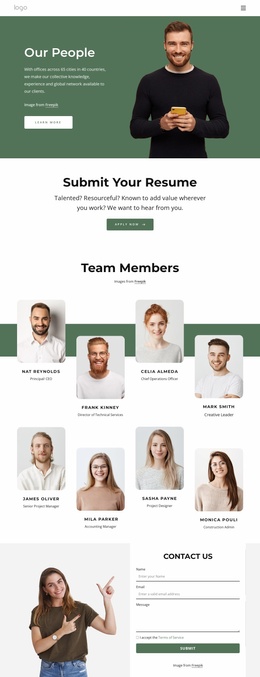
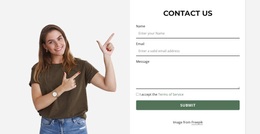
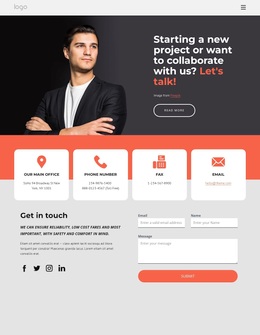
The remainder of the design balances credibility and response: three testimonial-style cards, three rounded metric cards, contact information, and a final form with name, email, message, agreement, and submission controls. The result is a ready-made option for projects that need both strategic storytelling and a practical inquiry path. The sample names, roles, percentages, and contact details should be replaced as project content; their verified value here is the structure they demonstrate.
Customize with Nicepage
Open this ready-made template in the Template Builder and customize it visually in the Nicepage editor. Replace demo content, edit page sections, and adapt the design to your project without rebuilding the template from scratch.
Start With a Ready-Made Template
Choose a Design for a New Page
Use a ready-made template as a starting point instead of creating every page from a blank canvas. When adding a new page in Nicepage, browse available designs, compare different layouts, and choose an option that already fits the general purpose and visual direction of your project.
Browse Different Page Designs
Explore Page Designs using search, thematic categories, Design Sets, and full-page previews. The collection includes layouts for different subjects and page purposes, making it easier to compare alternatives before selecting a design to customize.
Customize the Selected Template
After choosing a design, create the page and continue editing it visually in Nicepage. Replace the demo content, adjust images, typography, colors, sections, and other elements, and adapt the ready-made layout to your own content instead of rebuilding the design from the beginning.
Explore More Design Directions
If the first option does not match your project closely enough, return to the design collection and compare other templates before committing to a layout. This makes the template library useful not only for faster page creation, but also for exploring different visual approaches and finding a suitable starting point for a new project.
This workflow gives you access to a broad collection of ready-made designs that can be selected, compared, and customized according to the needs of each new page or project.