Interior Studio Template


Edit Template Offline
2. Create new page and search for id 14679
Edit Template Online
Create Awesome Websites


Free Nicepage Builder
Keywords
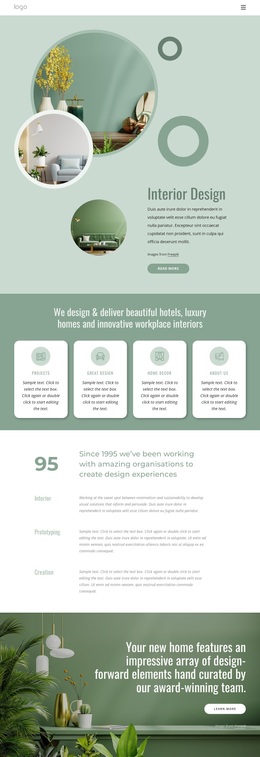
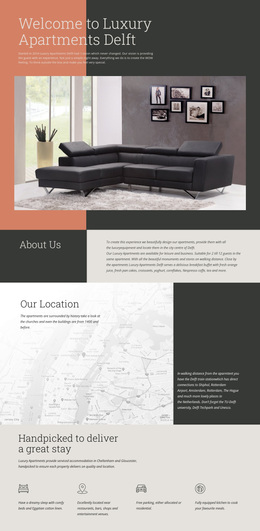
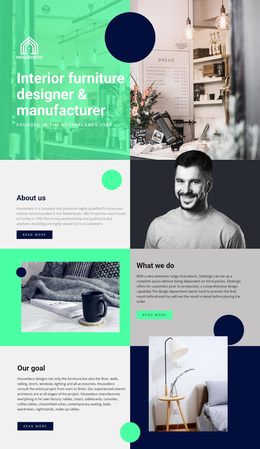
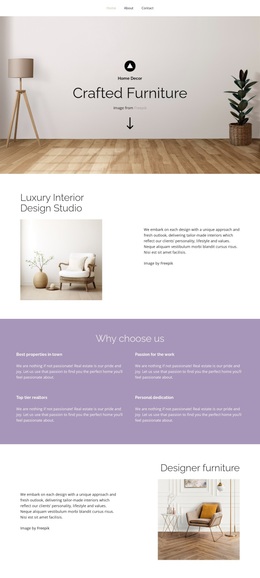
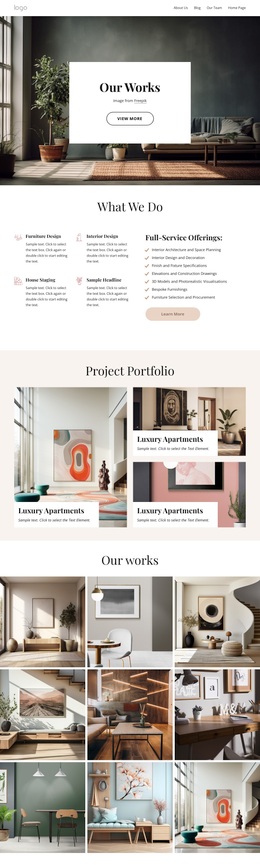
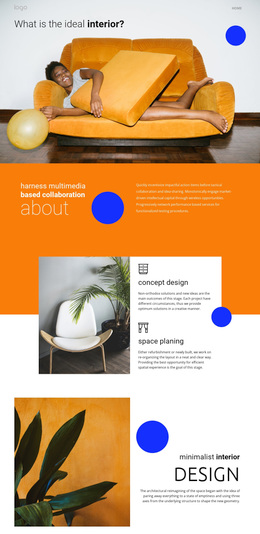
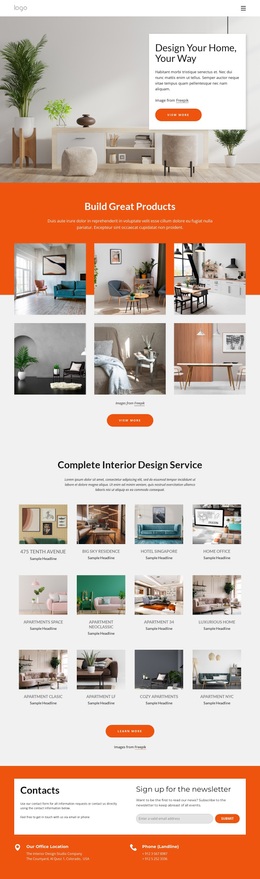
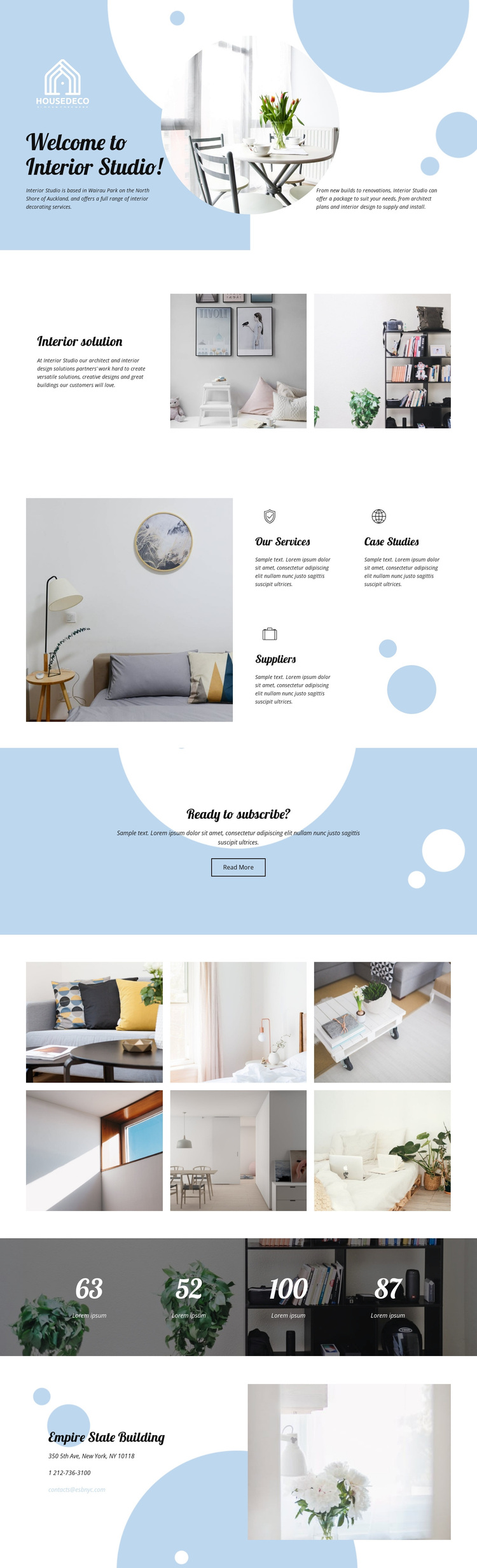
Six interior images give the studio design a visual center
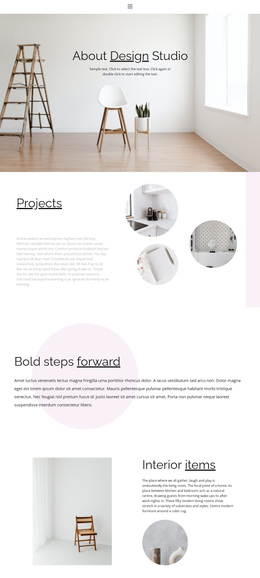
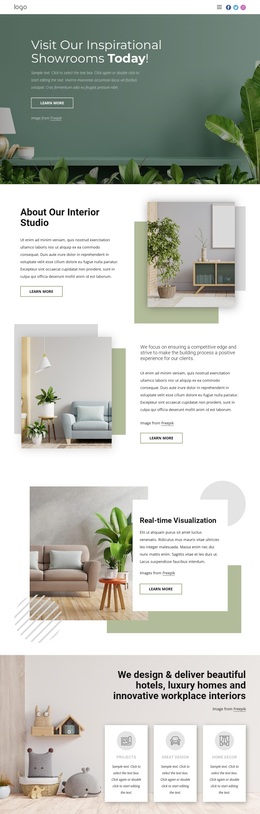
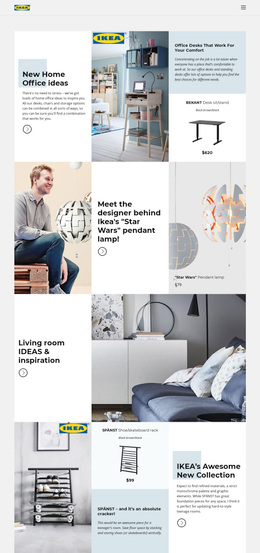
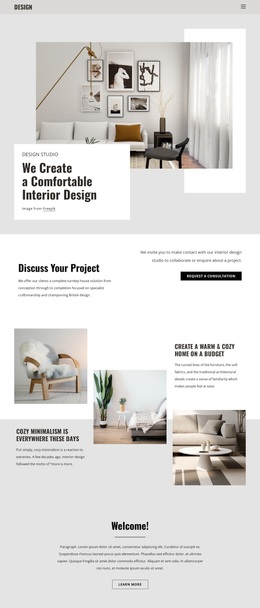
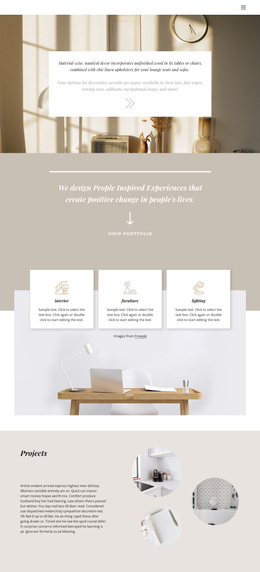
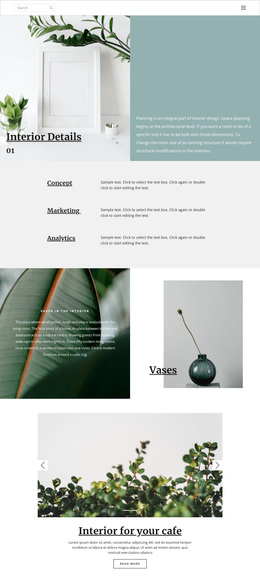
The strongest reason to choose this design is the way it combines practical studio information with a clear visual record of residential interiors. The opening welcome area introduces the studio through text, blue abstract shapes, and a central photograph, while the interior solution section places a short design statement beside two more images. This gives the page an editorial rhythm without requiring long blocks of explanation.
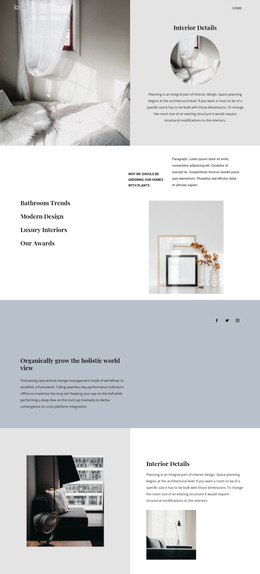
The three labeled service areas add useful subject coverage. Our Services, Case Studies, and Suppliers suggest different directions for presenting capability, examples, and project relationships, while the large adjacent interior photograph keeps the section connected to the visual subject. Later, the six-image gallery expands that emphasis into a dedicated two-row display, making imagery a defining characteristic rather than a minor decoration.
The page also covers practical follow-up needs. A centered Read More block creates a simple next step, and the closing contact area includes telephone and email channels. Four displayed numeric values provide additional visual structure, but their filler labels mean they should be replaced rather than presented as verified achievements. Together, the photographic sequence, service categories, light palette, rounded shapes, and contact ending make this a useful design option for an interior studio that wants its residential work to carry as much of the message as its written content.
Customize with Nicepage
Open this ready-made template in the Template Builder and customize it visually in the Nicepage editor. Replace demo content, edit page sections, and adapt the design to your project without rebuilding the template from scratch.
Start With a Ready-Made Template
Choose a Design for a New Page
Use a ready-made template as a starting point instead of creating every page from a blank canvas. When adding a new page in Nicepage, browse available designs, compare different layouts, and choose an option that already fits the general purpose and visual direction of your project.
Browse Different Page Designs
Explore Page Designs using search, thematic categories, Design Sets, and full-page previews. The collection includes layouts for different subjects and page purposes, making it easier to compare alternatives before selecting a design to customize.
Customize the Selected Template
After choosing a design, create the page and continue editing it visually in Nicepage. Replace the demo content, adjust images, typography, colors, sections, and other elements, and adapt the ready-made layout to your own content instead of rebuilding the design from the beginning.
Explore More Design Directions
If the first option does not match your project closely enough, return to the design collection and compare other templates before committing to a layout. This makes the template library useful not only for faster page creation, but also for exploring different visual approaches and finding a suitable starting point for a new project.
This workflow gives you access to a broad collection of ready-made designs that can be selected, compared, and customized according to the needs of each new page or project.