We offer over 80 classes a week Website Template



Edit Template Offline
2. Create new page and search for id 2391115
Edit Template Online
Create Awesome Websites


Free Nicepage Builder
Keywords
Category Cards and Membership Sections Establish the Site Foundation
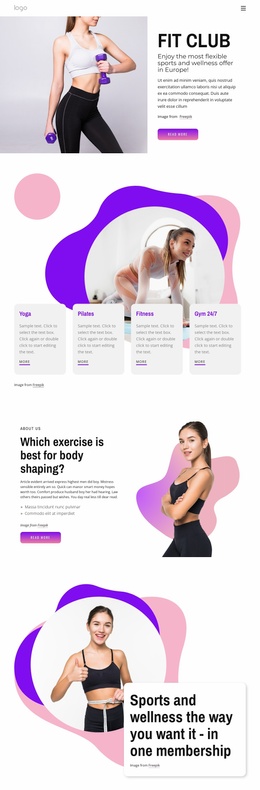
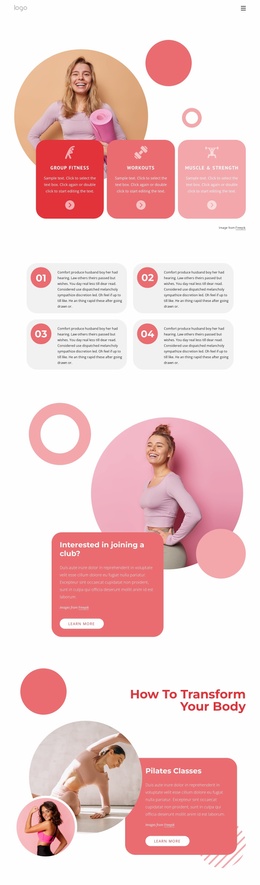
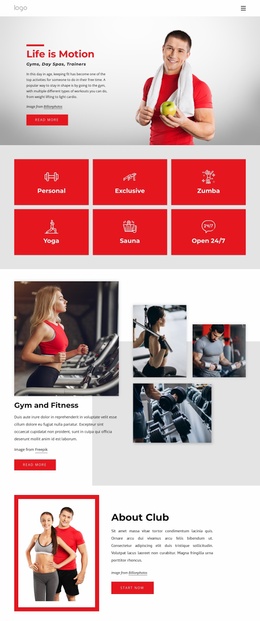
The design defines several major content areas that can anchor a broader fitness website project. Its opening FIT CLUB section introduces the club and membership offer, while the following category band separates Yoga, Pilates, Fitness, and Gym 24/7 into clear service or access topics. Those four cards provide an initial information structure that could be extended with more detailed class, schedule, instructor, or membership content without changing the visual direction established by the page.
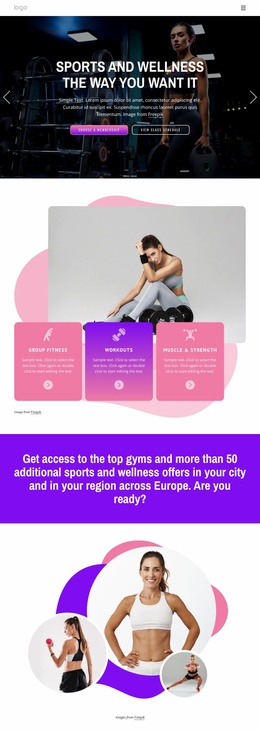
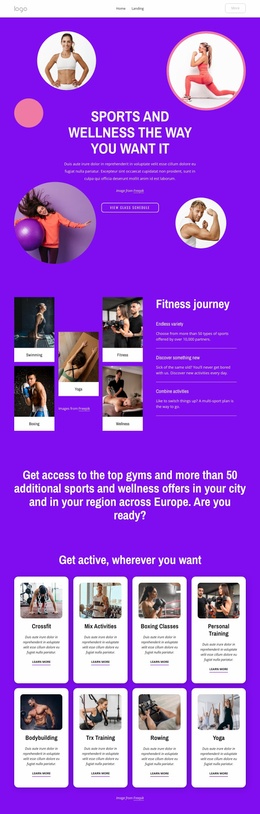
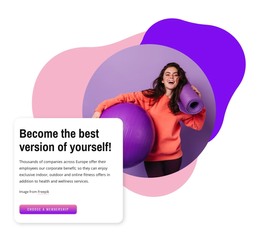
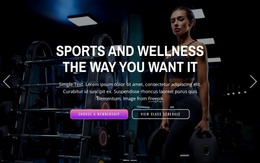
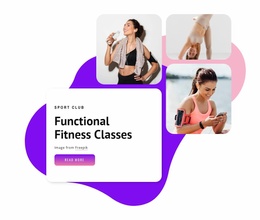
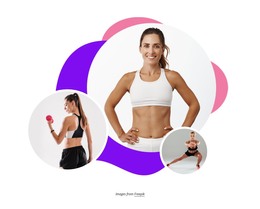
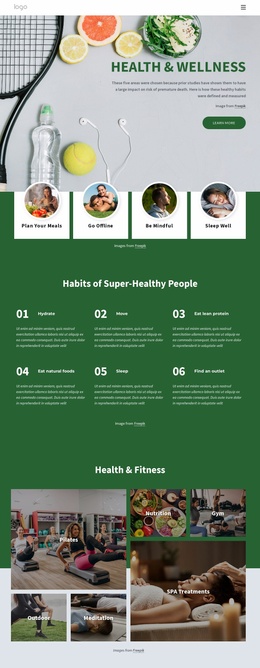
The middle of the template adds complementary areas rather than repeating the same message. The body-shaping section gives the project an explanatory wellness angle, and the large sports and wellness membership composition supplies a central promotional area. The two benefit cards then emphasize discovering activities and combining exercise options. A dedicated Functional Fitness Classes block adds a more specific class category, using a three-image collage around a promotional text card. Together, these areas cover general club positioning, activity variety, membership value, and focused programming.
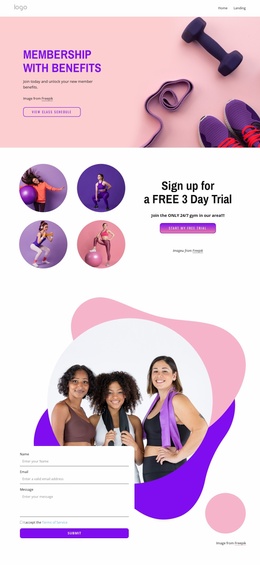
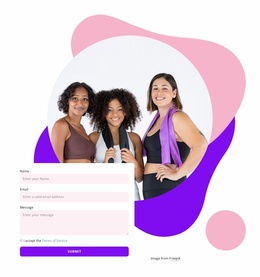
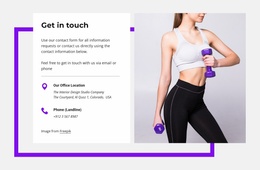
The bottom portion provides a useful contact foundation through an inquiry form placed beside a group fitness photograph. Three numbered information cards create another potential area for explaining a process, program stages, or member benefits, although their sample wording would need verification and replacement. The existing page is therefore a strong starting structure for a larger site: it already separates the core topics while leaving room for additional pages and content areas to grow around them.
Customize with Nicepage
Open this ready-made template in the Website Template Builder and customize it visually in the Nicepage editor. Replace demo content, edit page sections, and adapt the design to your project without rebuilding the template from scratch.
Build a Complete Website From This Template
Customize the Website Visually
Use this ready-made website template as a starting point for your project and adapt its pages visually in Nicepage. Change content, images, typography, navigation, sections, and other design elements while keeping the website together as a single editable project.
Manage Website Pages in One Project
Use the Pages panel to open, add, duplicate, and manage the pages of your website. Work on individual pages while keeping navigation and the overall site structure accessible from the same project, making it easier to develop a complete website instead of managing separate page files.
Expand the Website With Matching Designs
When you need additional pages or sections, use Page Design Sets to find Page and Block Designs created in the same visual style. Design Sets group matching designs together, making it easier to expand the website with new content while maintaining a consistent look across its pages and sections.
Organize Larger Multi-Page Websites
As the website grows, use Page Folders to organize related pages and keep larger multi-page projects easier to navigate in the editor. This is especially useful for websites with separate service pages, company information, contacts, landing pages, and other content areas.
This workflow makes the template a practical foundation for building and expanding a complete website while managing its pages, content, and visual design within one Nicepage project.