Climate and energy control Joomla Template



Edit Template Offline
2. Create new page and search for id 6315975
Edit Template Online
Create Awesome Websites


Free Nicepage Builder
Keywords
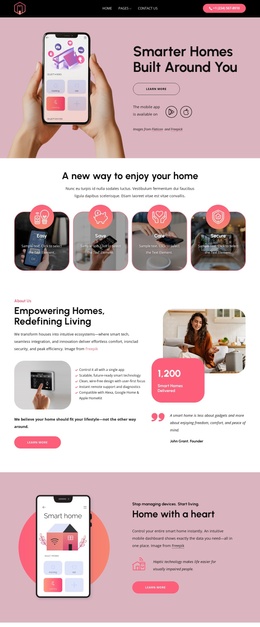
Services, Device Information, and Contact Regions Form a CMS-Ready Structure
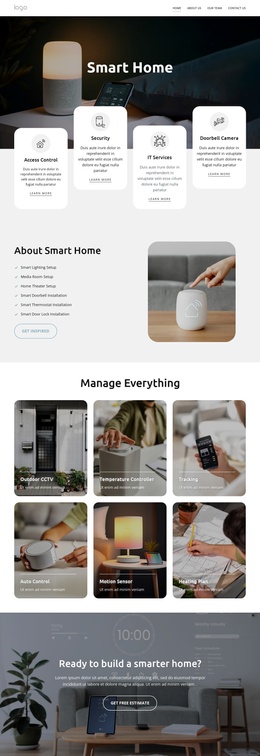
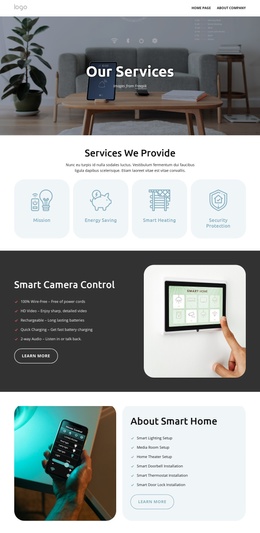
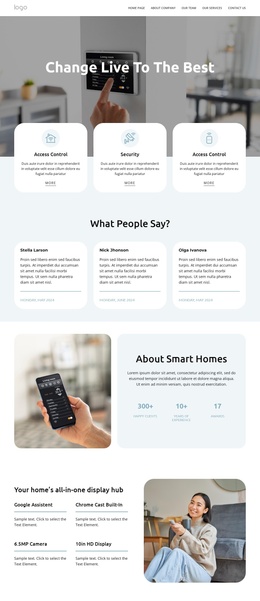
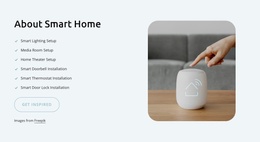
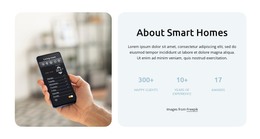
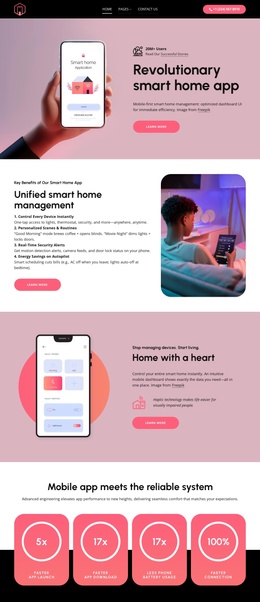
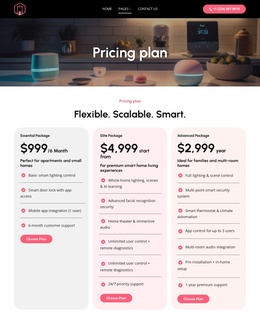
The service content is divided into recognizable regions that can map naturally to managed site information. The opening capability cards introduce access control and security, while the management slider separates outdoor CCTV, temperature control, tracking, auto control, motion sensing, and heating plans into repeatable topics. The display-hub section then focuses on device-oriented details such as Google Assistant, Chromecast built-in, a camera, and a 10-inch HD display. This distinction helps keep broad services separate from structured product information.
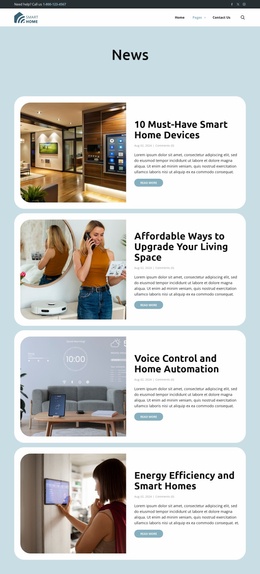
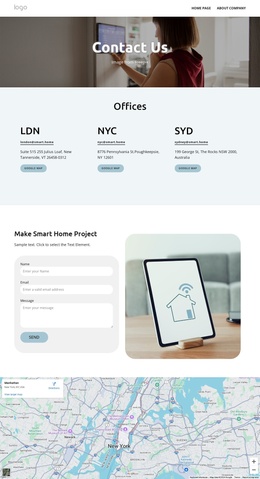
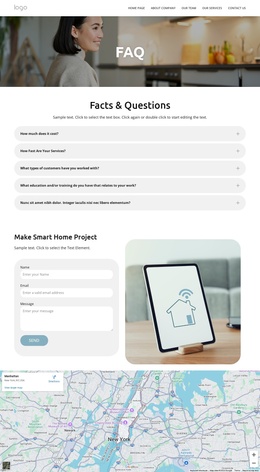
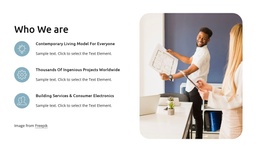
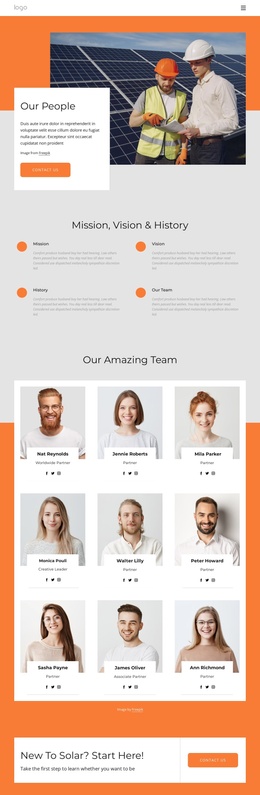
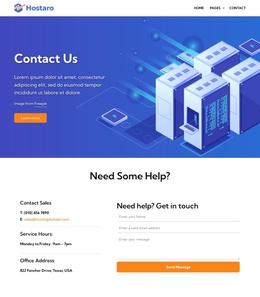
Navigation and shared contact areas reinforce the organization. The two-band header contains support information, social links, the primary menu, and search, while the dark footer brings together a consultation prompt, location, phone, email, and quick links. Between them, the team section, FAQ list, visible map, and project inquiry form provide additional regions for company information, common questions, location context, and direct communication. The repeated cards and clearly bounded sections make the content easier to classify without changing the page's visual system.
For a Joomla project, these areas can be interpreted as CMS-managed content regions rather than as one undifferentiated page. Nicepage supports Joomla templates and extension-based content, but the strongest evidence here is the template's own division between services, devices, support information, FAQs, and contact content. That division gives editors a practical structure for maintaining related smart home information while keeping the shared header, footer, colors, and layout coordinated.
Customize with Nicepage
Open this ready-made template in the Joomla Page Builder and customize it visually in the Nicepage editor. Replace demo content, edit page sections, and adapt the design to your project without rebuilding the template from scratch.
Work With This Template in Joomla
Customize and Install the Joomla Template
Start with this ready-made template instead of building the Joomla design from scratch. Customize its layout, content, typography, images, sections, and other design elements visually in the Nicepage application, then export and install the Joomla Template, Nicepage Extension, and supported content on your Joomla website.
Edit the Template Directly in Joomla
After installation, you can edit the Joomla Template directly in Joomla with the Nicepage Joomla Extension. Customize the Header, Footer, Colors, Fonts, typography, and Page Templates from the Joomla workflow while keeping the site design connected with your CMS content.
Edit Joomla Articles Visually
Use the Nicepage Joomla Extension to open and edit Joomla Articles visually from the Joomla Administrator. Change text, images, sections, layouts, and other page content in the Nicepage editor while continuing to manage the Articles through Joomla.
Joomla Content and Template Integration
Use the customized template together with Joomla Articles, module Positions, menus, forms, Blog Pages, and other supported CMS elements. With the Nicepage Extension used as the Site Style Source, shared design settings can be applied across Joomla Articles while Joomla continues to provide the CMS environment for managing site content.
This workflow combines a ready-made Joomla Template with visual customization, direct template editing in Joomla, and continued content management through the Nicepage Joomla Extension.