Personalized coaching Joomla Template


Edit Template Offline
2. Create new page and search for id 16761
Edit Template Online
Create Awesome Websites


Free Nicepage Builder
Keywords
Program and Location Sections Create Organized Joomla Content Areas
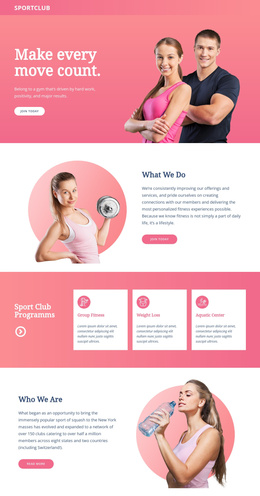
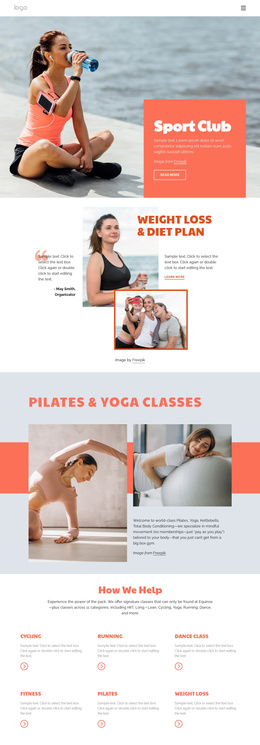
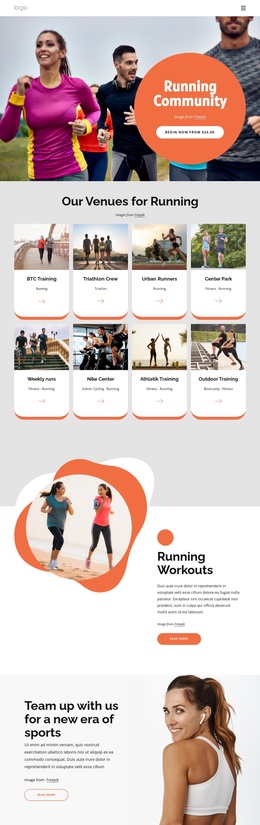
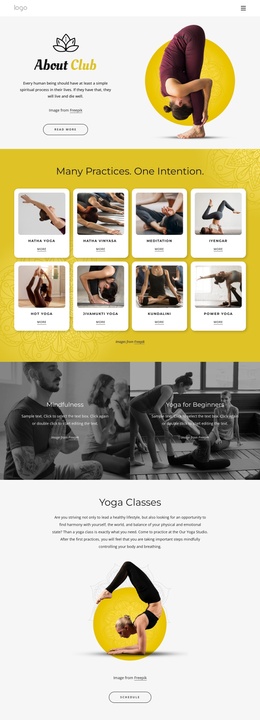
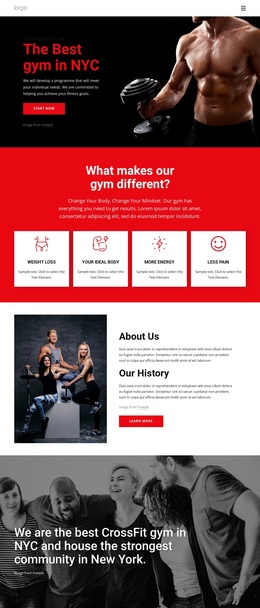
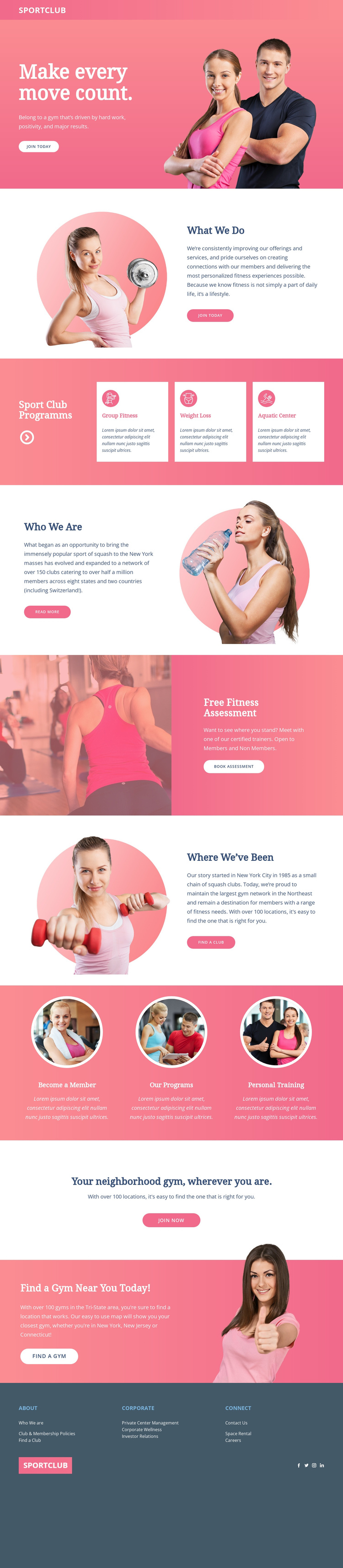
The page divides the fitness club message into clear content regions that can be interpreted as managed site content rather than one uninterrupted promotion. The hero establishes the membership message, while What We Do and Who We Are provide separate informational areas for the organization and its background. This distinction gives navigation a practical relationship to the content: visitors can move from the introductory message to programs, identity, assessment, and locations without confusing each purpose.
The three program cards provide a repeated structure for Group Fitness, Weight Loss, and Aquatic Center information. Because the cards share a visual treatment, recurring service descriptions can remain coordinated as their text changes. The circular cards below introduce three further pathways—Become a Member, Our Programs, and Personal Training—so the page contains both structured program content and direct entry points for different visitor interests.
Location content supplies another useful region. Where We’ve Been and the closing Find a Gym Near You Today section connect the organization’s background with club-finding actions, including references to the Tri-State area and other listed locations. The Free Fitness Assessment panel adds a separate appointment-oriented content area without replacing the broader membership message. Together with the About, Corporate, and Connect footer groups and social links, these regions provide a coherent Joomla-oriented content structure. The design could therefore support a CMS-managed fitness site while keeping recurring informational areas visually connected.
Customize with Nicepage
Open this ready-made template in the Joomla Page Builder and customize it visually in the Nicepage editor. Replace demo content, edit page sections, and adapt the design to your project without rebuilding the template from scratch.
Work With This Template in Joomla
Customize and Install the Joomla Template
Start with this ready-made template instead of building the Joomla design from scratch. Customize its layout, content, typography, images, sections, and other design elements visually in the Nicepage application, then export and install the Joomla Template, Nicepage Extension, and supported content on your Joomla website.
Edit the Template Directly in Joomla
After installation, you can edit the Joomla Template directly in Joomla with the Nicepage Joomla Extension. Customize the Header, Footer, Colors, Fonts, typography, and Page Templates from the Joomla workflow while keeping the site design connected with your CMS content.
Edit Joomla Articles Visually
Use the Nicepage Joomla Extension to open and edit Joomla Articles visually from the Joomla Administrator. Change text, images, sections, layouts, and other page content in the Nicepage editor while continuing to manage the Articles through Joomla.
Joomla Content and Template Integration
Use the customized template together with Joomla Articles, module Positions, menus, forms, Blog Pages, and other supported CMS elements. With the Nicepage Extension used as the Site Style Source, shared design settings can be applied across Joomla Articles while Joomla continues to provide the CMS environment for managing site content.
This workflow combines a ready-made Joomla Template with visual customization, direct template editing in Joomla, and continued content management through the Nicepage Joomla Extension.