Pilates and yoga classes Joomla Template



Edit Template Offline
2. Create new page and search for id 6037129
Edit Template Online
Create Awesome Websites


Free Nicepage Builder
Keywords
Membership Cards and Class Regions Support Structured Content
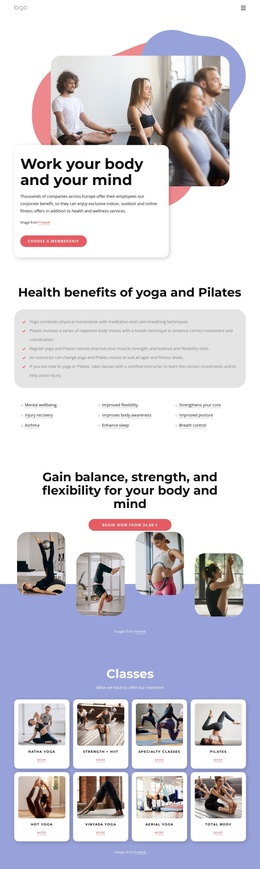
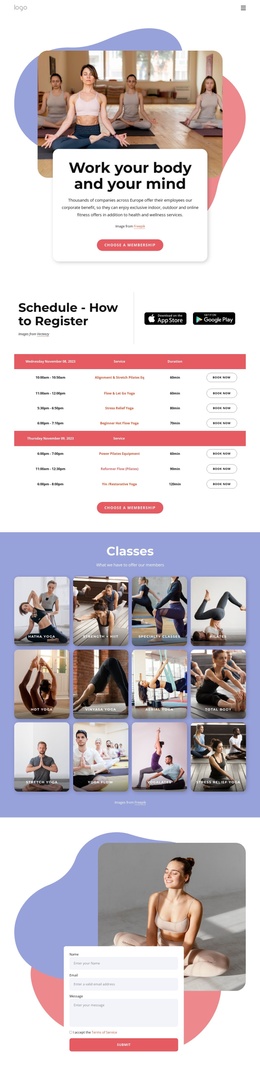
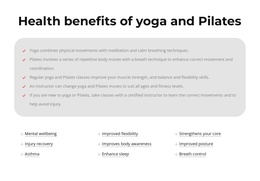
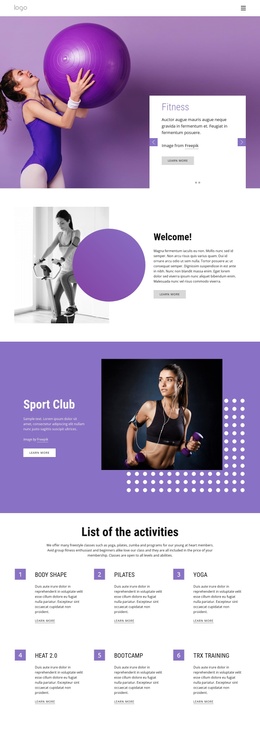
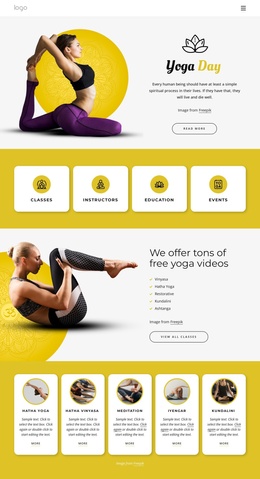
The eight-card Classes section divides the design into recognizable informational areas: Hatha Yoga, Strength + HIIT, Specialty Classes, Pilates, Hot Yoga, Vinyasa Yoga, Aerial Yoga, and Total Body. Because each category is presented through a repeated card pattern, the page has a practical content structure for maintaining related class information within a consistent visual region. The surrounding benefits panel adds another layer of organized subject matter, linking the service offering to mental wellbeing, injury recovery, flexibility, posture, and breath control.
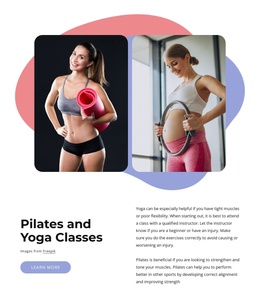
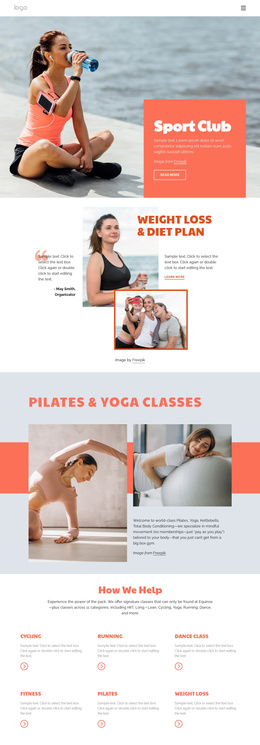
The three Membership Options cards provide a separate structured area for Health, Health Plus, and Other. Their repeated format, feature lists, and actions distinguish package information from class information, while the later Pilates and Yoga Classes section provides longer explanatory content. Navigation, shared visual treatments, and the closing contact form connect these regions into one coherent site presentation rather than isolated promotional blocks.
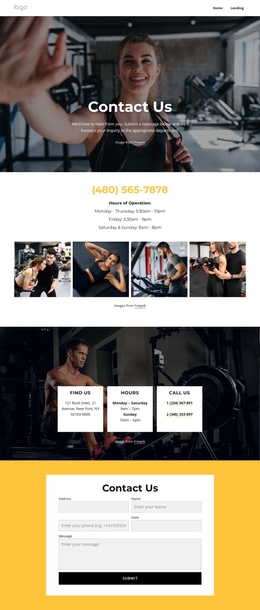
For a Joomla project, this arrangement can be interpreted as a set of CMS-managed content areas: class information, membership descriptions, educational material, and visitor inquiries. The form requests a name, email, message, and terms acceptance, so it functions as a clear contact region after visitors have reviewed the offerings. The design therefore gives Joomla content a stable visual framework while preserving meaningful distinctions between recurring categories, package details, and explanatory copy.
Customize with Nicepage
Open this ready-made template in the Joomla Page Builder and customize it visually in the Nicepage editor. Replace demo content, edit page sections, and adapt the design to your project without rebuilding the template from scratch.
Work With This Template in Joomla
Customize and Install the Joomla Template
Start with this ready-made template instead of building the Joomla design from scratch. Customize its layout, content, typography, images, sections, and other design elements visually in the Nicepage application, then export and install the Joomla Template, Nicepage Extension, and supported content on your Joomla website.
Edit the Template Directly in Joomla
After installation, you can edit the Joomla Template directly in Joomla with the Nicepage Joomla Extension. Customize the Header, Footer, Colors, Fonts, typography, and Page Templates from the Joomla workflow while keeping the site design connected with your CMS content.
Edit Joomla Articles Visually
Use the Nicepage Joomla Extension to open and edit Joomla Articles visually from the Joomla Administrator. Change text, images, sections, layouts, and other page content in the Nicepage editor while continuing to manage the Articles through Joomla.
Joomla Content and Template Integration
Use the customized template together with Joomla Articles, module Positions, menus, forms, Blog Pages, and other supported CMS elements. With the Nicepage Extension used as the Site Style Source, shared design settings can be applied across Joomla Articles while Joomla continues to provide the CMS environment for managing site content.
This workflow combines a ready-made Joomla Template with visual customization, direct template editing in Joomla, and continued content management through the Nicepage Joomla Extension.