We offer a high quality and budget conscious services Joomla Template


Edit Template Offline
2. Create new page and search for id 5166113
Edit Template Online
Create Awesome Websites


Free Nicepage Builder
Keywords
Visit Details and Contact Channels Form Clear Joomla Content Regions
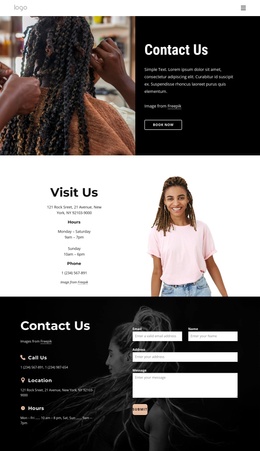
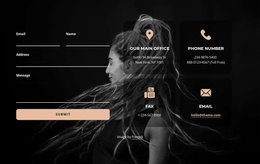
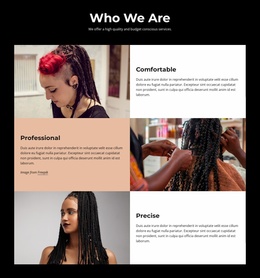
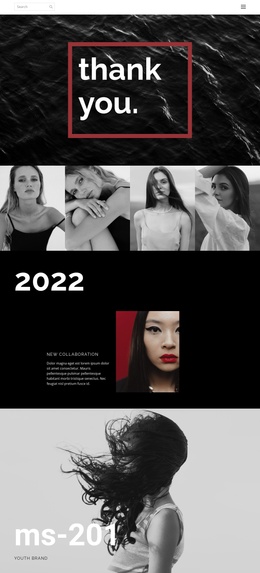
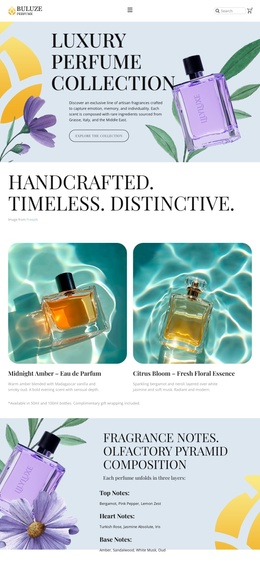
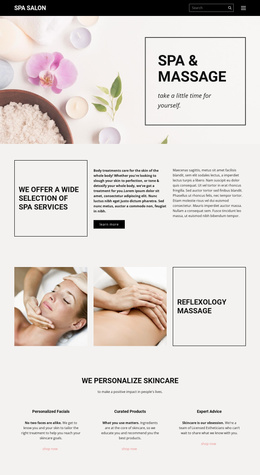
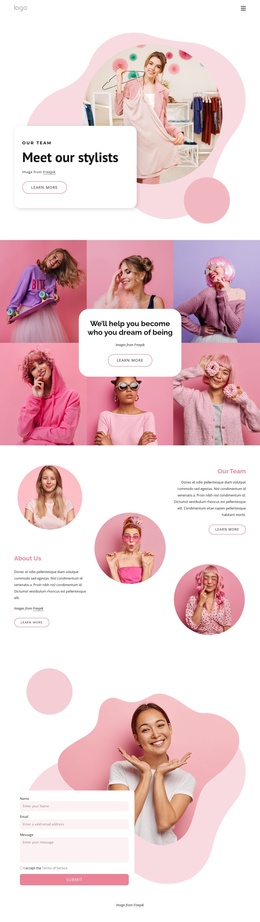
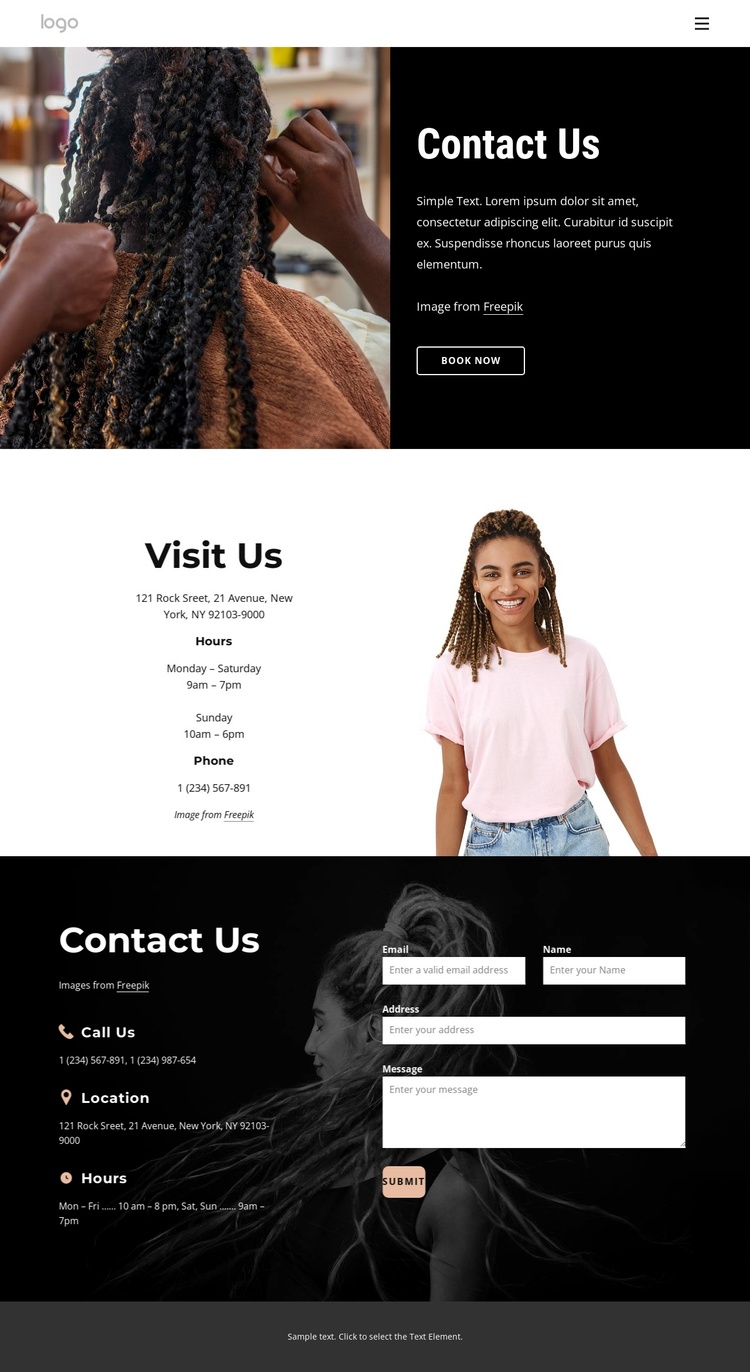
The page divides its information into practical regions that can be understood independently while remaining visually connected. The opening Contact Us block combines a hair-styling photograph with a booking prompt, giving the design a clear introductory area. The Visit Us section follows with hours and phone details beside a portrait image, creating a separate information group rather than mixing location details into the initial message.
The lower dark section provides an especially clear content boundary. Its repeated Call Us, Location, and Hours labels establish three related contact channels on one side, while the inquiry form and Submit action occupy the other. In a Joomla-managed project, these distinct regions offer a sensible way to keep contact information, visit details, and inquiry content organized within the same visual system. The analysis confirms the sections and labels, but the displayed address, phone numbers, and schedules should remain replaceable sample content rather than being treated as verified business data.
Shared navigation, mobile navigation, the compact footer, and the repeated black-and-white treatment help the page behave as a coordinated site region instead of an isolated form. The design therefore gives Joomla content a recognizable hierarchy: introduction and booking first, practical visit information next, then direct contact and response capture. That order supports editorial maintenance without requiring the visual arrangement to be rebuilt around each content update.
Customize with Nicepage
Open this ready-made template in the Joomla Page Builder and customize it visually in the Nicepage editor. Replace demo content, edit page sections, and adapt the design to your project without rebuilding the template from scratch.
Work With This Template in Joomla
Customize and Install the Joomla Template
Start with this ready-made template instead of building the Joomla design from scratch. Customize its layout, content, typography, images, sections, and other design elements visually in the Nicepage application, then export and install the Joomla Template, Nicepage Extension, and supported content on your Joomla website.
Edit the Template Directly in Joomla
After installation, you can edit the Joomla Template directly in Joomla with the Nicepage Joomla Extension. Customize the Header, Footer, Colors, Fonts, typography, and Page Templates from the Joomla workflow while keeping the site design connected with your CMS content.
Edit Joomla Articles Visually
Use the Nicepage Joomla Extension to open and edit Joomla Articles visually from the Joomla Administrator. Change text, images, sections, layouts, and other page content in the Nicepage editor while continuing to manage the Articles through Joomla.
Joomla Content and Template Integration
Use the customized template together with Joomla Articles, module Positions, menus, forms, Blog Pages, and other supported CMS elements. With the Nicepage Extension used as the Site Style Source, shared design settings can be applied across Joomla Articles while Joomla continues to provide the CMS environment for managing site content.
This workflow combines a ready-made Joomla Template with visual customization, direct template editing in Joomla, and continued content management through the Nicepage Joomla Extension.